




At True Digitizing, we transform your creative spark into flawless, high-quality embroidery digitized designs that bring your vision to life.
Our Blogs
We Accept

Copyright 2025 Truedigitizing






At True Digitizing, we transform your creative spark into flawless, high-quality embroidery digitized designs that bring your vision to life.
We Accept
Copyright 2025 Truedigitizing
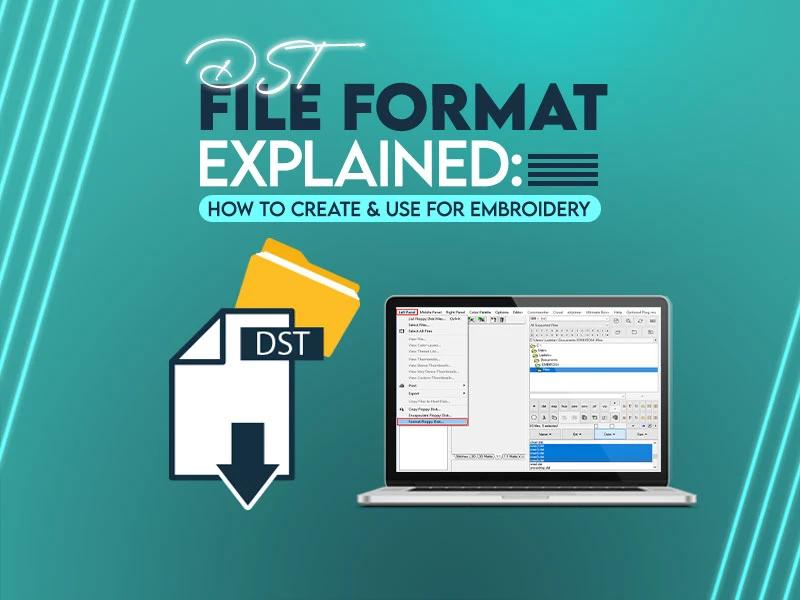


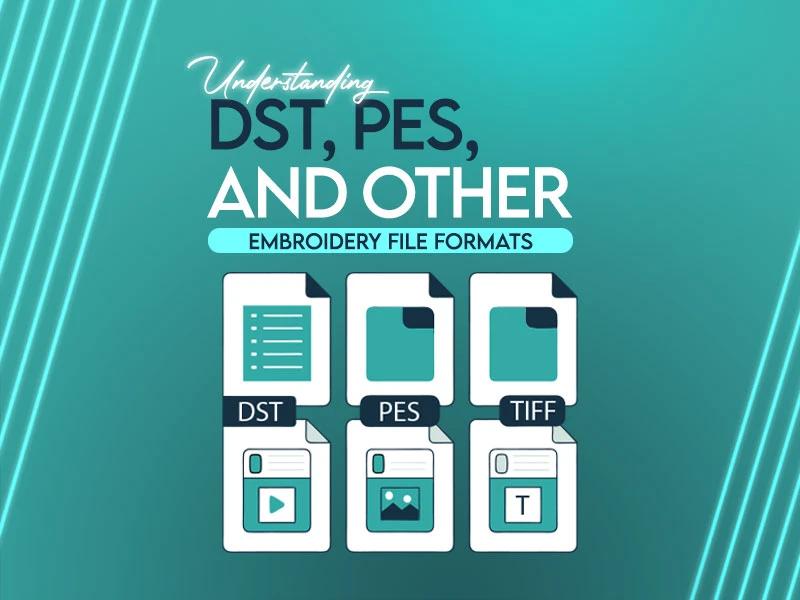
DST stands for Data Stitch Tajima, named after the Japanese embroidery machine manufacturer that created the format in the 1980s. Despite its age, DST remains the industry standard for commercial embroidery production worldwide — and the most common embroidery file format used in professional shops.
Every DST file stores three types of machine data:
DST files do not store color information. Colors are assigned manually by the machine operator. This is why opening a DST file in most software shows it in a single color — the actual thread colors are operator-selected at the machine.
| Specification | Value |
|---|---|
| File extension | .dst |
| Developer | Tajima Industries, Japan |
| File header size | 512 bytes (125 bytes used) |
| Command size | 3 bytes per stitch |
| Max stitch length | 12.1 mm (121 units) |
| Max design area | 1,200 mm × 1,200 mm |
| Coordinate system | Relative (each stitch references previous position) |
| Color data stored | ❌ No |
| Label max length | 8 characters |
| Machine compatibility | Near-universal (commercial machines) |
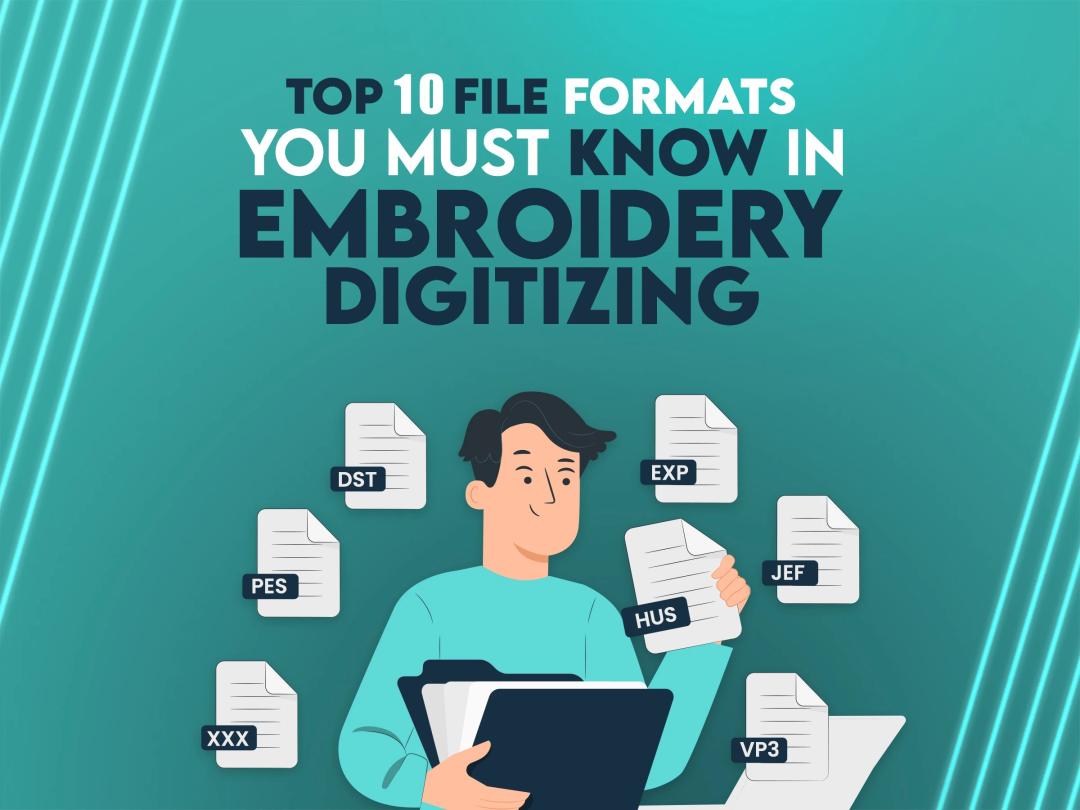
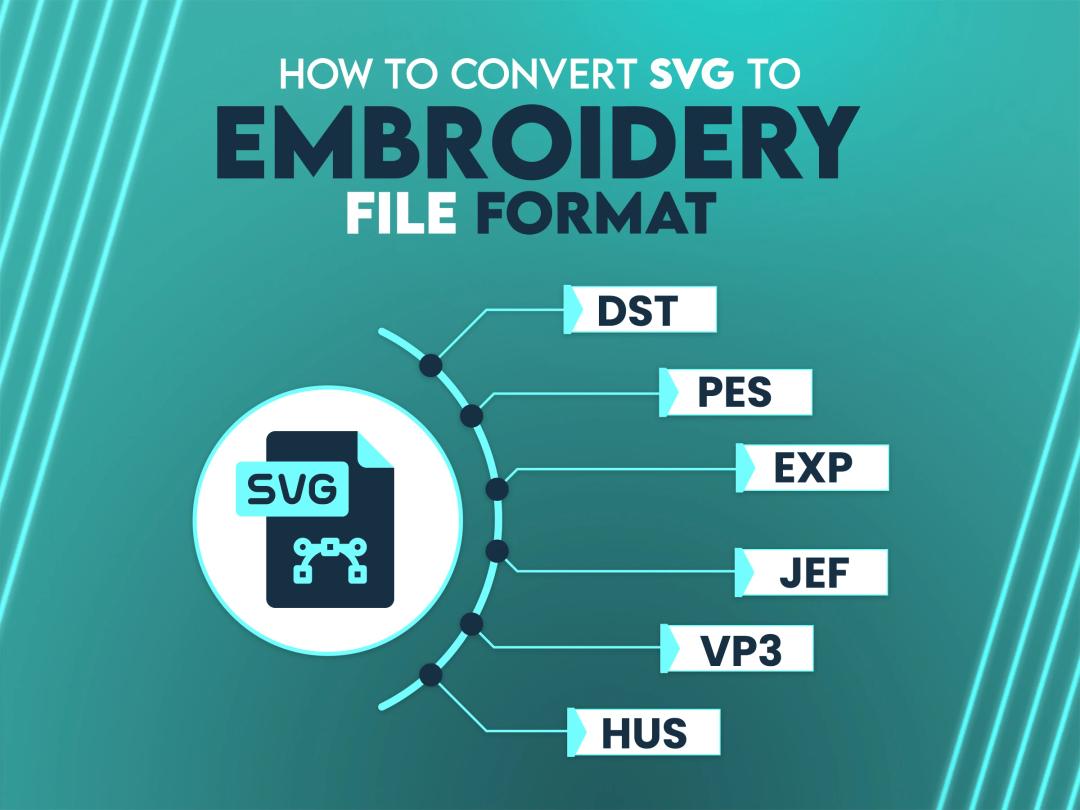
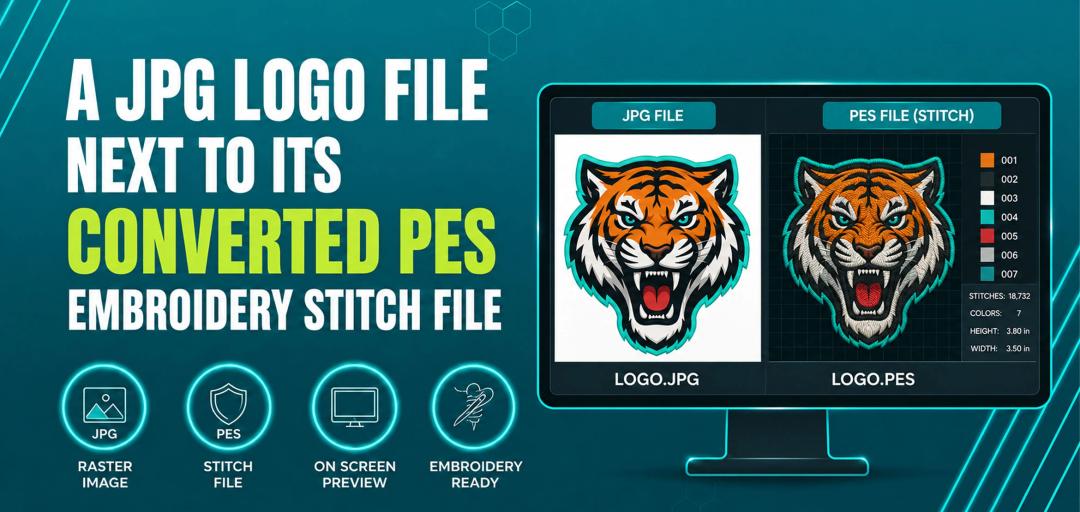
DST is the most common embroidery file format for commercial production. PES (Brother) is the most common for home machines. Here's how the full market breaks down:
| Format | Full Name | Primary Brand | Machine Type | Color Data |
|---|---|---|---|---|
| DST | Data Stitch Tajima | Tajima | Commercial / multi-head | ❌ No |
| PES | Brother Embroidery | Brother | Home / semi-commercial | ✅ Yes |
| JEF | Janome Embroidery | Janome | Home / semi-commercial | ✅ Yes |
| EXP | Melco Embroidery | Melco | Commercial | ❌ No |
| HUS | Husqvarna Viking | Viking | Home | ✅ Yes |
| VP3 | Viking/Pfaff | Husqvarna / Pfaff | Home | ✅ Yes |
| XXX | Singer | Singer | Home | ✅ Yes |
| SEW | Elna/Janome | Elna | Home | ✅ Yes |
| EMB | Wilcom Native | Wilcom | Software only | ✅ Yes |
Rule of thumb by machine type:
| Machine Brand | Model Examples | Native Format | Also Accepts |
|---|---|---|---|
| Tajima | TFMX, TMCE, TMAR | DST | EXP, DSB |
| Barudan | BEXT, BEAT | DST | FDR, U?? |
| ZSK | Sprint, Junior | DST | — |
| SWF | MA, MAS series | DST | — |
| Happy | HCR, HCS series | DST | HUS |
| Brother | PE800, SE700, PR670E | PES | DST, JEF |
| Janome | MC500E, MC9850 | JEF | DST, PES |
| Husqvarna Viking | Designer Epic, Diamond | VP3 | HUS, DST |
| Pfaff | Creative 4.5, 4.0 | VP3 | DST |
| Singer | Futura | XXX | DST |
| Bernina | E16, Q20 | EXP | DST |
| Elna | eXperience 560 | SEW | DST |
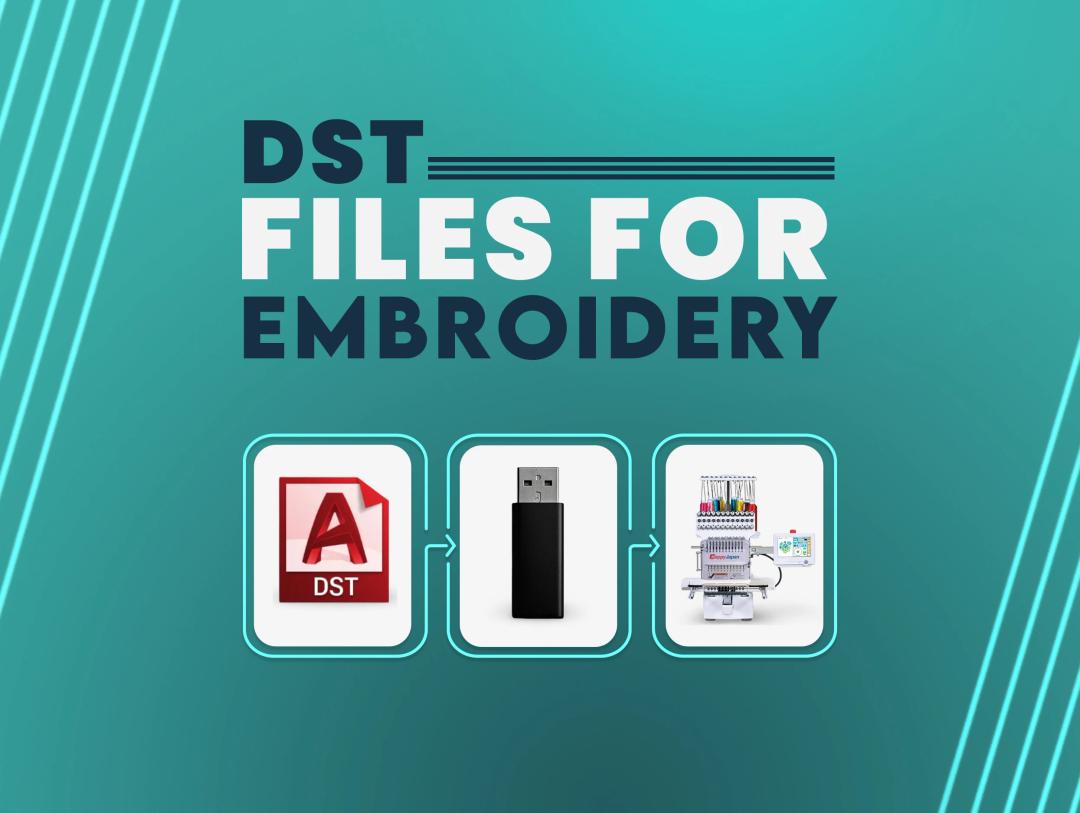
Key takeaway: DST is the only format accepted by virtually every machine in the table above. When in doubt — request DST.
DST files cannot be opened by standard image or design software. You need embroidery-specific software.
| Software | Price | Best For | DST Support |
|---|---|---|---|
| Wilcom Embroidery Studio | $1,500+ | Professional digitizers | Full read/write |
| Hatch Embroidery | $499–$999 | Mid-range, easy to learn | Full read/write |
| Brother PE-Design 11 | $399 | Brother machine users | Full read/write |
| Embird Studio | $239 | Budget professional | Full read/write |
| Floriani Total Control U | $699 | Retail shops | Full read/write |
Fastest and most reliable. No software or learning curve needed.
Cost: $12–$25 at most professional services. True Digitizing: $12 flat rate, 2–12 hour delivery.
Best for those who digitize regularly and want full control.
.dstLearning curve: 20–40 hours minimum before producing production-quality files.
Most embroidery software has an auto-digitize button. Avoid it for logos, text, or anything with clean edges. Auto-digitizing produces excessive jump stitches, poor path planning, and designs that look rough when sewn. Use only for simple solid-fill areas.
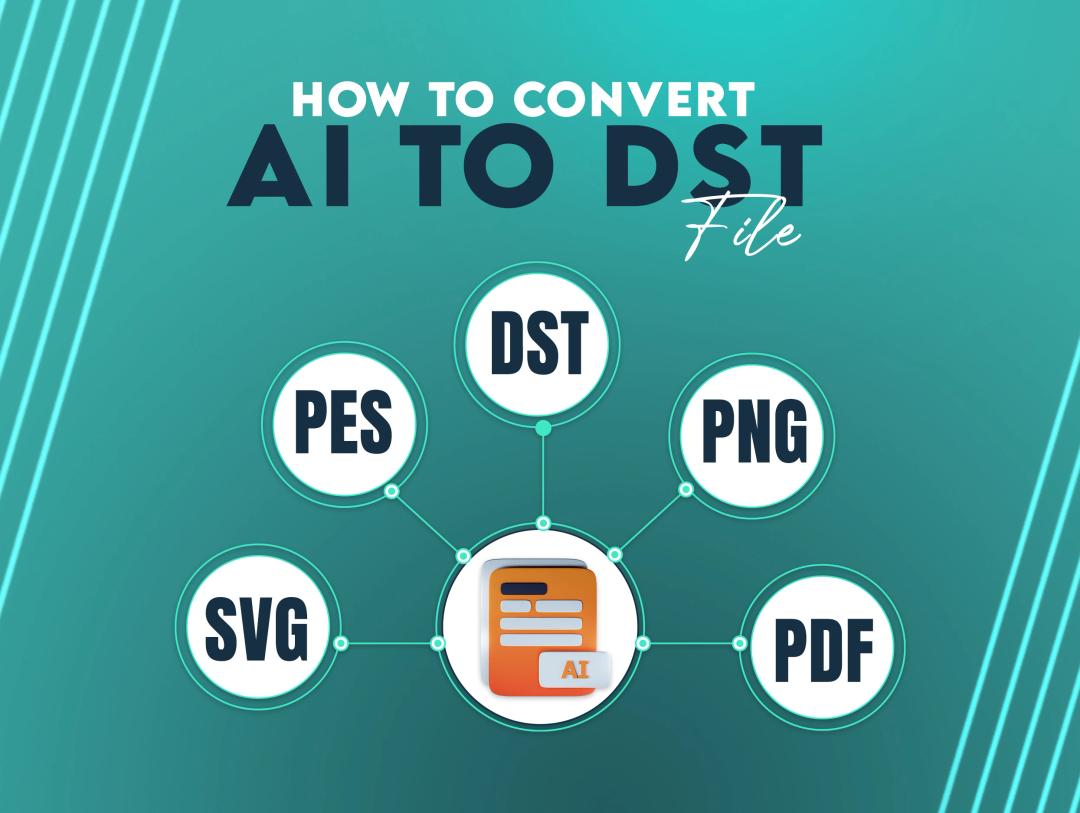
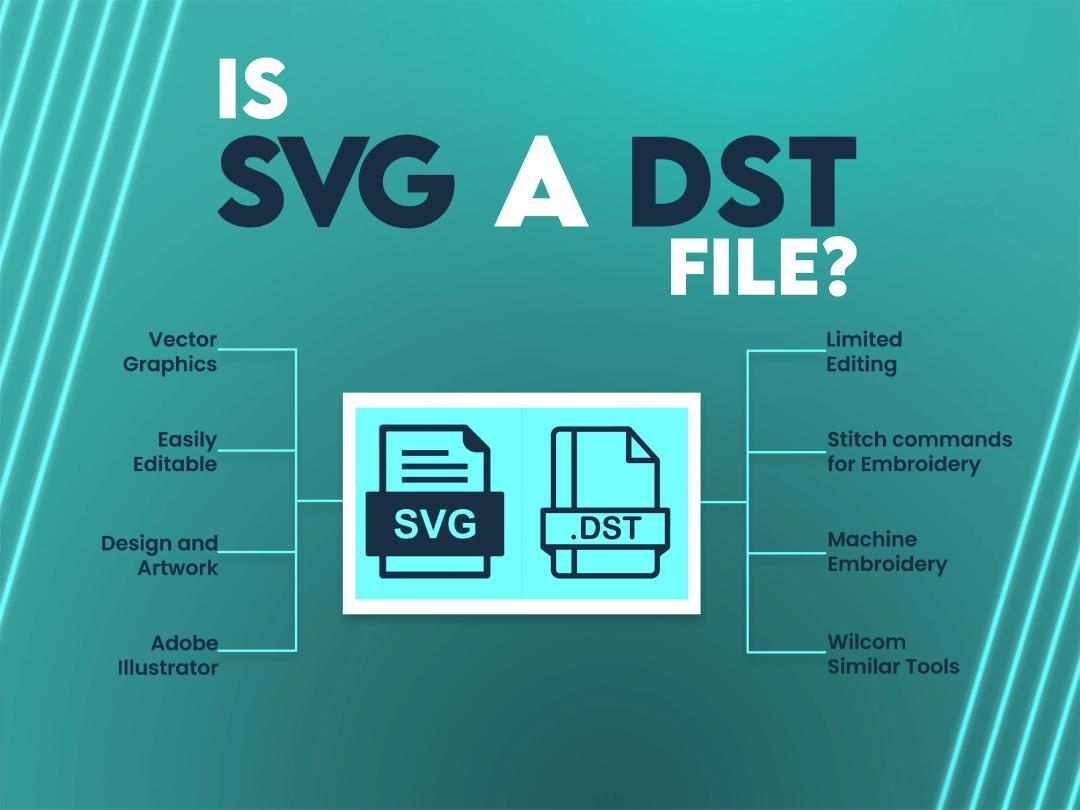
This is one of the most searched questions in the DST cluster — you cannot save a DST file directly from Adobe Illustrator. Illustrator is a vector design application, not embroidery software. It has no native DST export.
The correct workflow from Illustrator to DST:
.dstAlternative route (no embroidery software):
Why Illustrator can't export DST directly: Illustrator works with vector paths and anchor points. A DST file stores actual needle penetration coordinates, stitch angles, density values, and machine commands. These are fundamentally different data types — converting between them requires a digitizer's judgment, not a file export.
Plugins that claim Illustrator-to-DST export: Several third-party plugins exist (InkStitch via Inkscape, not Illustrator; Embrilliance Stitch Artist) but none produce production-quality output comparable to professional digitizing for complex logos.
.pes from format dropdown.jef.vp3DST is stitch data, not an image. To create a preview:
The Tajima DST format was designed specifically for Tajima's commercial multi-head embroidery systems. Key Tajima-specific notes:
Header structure: The 512-byte header contains:
Wilcom DST variant: Wilcom embroidery software writes a modified DST that is identifiable by file size. Standard Tajima DST body size is always a multiple of 3 bytes. If (filesize − 512) mod 3 ≠ 0, the file is a Wilcom extended variant with additional metadata headers.
Control codes in DST:
| Code | Function |
|---|---|
| Normal stitch | Needle down at X/Y coordinate |
| Jump stitch | Machine moves without stitching |
| Color change | Machine stops — operator changes thread |
| TRIM | Cut thread (some Tajima models) |
| END | Design end command |
| SEQUIN | Activate sequin attachment (specialty machines) |
Maximum values:
| Problem | Cause | Fix |
|---|---|---|
| Machine won't read file | Corrupted file or wrong DST variant | Re-export from software; try Wilcom vs standard DST variant |
| Colors wrong at machine | DST stores no color data | Assign thread colors manually by stop number sequence |
| Excessive jump stitches | Poor digitizing path order | Redigitize with optimized path sequence |
| Design too large for hoop | Exceeds machine max hoop | Scale down in embroidery software |
| Stitches pulling / puckering | No pull compensation set | Add 0.3–0.5 mm pull comp; add underlay |
| File won't open in software | Wrong software type | Use embroidery-specific viewer (see list above) |
| Wilcom DST won't load on machine | Extended header variant | Re-export as standard Tajima DST in Wilcom |
| Design looks fine in software but bad when sewn | Density too high or too low | Standard density: 0.4–0.45 mm for satin; adjust per fabric type |
Digitizing software has a 20–40 hour learning curve before producing production-quality files. If you need a DST file for a logo, design, or artwork — our professional digitizers handle it for you.
$12 flat rate. Any design. Any complexity. Delivered in 2–12 hours.
✅ All formats included: DST, PES, JEF, EXP, VP3, HUS, and more
✅ Free unlimited revisions
✅ Works on Tajima, Brother, Janome, Barudan, ZSK, SWF, Happy, Viking
✅ Secure payment via PayPal and Stripe
✅ Trusted by 5,000+ USA customers
[Order at truedigitizing.com →]
A DST (Data Stitch Tajima) file is the most universally compatible embroidery format — accepted by virtually every commercial machine. It stores stitch coordinates and machine commands but not color data. DST cannot be exported directly from Adobe Illustrator; the correct path is Illustrator → SVG → embroidery software → DST export, or send artwork to a professional digitizing service. To convert DST to PES or JEF, use Hatch, Embird, or Brother's free online tool. For professional digitizing without the learning curve — $12 flat at truedigitizing.com, delivered in 2–12 hours.
Nick William has been immersed in the world of embroidery digitizing for over 20 years, earning 25 industry awards throughout his career. As a 3rd generation embroidery expert, Nick’s journey started in his family’s workshop, where he learned the art of digitizing before the rise of modern software. He has worked with leading commercial embroidery businesses and has shared his expertise with over 75,000 home and professional embroiderers. As an author at True Digitizing, Nick is passionate about teaching others how to create beautiful, precise designs through easy-to-follow tutorials and expert advice.
Categories

Embroidery Digitizing Services: Which Type Do You Need?
17-08-2026

How to Remove Embroidery From Any Fabric — Step-by-Step Guide 2026
15-07-2026
Is SVG a Vector File? Yes — SVG vs EPS, PNG, PDF Vector Formats you need to know
08-07-2026

Embroidery Trends 2026: What's Hot in Machine & Hand Embroidery | TrueDigitizing
26-06-2026
Top Best Embroidery Digitizing Software in 2026
06-05-2026

Best Multi-Needle Embroidery Machines for Startups 2026
28-02-2026

Janome 550E vs Baby Lock Flare | Best Mid-Range Embroidery Machine?
26-02-2026

Choose the Right Fabric for Embroidery
20-02-2026

Advanced Techniques in Embroidery Digitizing
19-02-2026

Most Common Types of Threads to Use in Machine Embroidery
12-02-2026
Asked Questions