




At True Digitizing, we transform your creative spark into flawless, high-quality embroidery digitized designs that bring your vision to life.
Our Blogs
We Accept

Copyright 2025 Truedigitizing






At True Digitizing, we transform your creative spark into flawless, high-quality embroidery digitized designs that bring your vision to life.
We Accept
Copyright 2025 Truedigitizing
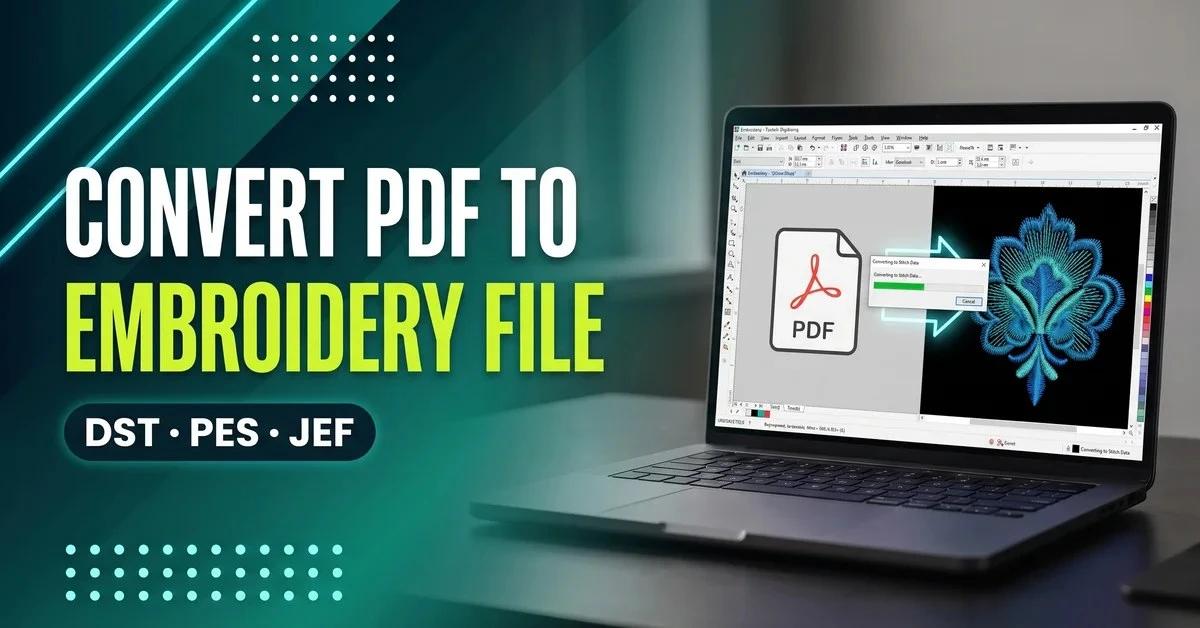


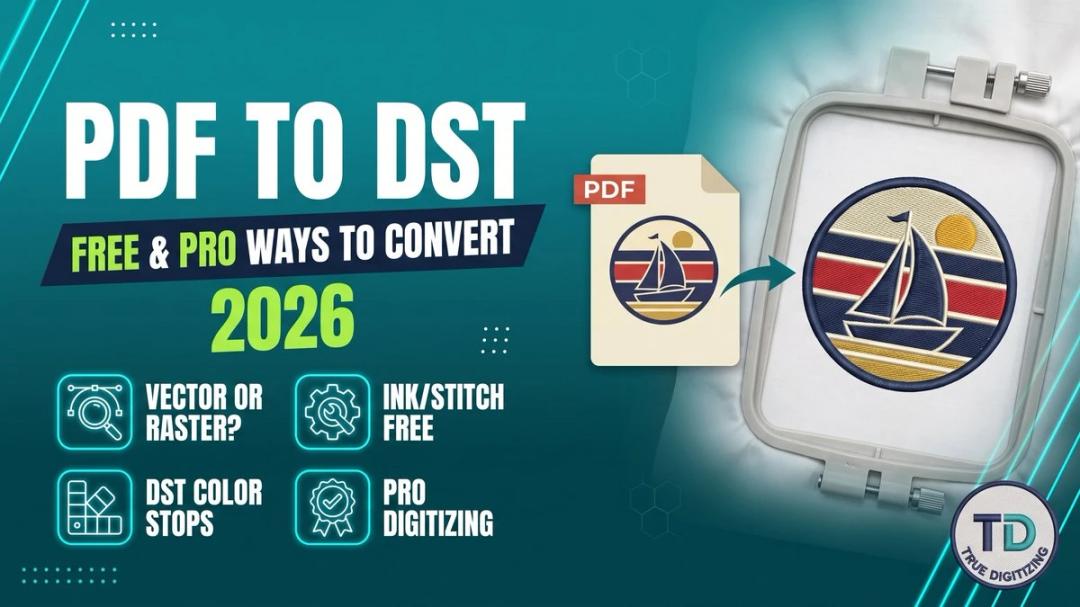
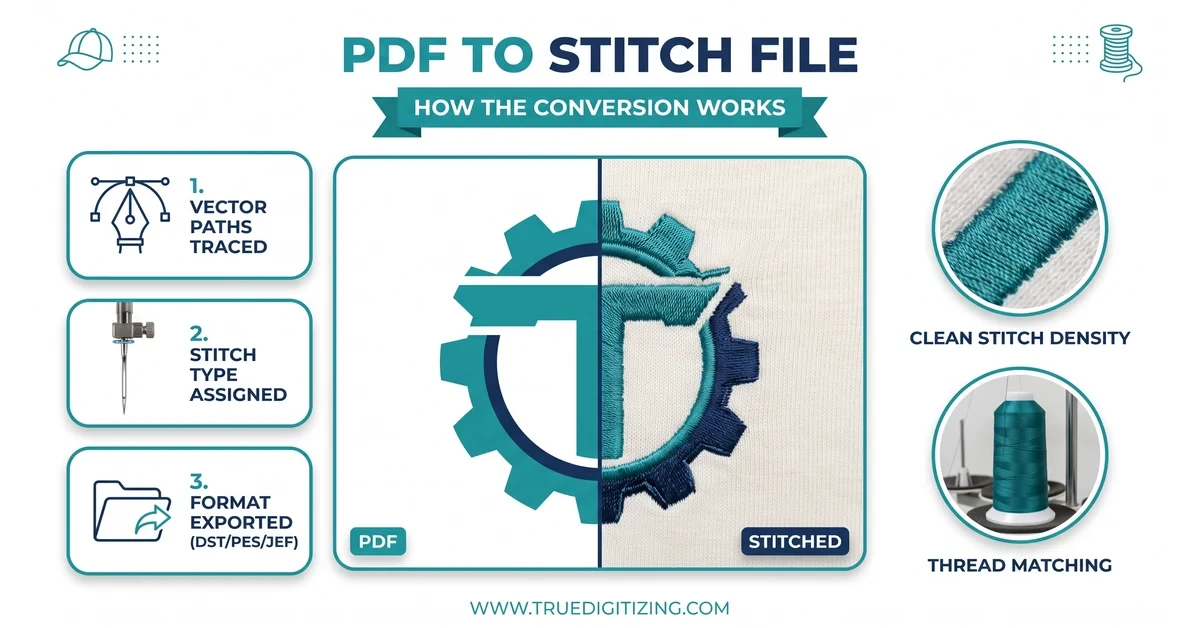
To convert a PDF to an embroidery file, open it in digitizing software such as Wilcom Hatch, Brother PE-Design, or the free Inkscape + Ink/Stitch combo, then digitize the shapes into stitch paths (fill, satin, or running stitch) before exporting to DST, PES, or JEF. A PDF alone has no stitch data — the digitizing step is what actually makes it embroidery-ready.
Converting a PDF to an embroidery file is one of the most common requests True Digitizing gets from small business owners and hobbyists alike. Whether the design came from a client as a PDF logo or was saved from a design program, the file needs to go through a digitizing step before any embroidery machine can stitch it out.
This guide walks through the tools, the exact steps, and the settings that separate a clean, professional-looking result from a puckered or shifted design — covering DST, PES, and JEF formats along the way.
A PDF is convenient to send around because it prints the same on every screen, but that same consistency is exactly why it isn't stitch-ready on its own. Some PDFs are true vector artwork with clean, scalable paths. Others are just a scanned or flattened image saved inside a PDF wrapper, which behaves more like a raster file once it reaches digitizing software. Knowing which type of PDF is being converted changes how much manual cleanup the file needs before stitch paths can even be assigned.
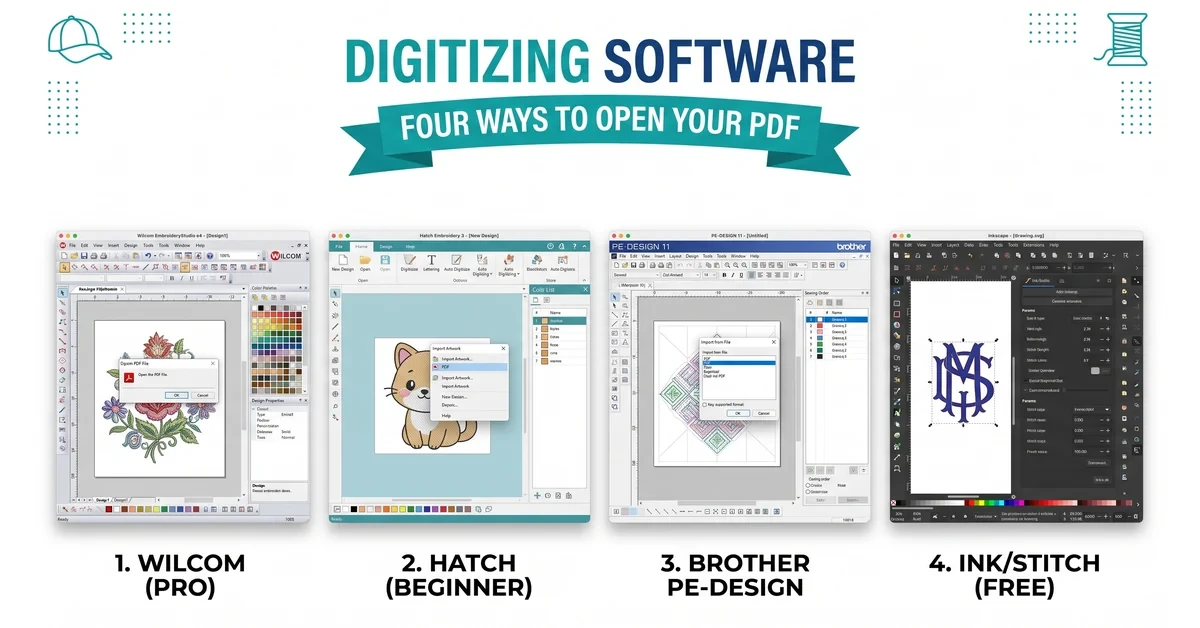
The software you pick decides how clean the final stitch-out looks. Here's how the main options compare:
Wilcom Hatch converts PDF and vector artwork into embroidery files with strong auto-digitizing accuracy. It's sold in tiers — Organizer and Personalizer for hobbyists, and Composer or Digitizer for shops that need full manual stitch-path editing. See the official Wilcom Hatch pricing page for current tiers.
Embird Studio is a modular option popular with professionals who want to buy only the plug-ins they need. Brother PE-Design 11 is built specifically for Brother's own machine ecosystem — check the official PE-Design 11 product page before buying, since older guides still reference the discontinued PE-Design 10. Ink/Stitch is a free, open-source extension for Inkscape, detailed in the official Ink/Stitch install docs.
Price isn't the only factor worth weighing. Auto-digitizing engines vary a lot in how well they handle small text, thin outlines, and overlapping shapes — the areas where a design most often needs manual correction after the first pass. Budget, project volume, and how often a design will be resized or reused for different garments all factor into which tool actually pays off.
Don't want to learn digitizing software from scratch?
True Digitizing has completed 20,000+ designs for USA embroiderers over 13+ years. Send the PDF and get back a clean, stitch-ready file.
Get a Free Quote — True DigitizingFree options exist for basic conversions, though they take more manual work than premium software:
Inkscape + Ink/Stitch: Open the PDF in Inkscape, clean up the vector paths, then use the Ink/Stitch extension menu to assign stitch types and export to PES, DST, or JEF. This combination handles simple, single-color logos well, but struggles with dense fills and small text under about 5mm.
SewArt: A limited free-trial tool for converting simple designs, though it lacks manual stitch-path editing for anything beyond basic shapes. For complex artwork — gradients, fine detail, or multi-layer logos — a professional vector tracing service usually costs less overall once rework time is counted.
Free tools also tend to fall short on batch work. Converting one logo by hand in Inkscape is manageable in an afternoon; converting the same logo across six garment types, each needing a different stitch density and hoop size, is where the manual approach starts costing more time than it saves. That tradeoff is worth weighing honestly before committing to the free route for anything beyond a one-off project.
DST is the standard format for Tajima and most commercial multi-head machines. Converting a PDF to DST properly takes more than an export click:
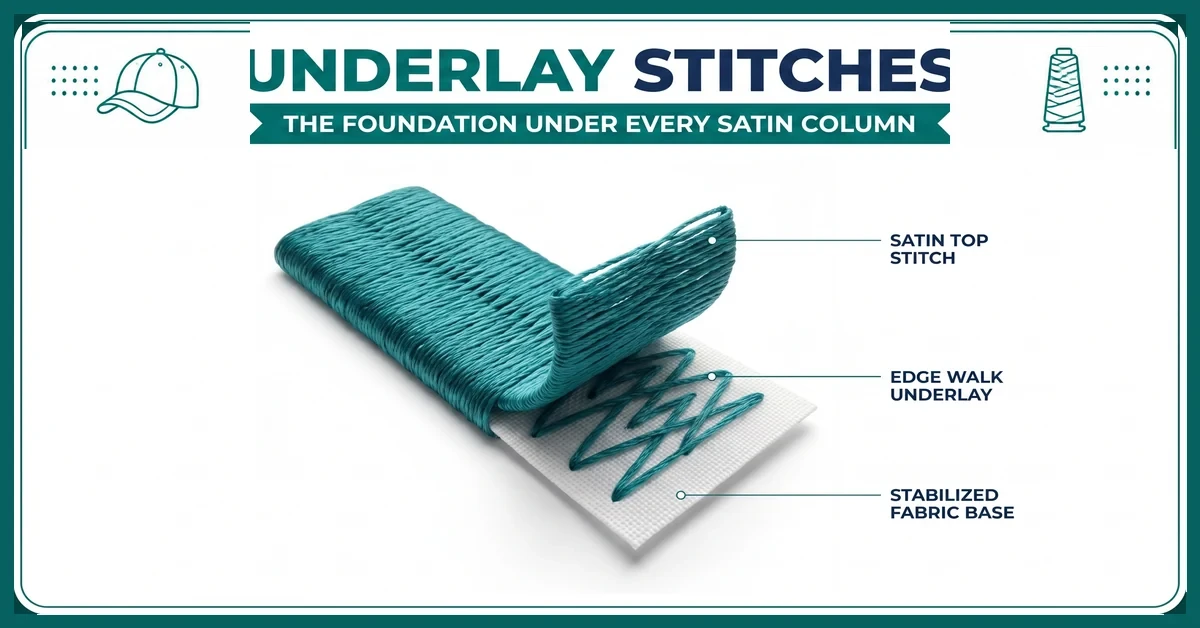
This is the part most quick guides skip, and it's what actually determines whether a design stitches out clean or puckered. For a deeper look at the format itself, see converting PDF to DST and embroidery file formats explained.
PES is the format Brother home embroidery machines read. To convert:
For raster images like a JPG logo instead of a PDF, the process needs an extra tracing step first — see how to convert JPG to PES for that walkthrough.
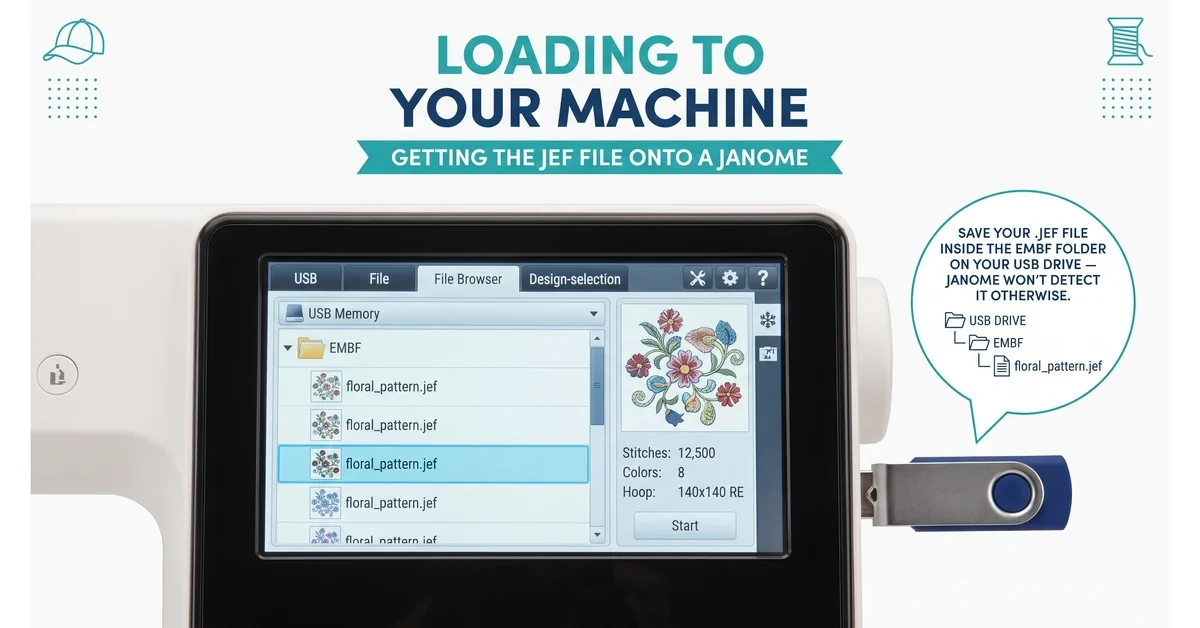
JEF is Janome's native format, and it's easy to get wrong because most converter tools default to DST or PES and treat JEF as an afterthought.
Digitizing directly to JEF the first time gives a cleaner result than converting from DST afterward, since that round-trip can lose color-stop and underlay data.
Vector files — AI, SVG, or a high-quality PDF — are the best starting point for any of these formats because they preserve clean lines and curves at any size, so the software reads exact paths instead of guessing at edges the way it has to with a raster JPG or PNG. Once the source art is solid, the format choice below comes down to which machine will actually be stitching the design.
| Software | Entry Price | Native PDF Import | Best For |
|---|---|---|---|
| Wilcom Hatch (Composer) | $699 | ✓ | Growing production shops |
| Wilcom Hatch (Digitizer) | $1,199–$1,299 | ✓ | Full-time professional digitizers |
| Brother PE-Design 11 | Varies by retailer | Limited | Brother owners, PES-only workflows |
| Embird Studio | Priced per plug-in | ✓ | Professionals wanting a la carte tools |
| Ink/Stitch (+ Inkscape) | Free | Via Inkscape | Simple single-color logos |
Pricing reflects publicly listed rates as of July 2026 and is subject to change — always confirm current pricing on the vendor's site.
Skip the trial-and-error entirely
True Digitizing delivers stitch-ready files within 24 hours — trusted by 5,000+ USA embroiderers for clean DST, PES, and JEF conversions.
Start My Order at True DigitizingMost of the embroidery files that need rework share the same handful of root causes, and almost all of them trace back to skipping a step rather than picking the wrong software.
Converting a PDF to an embroidery file becomes a manageable, reliable process once stitch density, underlay, and push/pull compensation are handled — not just the file export itself. Whether the design goes through custom embroidery digitizing or the free Inkscape + Ink/Stitch route, matching the tool to the project's complexity is what determines the final result.
The short version: a vector PDF with simple, well-separated shapes is a reasonable DIY project for anyone willing to test-stitch and adjust. A logo with gradients, fine text, or more than a handful of colors is usually cheaper and faster to hand off, once the cost of a bad first stitch-out — wasted fabric, wasted thread, wasted machine time — is counted alongside the software price.
True Digitizing has helped 5,000+ USA embroiderers get professional stitch files since 2013. Send your PDF and get back a clean DST, PES, or JEF file, ready to stitch.
Get My Design Digitized by True Digitizing →Fast turnaround · truedigitizing.com · 100% satisfaction guaranteed
TrueDigitizing's team of embroidery digitizers and file conversion experts — delivering practical guides for home hobbyists and commercial shops alike. Our specialists cover the full range of embroidery production: custom digitizing for machine embroidery, vector art conversion, and physical embroidered patch manufacturing — with a 6-hour turnaround on digital files and worldwide patch delivery in 5 business days. Every article we publish comes from the same people handling real production orders daily. When we write about stitch density, underlay settings, or file formats, it is because we work with these variables across hundreds of client files every week — not because we researched them from the outside.
Categories
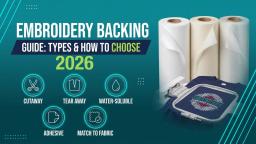
Embroidery Backing Guide: Types & How to Choose (2026)
11-10-2026
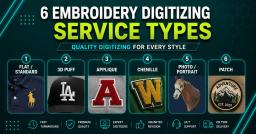
Embroidery Digitizing Services: Which Type Do You Need?
17-08-2026
How to Remove Embroidery From Any Fabric — Step-by-Step Guide 2026
15-07-2026
Is SVG a Vector File? Yes — SVG vs EPS, PNG, PDF Vector Formats you need to know
08-07-2026
Embroidery Trends 2026: What's Hot in Machine & Hand Embroidery | TrueDigitizing
26-06-2026
Top Best Embroidery Digitizing Software in 2026
06-05-2026
Best Multi-Needle Embroidery Machines for Startups (2026)
28-02-2026
DST File: The Complete Guide (What It Is, How to Create, Convert & Use in 2026)
28-02-2026
Janome 550E vs Baby Lock Flare | Best Mid-Range Embroidery Machine?
26-02-2026
Choose the Right Fabric for Embroidery
20-02-2026
Asked Questions