







At True Digitizing, we transform your creative spark into flawless, high-quality embroidery digitized designs that bring your vision to life.
Our Blogs
We Accept

Copyright 2025 Truedigitizing






At True Digitizing, we transform your creative spark into flawless, high-quality embroidery digitized designs that bring your vision to life.
We Accept
Copyright 2025 Truedigitizing
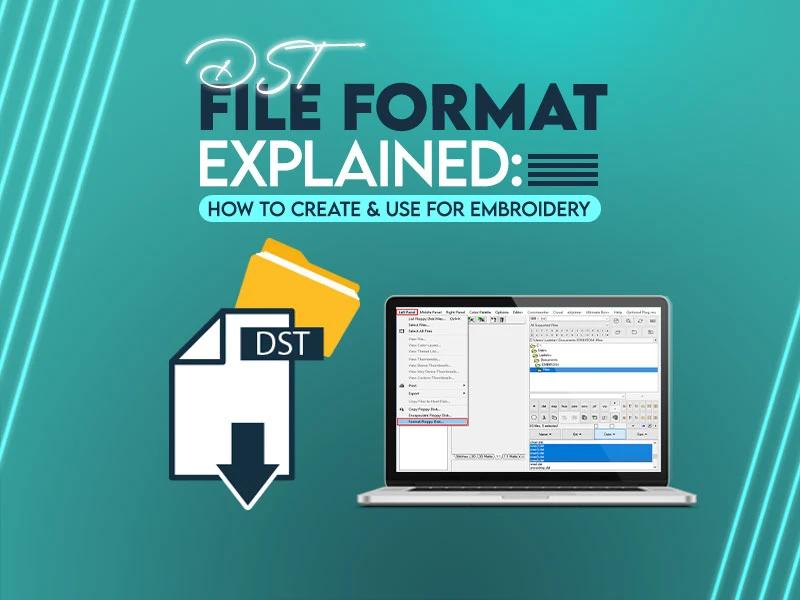
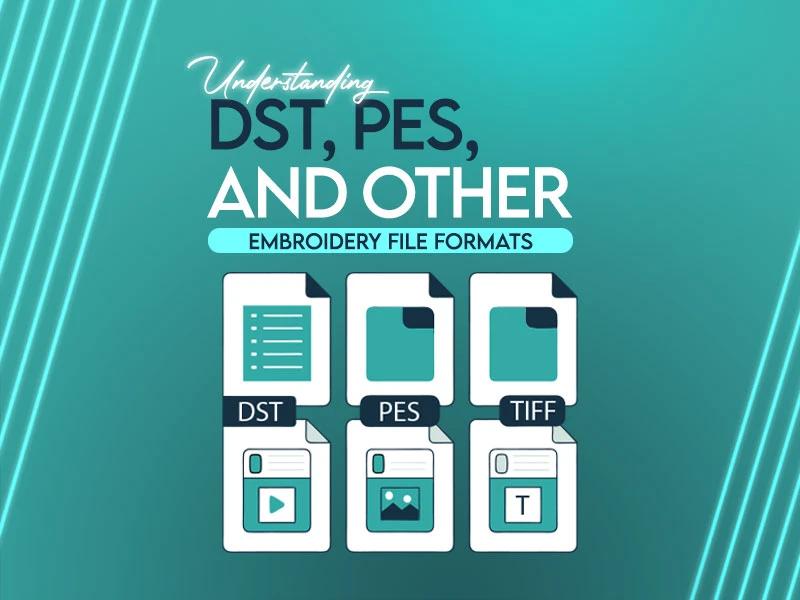
In the world of embroidery, understand your file formats is as important as picking the right needle or thread. Whether you’re a hobbyist working on your first cap or a business owner managing mass production and don't know about embroidery files, no worries, we bring this guide for you. As an embroiderer, you need to understand embroidery files like DST, PES and others that will save your time, money and frustration.
At True Digitizing, we help turn your art into embroidery designs and we believe that grasping the basics of file formats empowers you to make smart decisions. So let’s dive into what these formats really mean and how they affect your embroidery projects. Here we go.
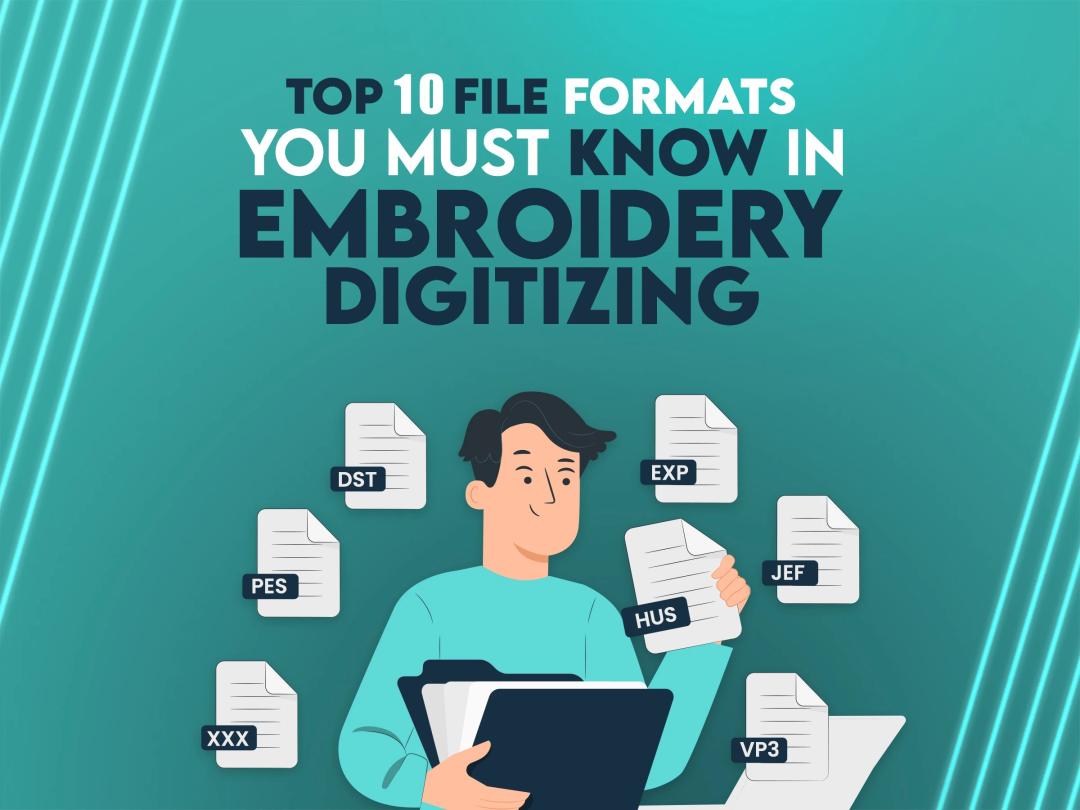
If you are an embroiderer, knowing about embroidery file formats is very important because once you put your embroidery file in the wrong format, your final results might be nightmares for you. You’ve probably noticed all the different file formats out there. It can feel like a puzzle, especially when you’re trying to get your machine to stitch a cool logo or a special gift design. Choosing the right file format is most important to make sure your embroidery machine works smoothly. Today, we are going to walk through the top 10 file formats you need to know. Explain why there are so many and share some informative tips to keep your projects on track. Without any delay, let’s start the blog post.
Embroidery digitizing is at the heart of precision and creativity in embroidery design. At True Digitizing, we specialize in delivering high-quality embroidery digitizing services that transform your designs into perfect stitch patterns. One of the most common queries we encounter is how to convert a PDF to a DST file, an important step for embroidery machines. If you’ve ever struggled with this, we’ve got you covered.
In this blog post, we’ll break down the process and offer valuable insights to streamline your embroidery workflow.
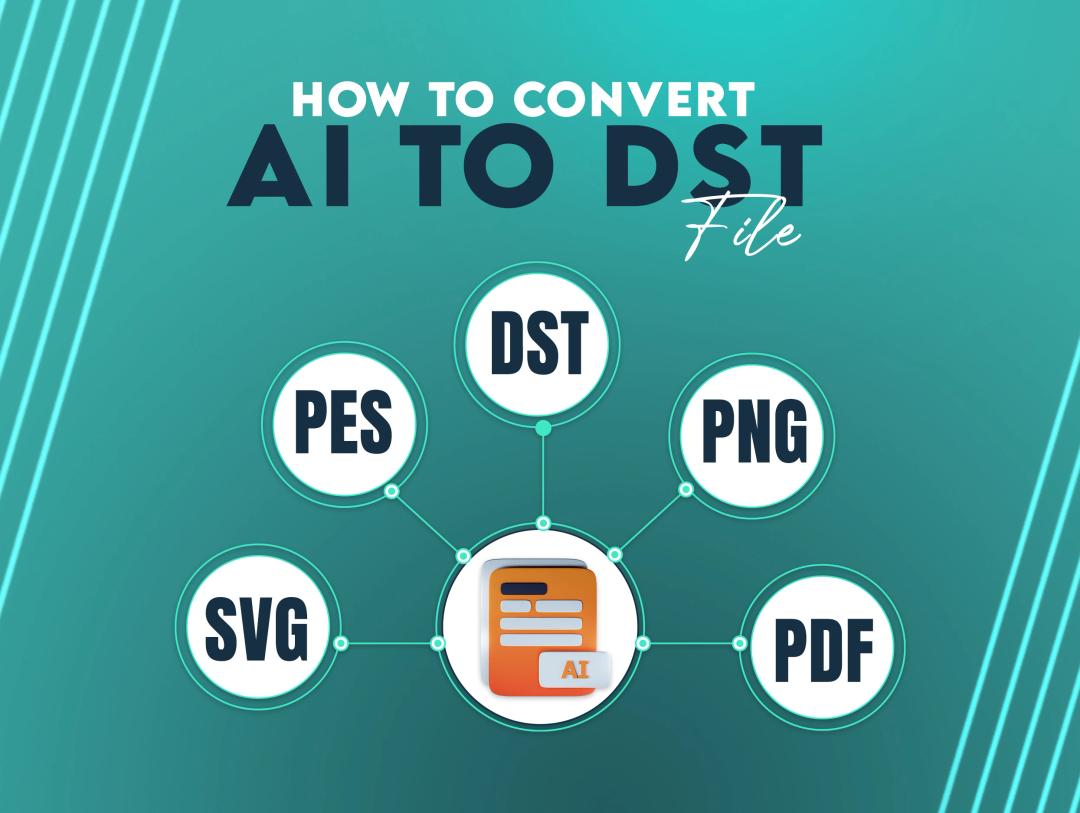
When working with embroidery design, converting an AI (Adobe Illustrator) file to a DST (an embroidery machine-readable format) is often required. Understanding the process, whether you're a designer or an embroidery enthusiast, can save you both effort and time.
True Digitizing has expertise in providing expert digitizing services that assure smooth conversions between file formats, including AI to DST, which creates amazing embroidered designs that stand out.
In this blog post, we will cover everything you need to know about AI and DST file conversions, the tools available, and step-by-step process to make your embroidery projects perfect.
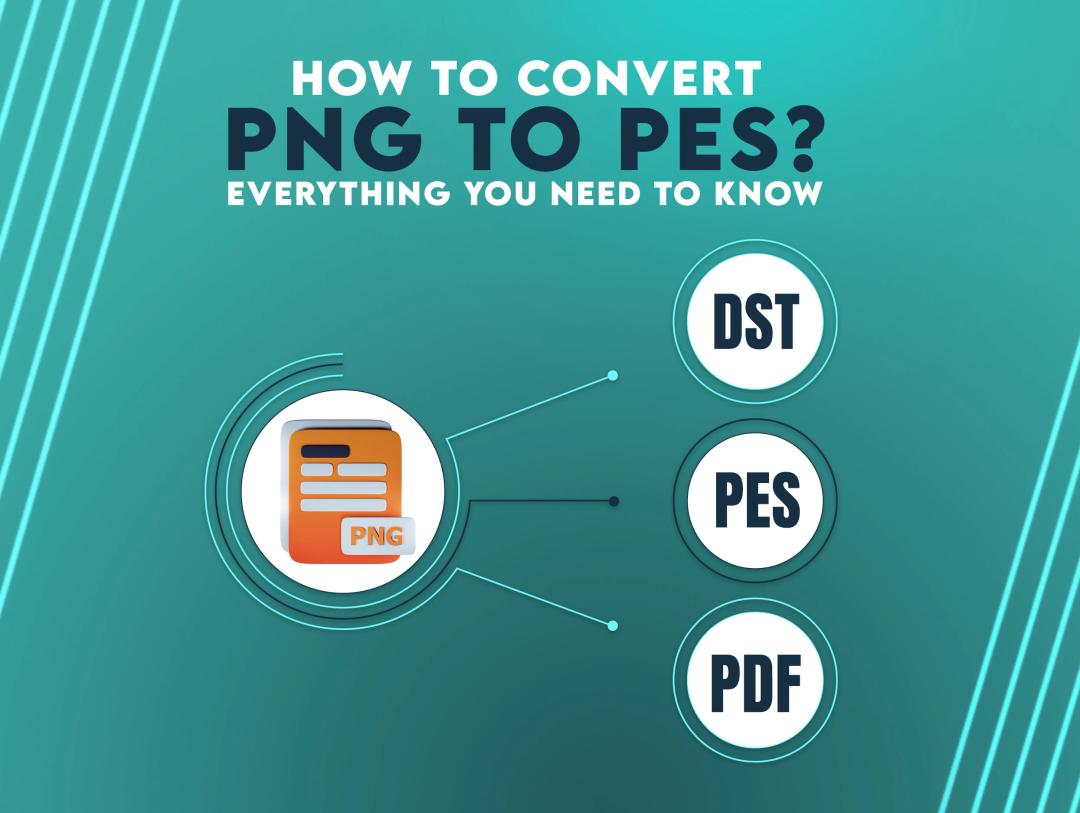
In the world of embroidery digitizing, converting image formats is an important skill. The ability to convert a PNG image into a PES file allows embroidery hobbyists and experts to create advanced embroidered designs. If you want to simplify this process, you've come to the right place.
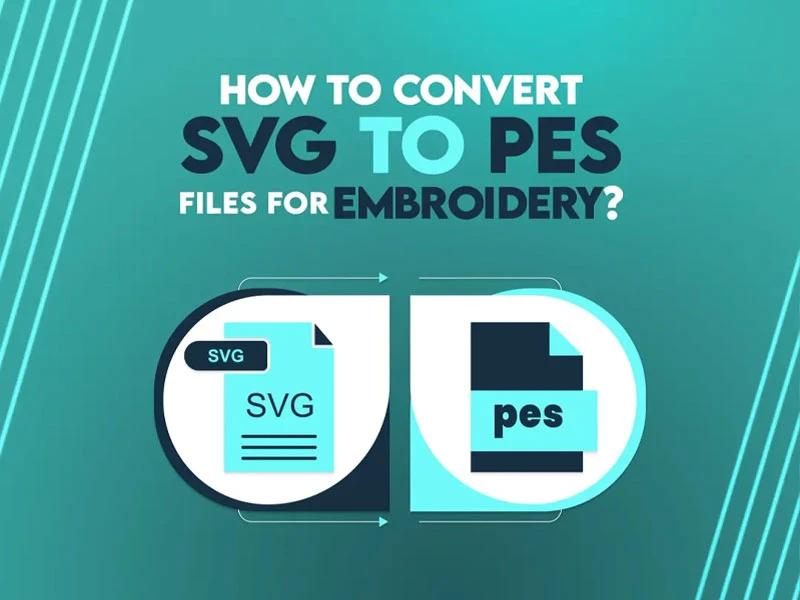
Embroidery enthusiasts sometimes face the need to convert file formats, particularly when creating designs for embroidery machines. One common question is "How do I convert SVG to PES?" So don't worry. We are here to help you. In this guide, we will discuss the conversion process. Whether you're a professional or a hobbyist, this comprehensive blog post will help you get your designs ready for stitching.
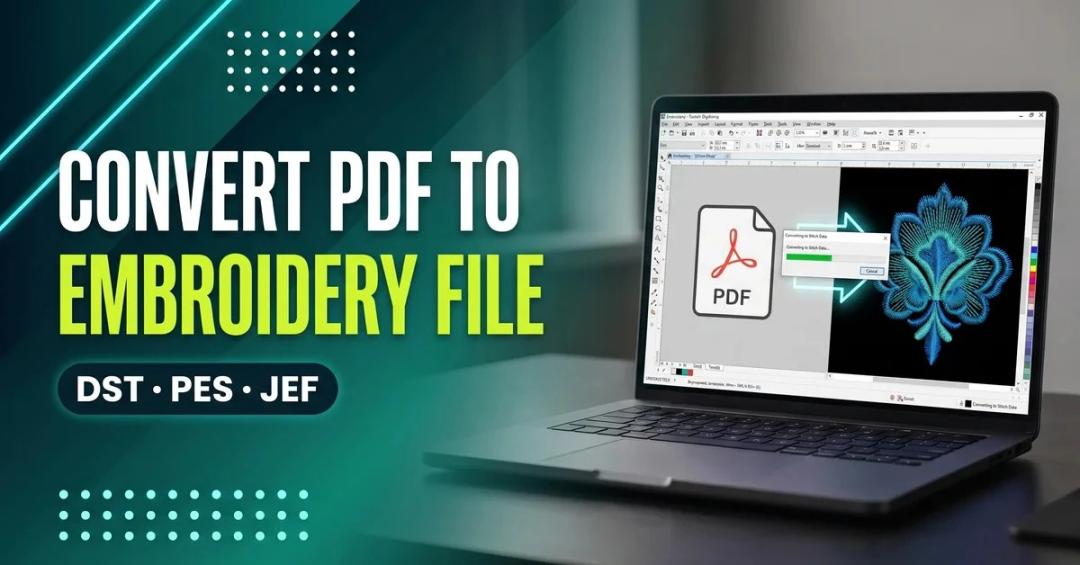
To convert a PDF to an embroidery file, open it in digitizing software such as Wilcom Hatch, Brother PE-Design, or the free Inkscape + Ink/Stitch combo, then digitize the shapes into stitch paths (fill, satin, or running stitch) before exporting to DST, PES, or JEF. A PDF alone has no stitch data — the digitizing step is what actually makes it embroidery-ready.
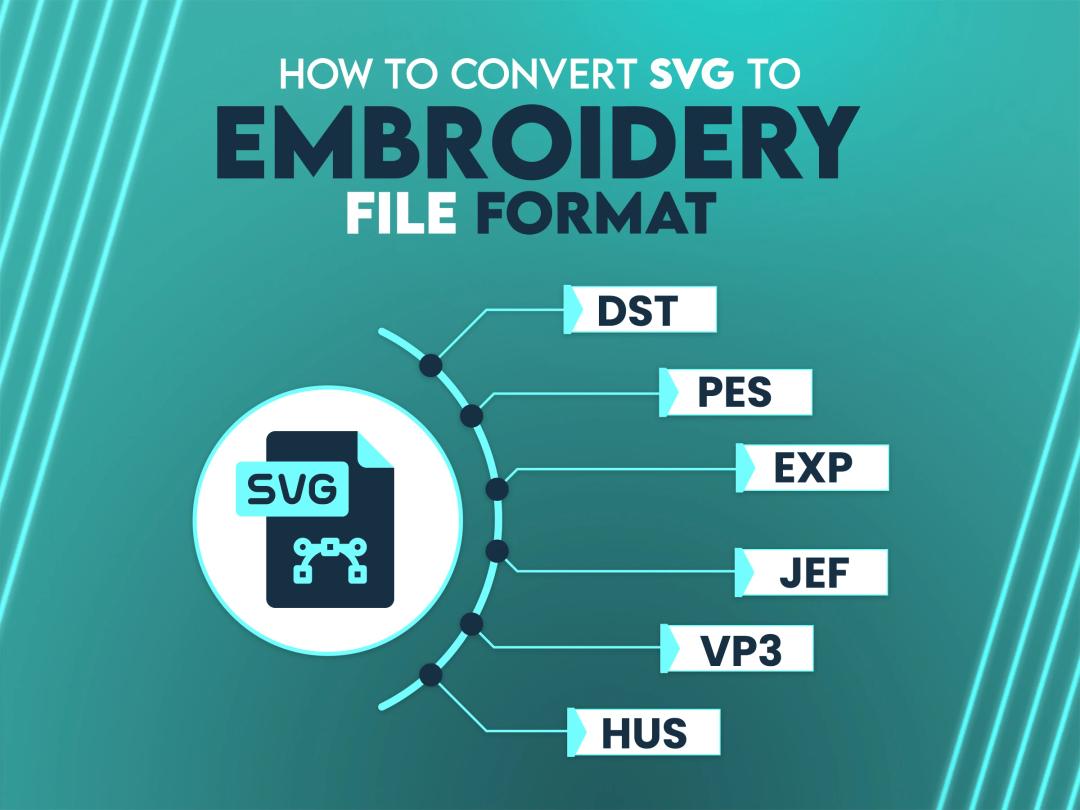
Have you ever thought about how to transform a detailed SVG file into a format suitable for your embroidery machine? If the answer is yes, then no worries, we are here to guide you. With the right tools and techniques, converting SVG files into embroidery file formats opens up unlimited creative options for your embroidery designs. From complicated patterns to customized designs, this process ensures your digital artwork comes to life with perfection and flair.
Understanding how these formats work and how to navigate the conversion process can feel difficult at first, but with the right guidance, you will be able to handle it properly. Let’s discuss the essentials, starting with understanding SVG files and embroidery formats.

