




At True Digitizing, we transform your creative spark into flawless, high-quality embroidery digitized designs that bring your vision to life.
Our Blogs
We Accept

Copyright 2025 Truedigitizing






At True Digitizing, we transform your creative spark into flawless, high-quality embroidery digitized designs that bring your vision to life.
We Accept
Copyright 2025 Truedigitizing


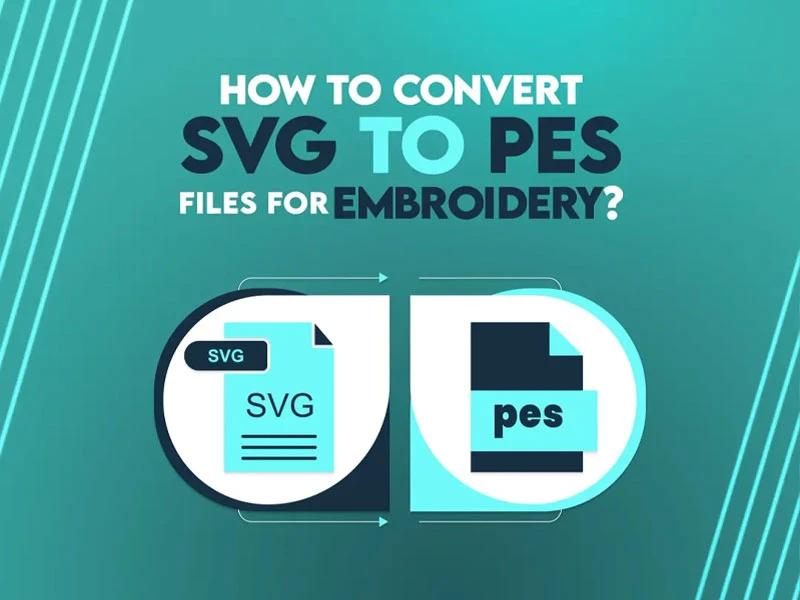
Have you ever thought about how to transform a detailed SVG file into a format suitable for your embroidery machine? If the answer is yes, then no worries, we are here to guide you. With the right tools and techniques, converting SVG files into embroidery file formats opens up unlimited creative options for your embroidery designs. From complicated patterns to customized designs, this process ensures your digital artwork comes to life with perfection and flair.
Understanding how these formats work and how to navigate the conversion process can feel difficult at first, but with the right guidance, you will be able to handle it properly. Let’s discuss the essentials, starting with understanding SVG files and embroidery formats.
When dealing with embroidery digitizing, it’s important to know the basics of the file formats involved. Every format has a specific purpose, and understanding these will help streamline the conversion process.
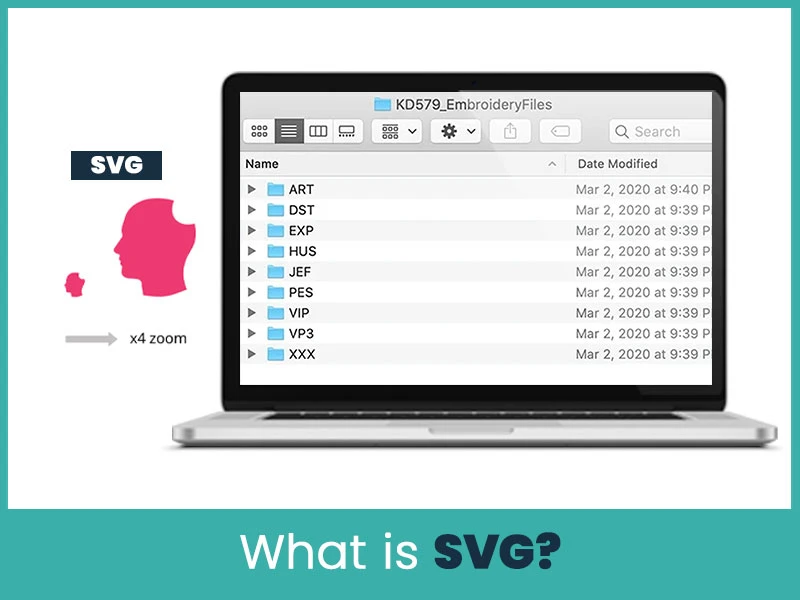
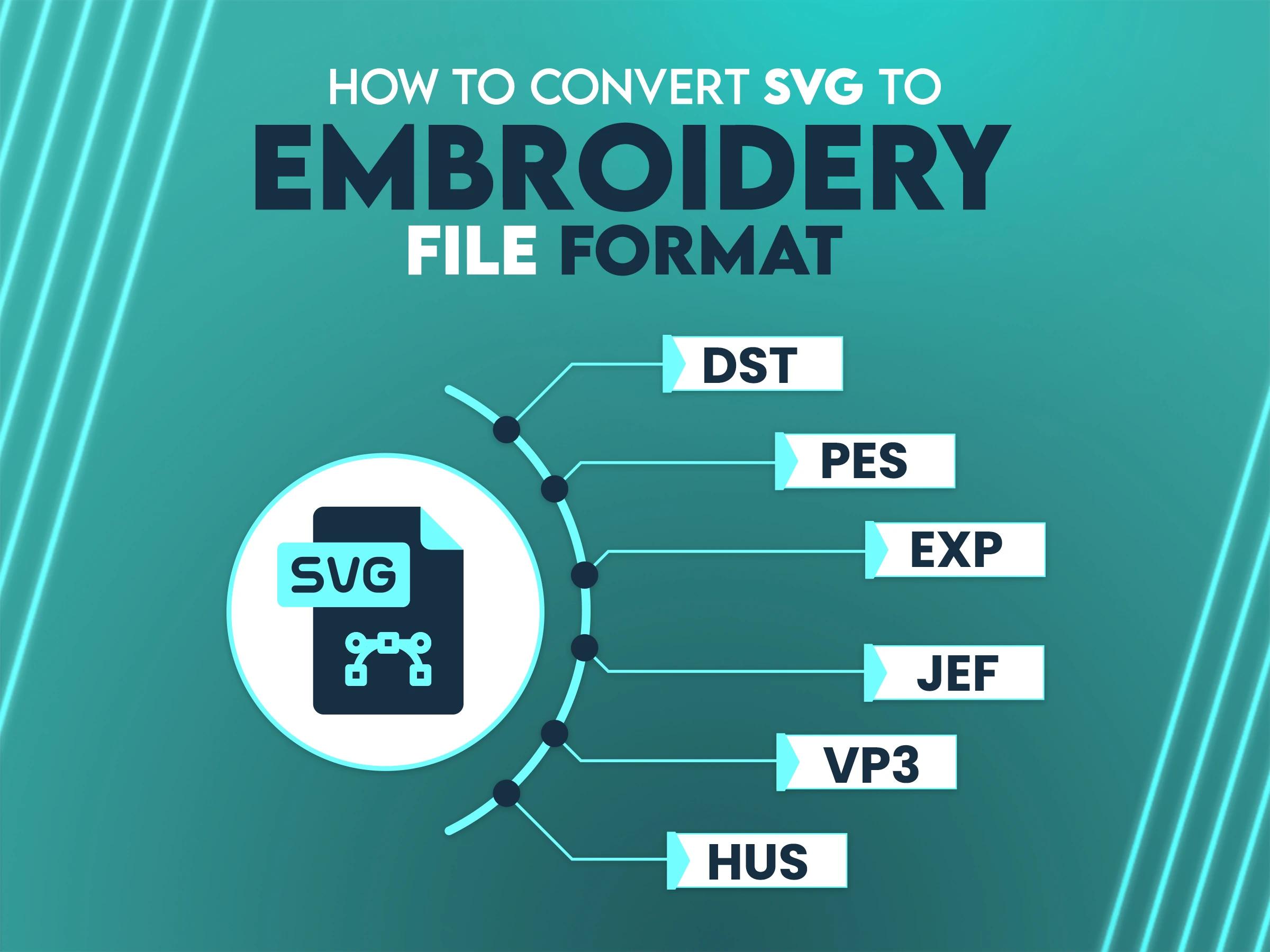
SVG (Scalable Vector Graphics) is a versatile file format widely used for creating and sharing digital artwork. Its ability to maintain sharpness at any resolution makes it good for complex designs. However, embroidery machines cannot directly read SVG files, necessitating conversion into machine-specific embroidery formats.
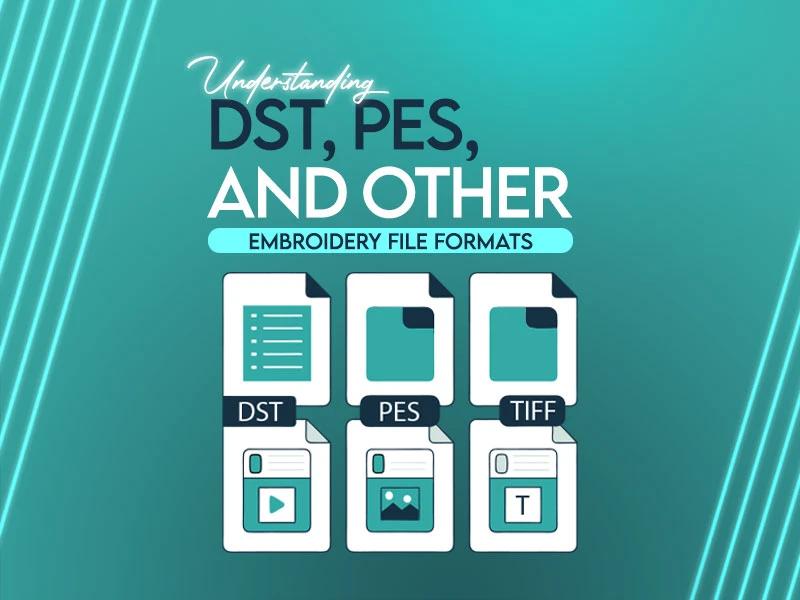
Embroidery file formats encode stitch data in a manner that embroidery machines can interpret. Each brand and model may have its proprietary format, making it essential to choose the correct one for compatibility.
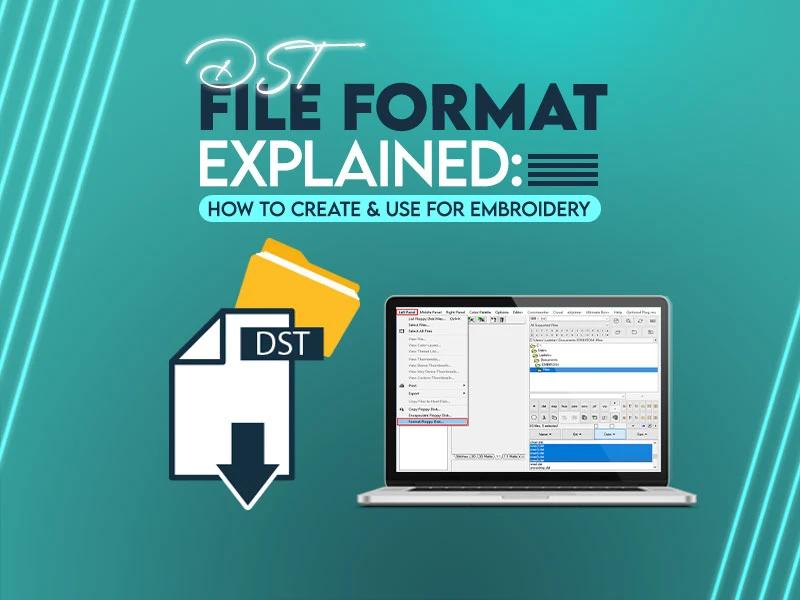
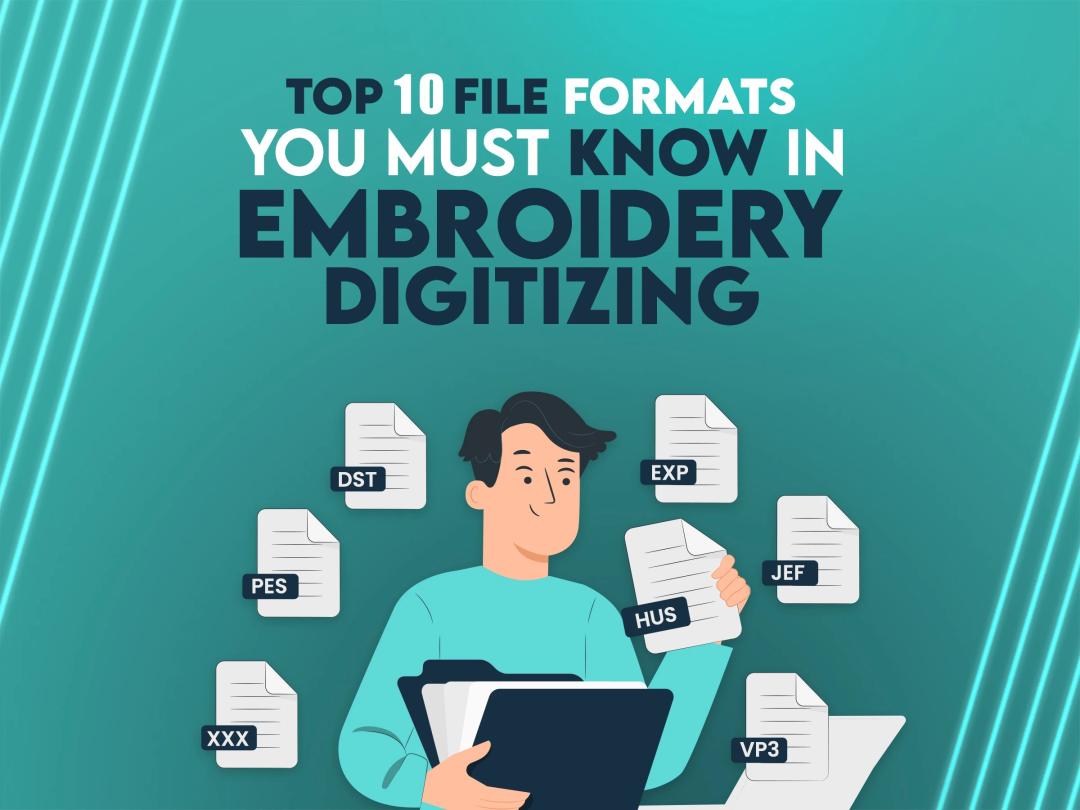
DST: The DST file is widely supported and used primarily in commercial embroidery.
PES: Common for Brother and Babylock machines.
EXP: Associated with Bernina machines and others.
JEF: Designed for Janome machines.
VP3: Used in Husqvarna Viking and Pfaff machines.
XXX: Another format for Singer and other brands.
HUS: Popular with Husqvarna machines.
ART: Exclusive to Bernina embroidery software.
The key to successful conversion lies in using the right software. Several programs make importing SVG files and converting them into embroidery designs an intuitive process.
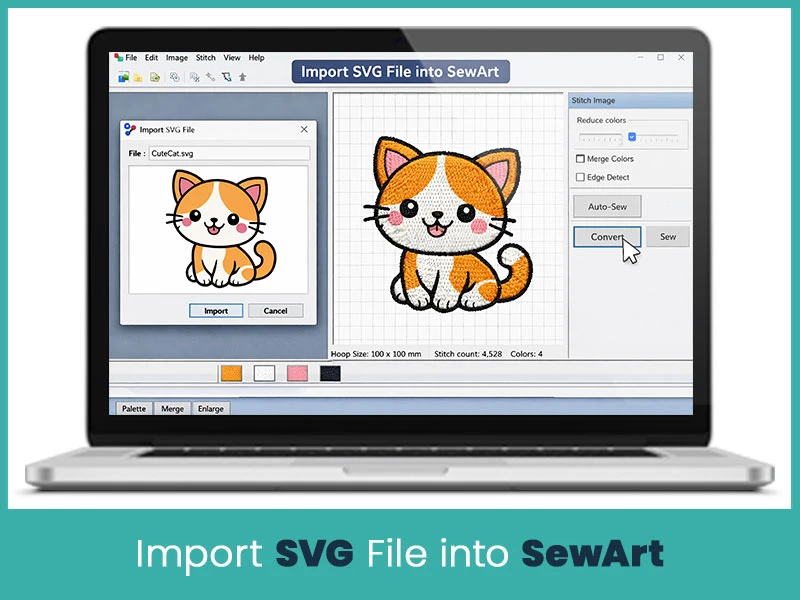
SewArt simplifies the conversion process, offering tools to import SVG files and convert them into embroidery-ready designs. It has user-friendly interface, making it a go-to for many embroiderers.
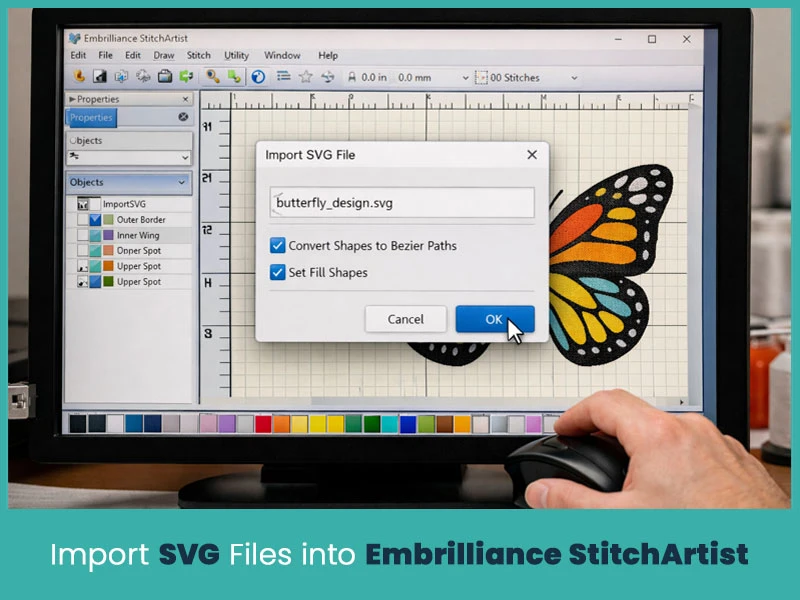
Embrilliance StitchArtist is a versatile software that supports SVG imports, giving users creative control to tweak their designs and ensure optimal stitch paths.
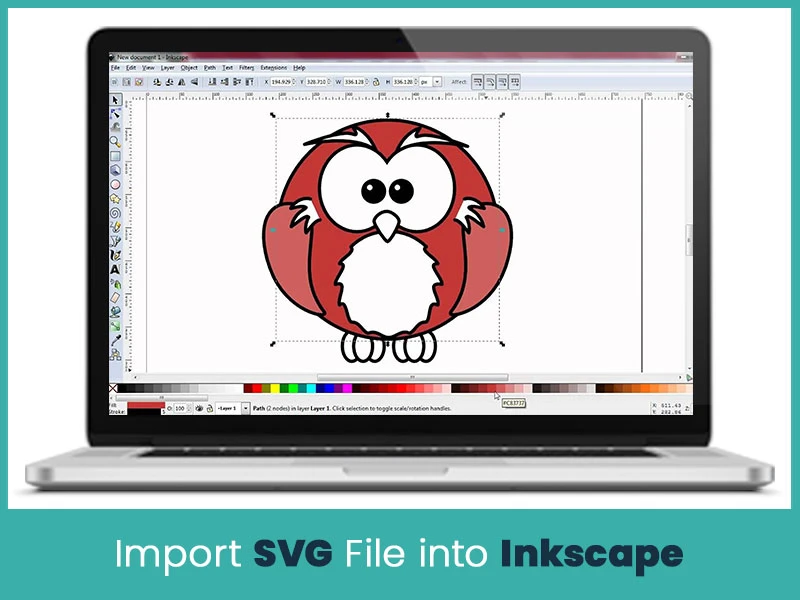
While Inkscape is primarily a vector graphic editor, its extensions can assist in generating embroidery-compatible formats, bridging the gap between SVG files and embroidery machines.
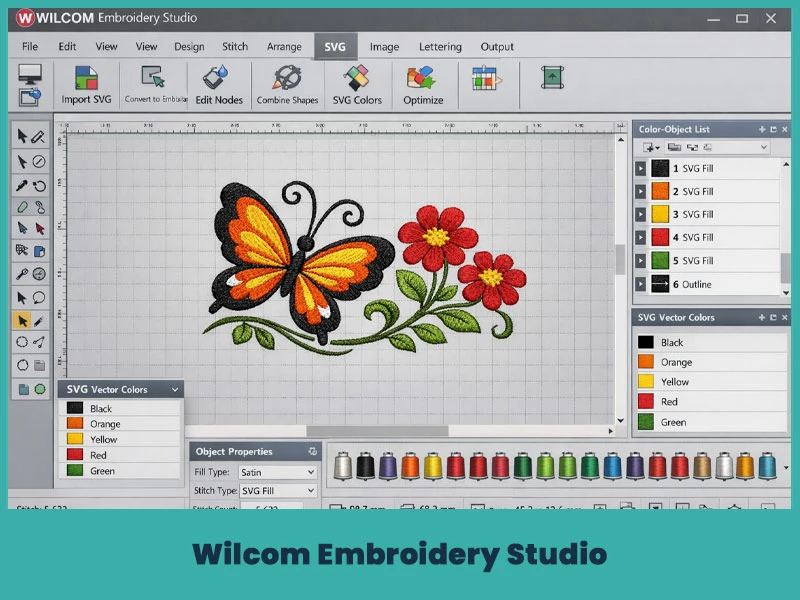
Wilcom has advanced features for professional embroidery digitizing, including seamless SVG file integration.
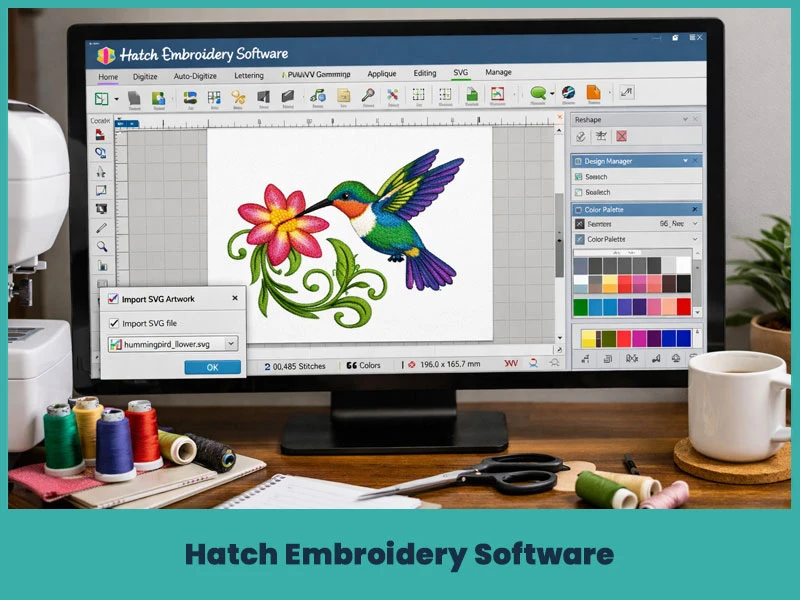
With a powerful set of features, Hatch supports SVG imports and provides the best features for customizing embroidery designs.
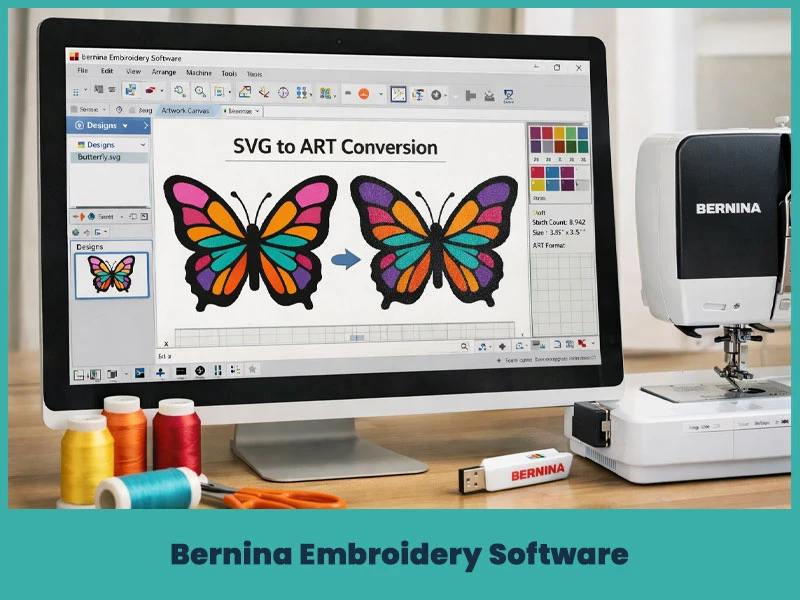
Specifically met for Bernina machines, this software enables SVG conversion into formats like ART for hassle-free stitching.
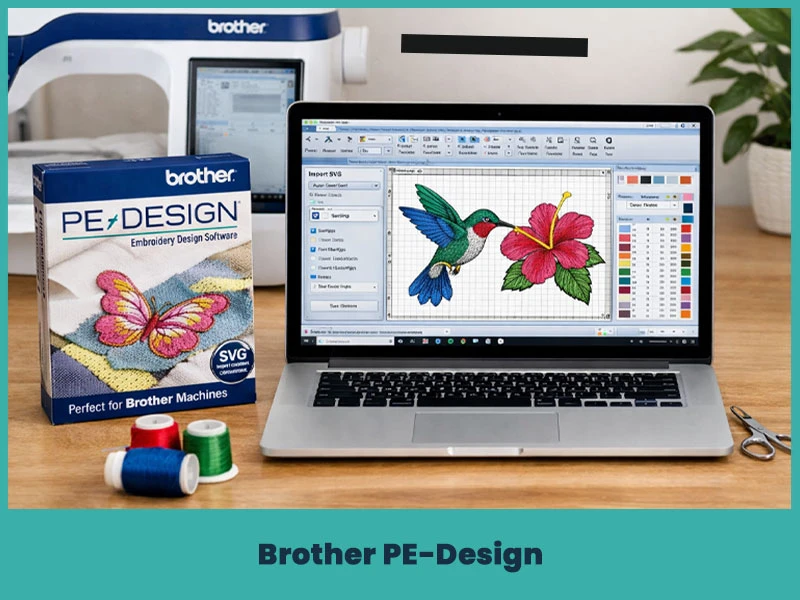
Perfect for Brother machines, PE-Design ensures precise results when converting SVG files.
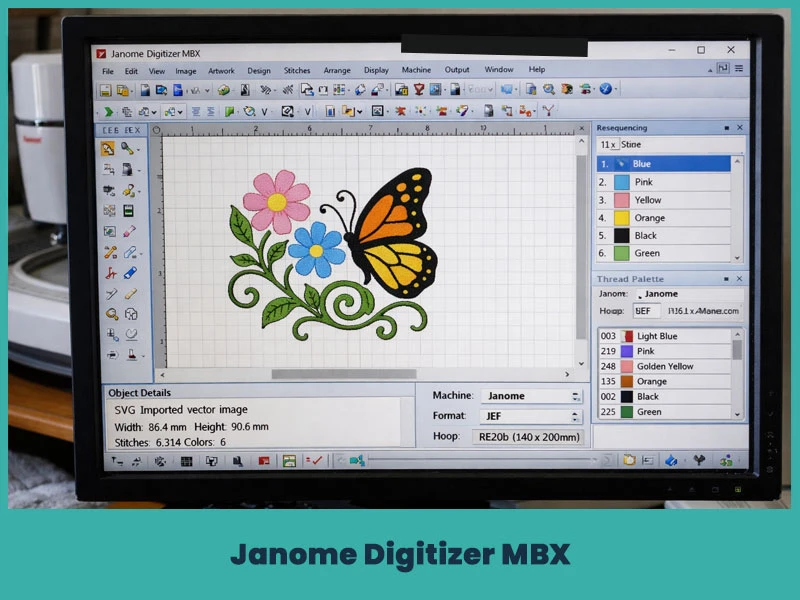
This program supports JEF conversions, making it good for Janome users working with SVG designs.
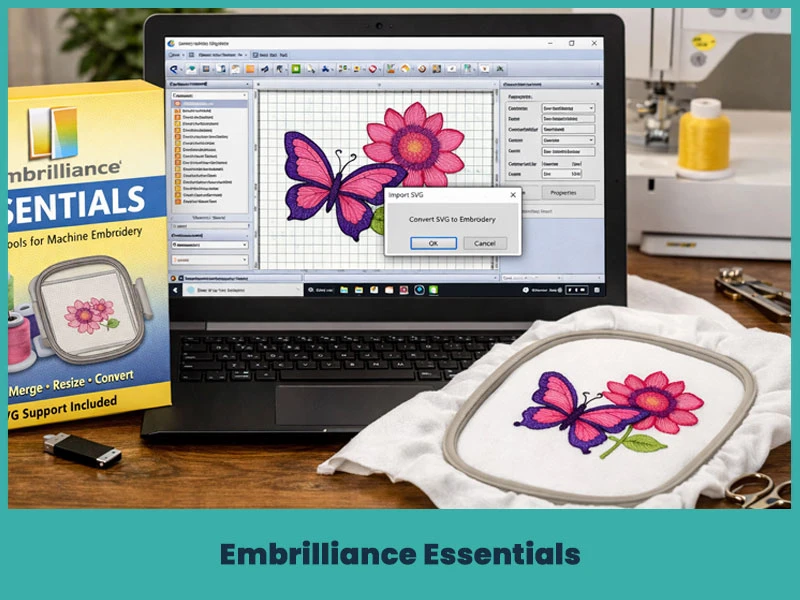
Embrilliance Essentials is an easy-to-use tool for managing embroidery files, it also supports simple SVG conversions.
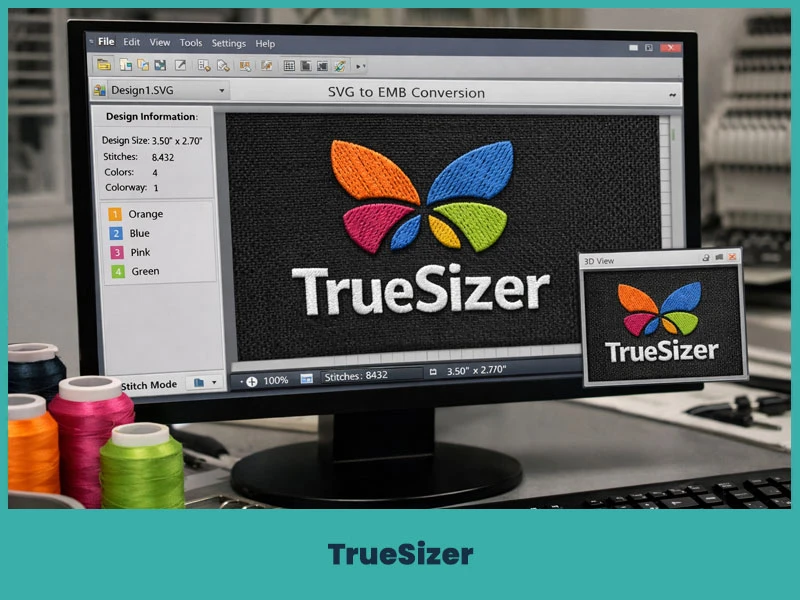
TrueSizer, known for its compatibility with multiple formats, simplifies SVG conversions for embroidery use.
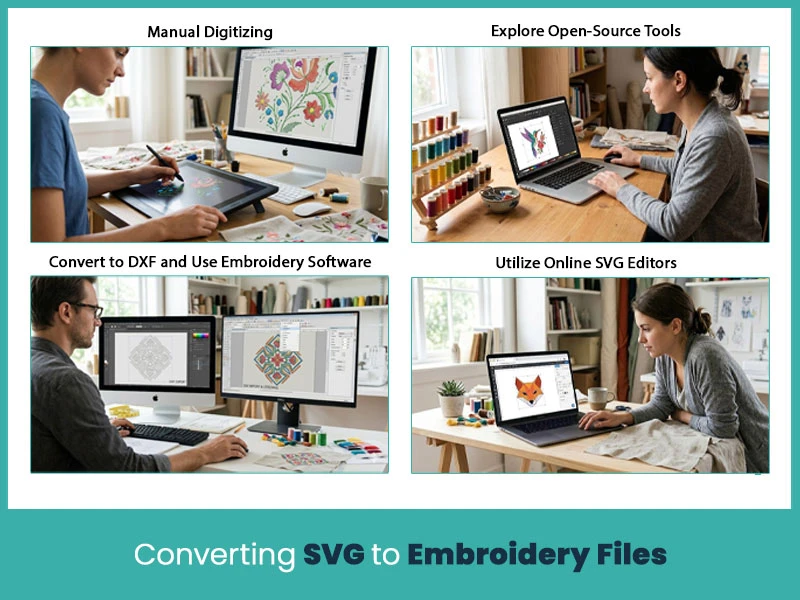
Converting SVG files to embroidery designs involves selecting the right tools and techniques. Let’s explore how to achieve the best results.
For those who prefer a hands-on approach, manual digitizing has complete control over stitch types, paths, and densities.
Some open-source software options, like Ink/Stitch, allow you to convert SVG files into embroidery formats while providing flexibility for customization.
Converting SVG to DXF first can simplify the process in some embroidery programs, ensuring compatibility.
Web-based SVG editors can simplify the process by exporting your files in formats ready for embroidery software.
When accuracy is important, professional digitizing service providers, “True Digitizing,” handle SVG conversions, ensuring stunning embroidery designs.
Not all embroidery programs support SVG files. Verifying compatibility beforehand can save time and effort.
Many embroidery software options offer free trials. Testing multiple programs can help you identify the one best suited to your needs.
Converting SVG files into embroidery file formats unlocks a world of creative opportunities. By understanding file formats, choosing the right software, and exploring different methods, you can transform your vector graphics into stunning embroidery designs. If you’re looking for professional embroidery digitizing services, True Digitizing provides exceptional services, ensuring your SVG designs are converted into embroidery-ready files with precision and care.
Elevate your embroidery projects today and experience the ease of turning your ideas into reality with expert guidance and trusted tools.
Nick William has been immersed in the world of embroidery digitizing for over 20 years, earning 25 industry awards throughout his career. As a 3rd generation embroidery expert, Nick’s journey started in his family’s workshop, where he learned the art of digitizing before the rise of modern software. He has worked with leading commercial embroidery businesses and has shared his expertise with over 75,000 home and professional embroiderers. As an author at True Digitizing, Nick is passionate about teaching others how to create beautiful, precise designs through easy-to-follow tutorials and expert advice.
Categories
Embroidery Digitizing Services: Which Type Do You Need?
17-08-2026
How to Remove Embroidery From Any Fabric — Step-by-Step Guide 2026
15-07-2026
Is SVG a Vector File? Yes — SVG vs EPS, PNG, PDF Vector Formats you need to know
08-07-2026
Embroidery Trends 2026: What's Hot in Machine & Hand Embroidery | TrueDigitizing
26-06-2026
Top Best Embroidery Digitizing Software in 2026
06-05-2026
Best Multi-Needle Embroidery Machines for Startups (2026)
28-02-2026
DST File: The Complete Guide (What It Is, How to Create, Convert & Use in 2026)
28-02-2026
Janome 550E vs Baby Lock Flare | Best Mid-Range Embroidery Machine?
26-02-2026
Choose the Right Fabric for Embroidery
20-02-2026
Advanced Techniques in Embroidery Digitizing
19-02-2026
Asked Questions