







At True Digitizing, we transform your creative spark into flawless, high-quality embroidery digitized designs that bring your vision to life.
Our Blogs
We Accept

Copyright 2025 Truedigitizing






At True Digitizing, we transform your creative spark into flawless, high-quality embroidery digitized designs that bring your vision to life.
We Accept
Copyright 2025 Truedigitizing
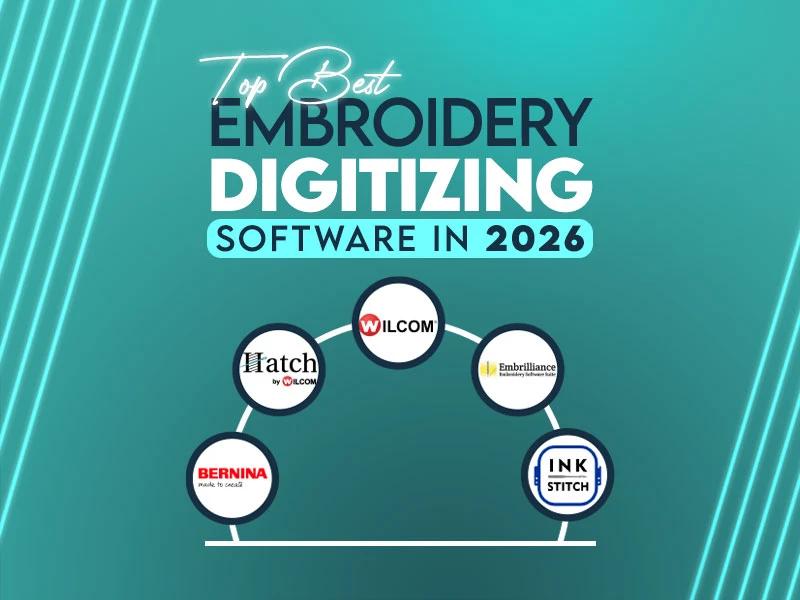
If you've ever tried to turn artwork into a clean stitch file and ended up with a tangled mess, you know the pain. The right embroidery digitizing software makes all the difference & the wrong one? It'll waste your time, fabric & efforts.
By the way, the embroidery industry is worth over $4 billion globally right now & more people than ever are jumping in, hobbyists, small business owners, and large commercial businesses alike. So deciding the right software for your needs isn't just a wise decision, it's basically essential.
In this guide, we're going through the top best embroidery digitizing software in 2026, what they offer, what they cost, who they're good for and whether they're worth your money. If you're new or running a large business, there's something on this list for you.
Let's get into it.
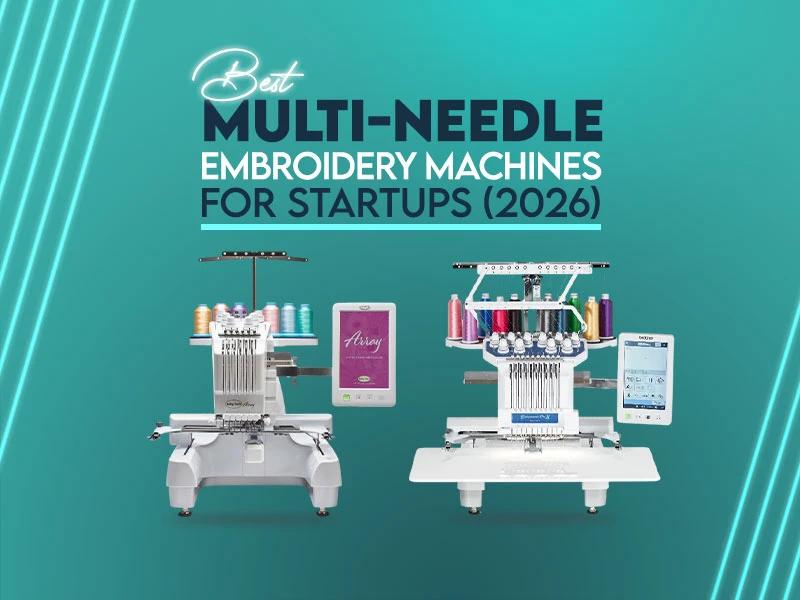
It's so exciting when you start your own business (embroidery business). You get first bulk orders, your first repeat customer, and now your brand name stitched on hats, jackets, shirts, bag and more. But the main question is which machine should you invest in?
If you are unaware and choose the wrong one, you'll face some serious problems like production, poor results & many more. So invest wisely.
In this guide, we will talk about the best multi-needle embroidery machines for startups (2026). These machines are trusted in the embroidery industry and are used by home businesses as well as small commercial shops. Everything explained here is practical, clear, and based on real machine performance, not marketing promises.
Let’s get started.
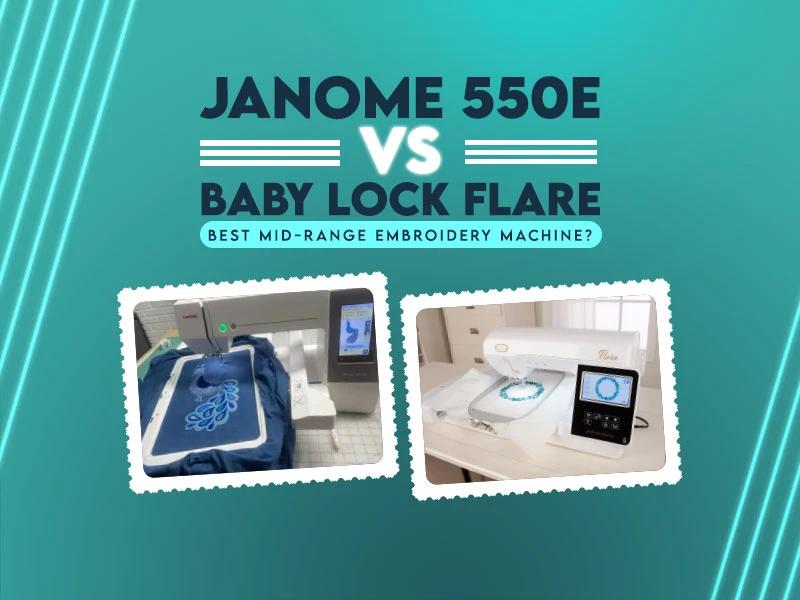
By the way buying embroidery machines is not an easy task. So many machines in the market, some embroidery machines are so expensive, sometimes users get confused about which machine is good or which machine they should buy. Embroiderers who fall into the mid-range category usually prefer Janome 550E & Baby Lock Flare. One of the reasons is that both machines come from trusted brands. Both machines are based on embroidery also, both embroidery machines have advanced features.
So which one makes more sense for you?
If you want to know about embroidery field size, design control, built-in features & long-term value, this valuable detailed comparison will help you understand everything. So let’s break it down everything step by step.
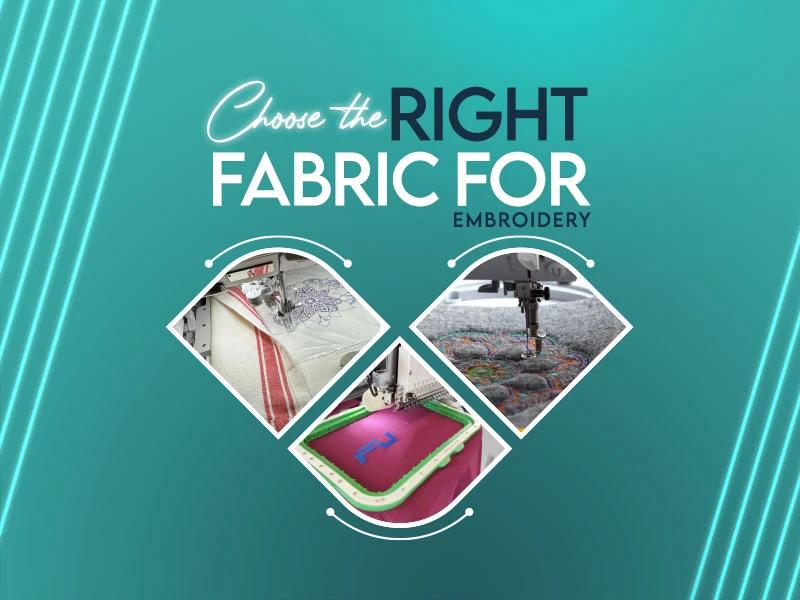
If your embroidery designs look clean on screen but messy on fabric, the problem usually starts with the fabric choice. Many people focus only on thread colors and design size. They ignore the base material. Fabric controls how stitches sit, how the design holds shape, and how long the embroidery lasts.
So what happens when you choose the right fabric for embroidery, you get balanced stitches, design looks sharp & clean, no fabric puckering & the result is so satisfying and mindblowing. Similarly, if you choose the wrong fabric you'll face these challenges like fabric puckering, loose stitches, distortion, thread breaks or so many other issues.
Fabric matters in both hand embroidery and machine embroidery. In embroidery digitizing, fabric plays a big role. Different fabrics need different stitch density, underlay, and pull compensation. Hence, understanding fabric helps you avoid problems before they start.
Let’s go step by step and understand which fabrics work best and why.
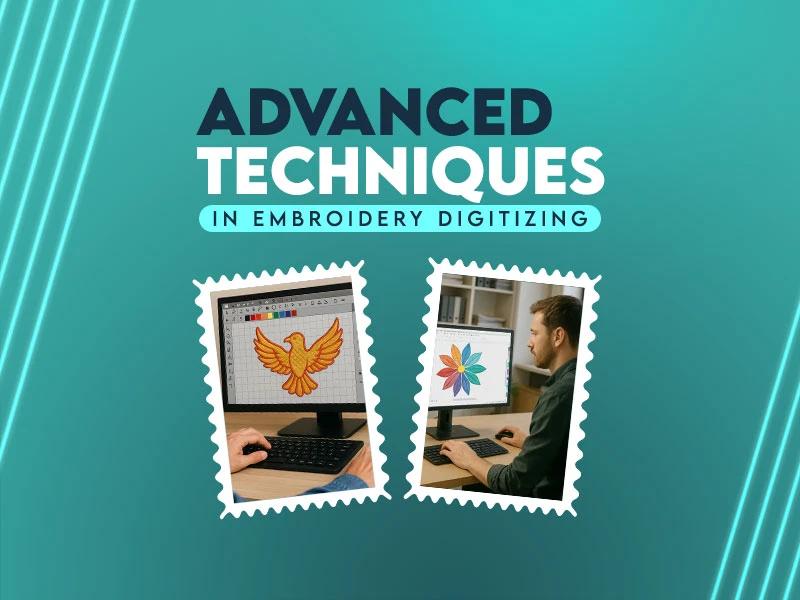
Embroidery digitizing goes beyond converting artwork into stitches. You control every stitch so the final design will look clean, perfect & professional. Mostly prospective embroiderers focus on basic fills and satin stitches but when you move toward advanced techniques, you won't have to figure out advanced techniques like shading, gradients, color blending, stitching nature and so on.
Advanced digitizing techniques help you create complicated designs. These techniques reduce thread breaks, prevent puckering & of course improve embroidery quality.
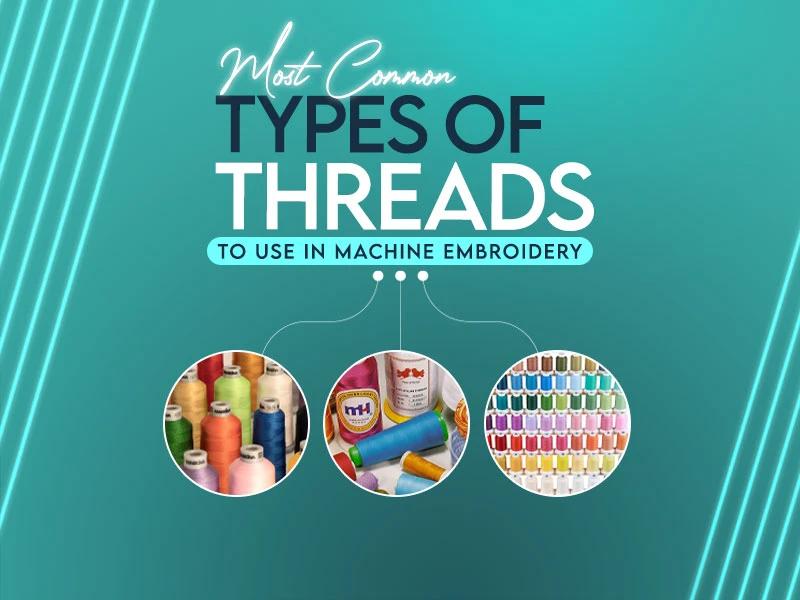
A perfect embroidery design starts with the right thread, this is the most important step. Usually people set tension, speed & overall digitizing settings, but they ignore thread choice. Thread gives you shine, strength, texture, and perfect stitching. Everything gets messed up when you pick the wrong thread, it makes a design look rough, uneven or messy.
Embroidery game depends on understanding the most common types of threads to use in machine embroidery. Each thread behaves differently on fabric. Some create shine. Some add strength. Some give a soft and natural finish.
You'll see 7 common embroidery thread types in this guide, understand their best uses & some key points you must know before stitching.
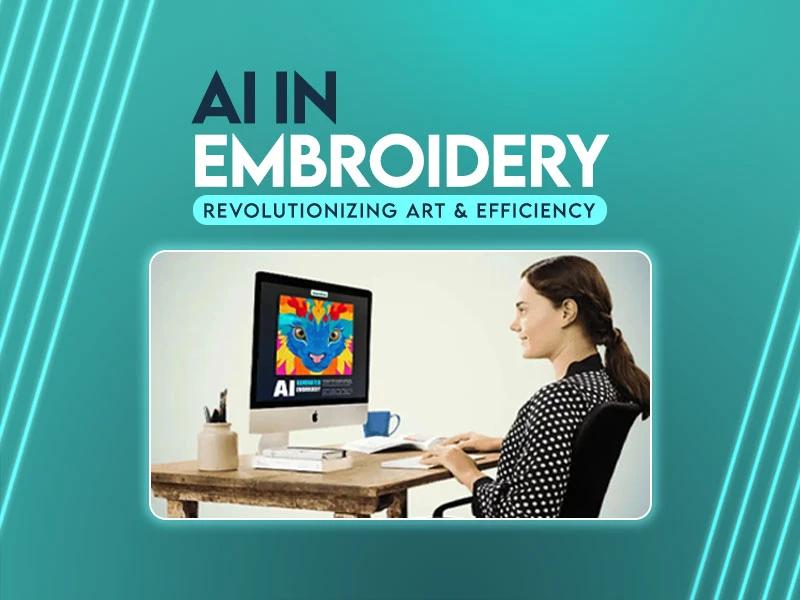
Embroidery is always mix art and skill. For years, digitizers spent hours turning artwork into stitch files, fixing paths, and testing results on fabric but today, everything has been changed. Now Artificial Intelligence (AI) supports embroidery digitizing in every possible way. It never replaces creativity instead it helps people work smarter & faster.
Artificial intelligence (AI) changed the entire process of embroidery digitizing. It minimizes manual effort, improves stitch quality & of course saves time. As long as embroidery keeps growing in fashion, branding, and merchandise, AI will stay part of this journey.
Let’s explore how AI reshapes embroidery digitizing & why it matters the most day by day.
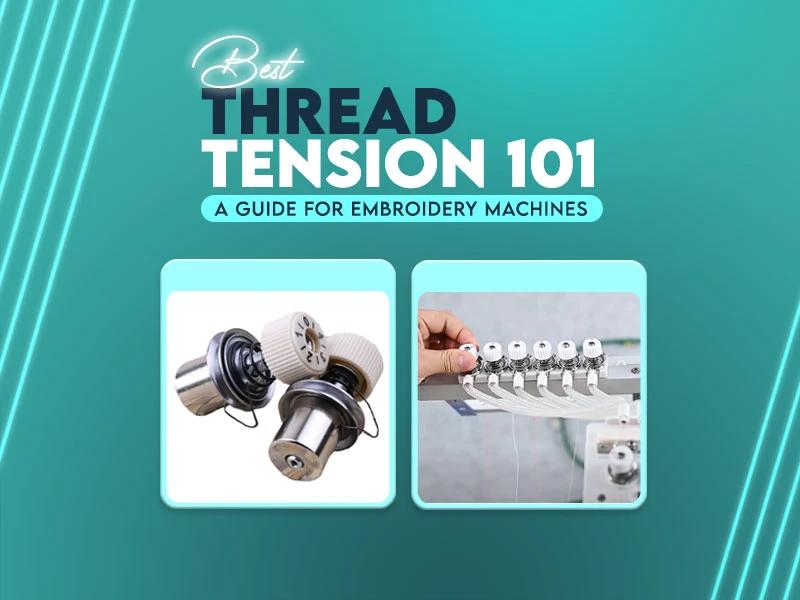
Thread tension plays a major role in embroidery quality but many people ignore it until they face problems. If stitches look uneven, threads break, or the back of the design looks messy or birdnesting, tension is one of the reasons. understand thread tension does not require high skills. You only need to understand how threads behave during stitching and that's enough.

