







At True Digitizing, we transform your creative spark into flawless, high-quality embroidery digitized designs that bring your vision to life.
Our Blogs
We Accept

Copyright 2025 Truedigitizing






At True Digitizing, we transform your creative spark into flawless, high-quality embroidery digitized designs that bring your vision to life.
We Accept
Copyright 2025 Truedigitizing
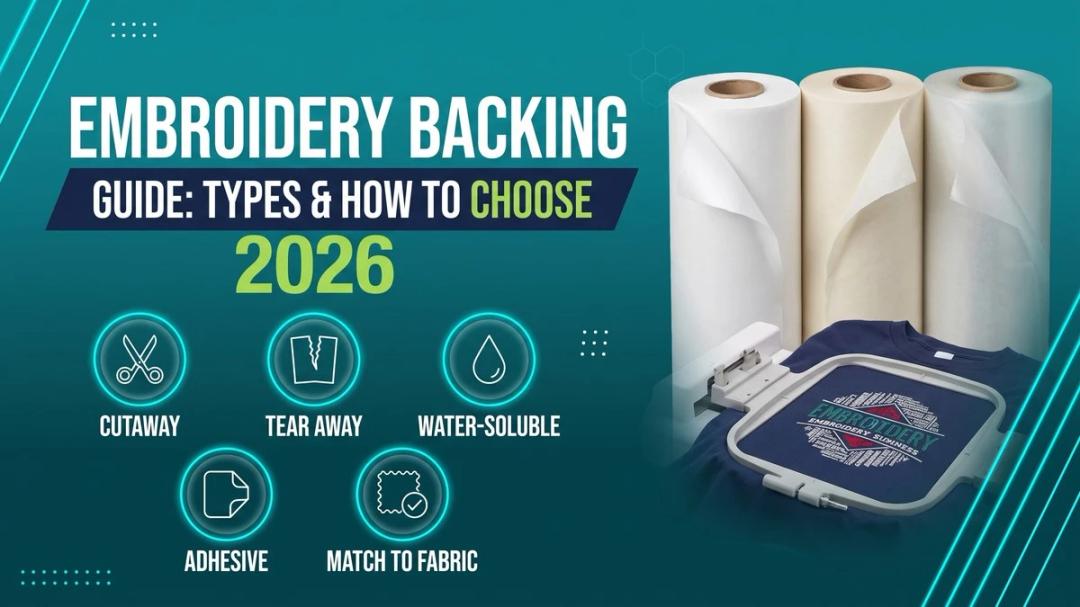
Embroidery backing is the layer of stabilizing material placed underneath fabric before stitching to keep it from puckering, stretching, or tearing under the needle. The right type — cutaway, tearaway, water-soluble, or adhesive — depends on your fabric weight and stretch, not just personal preference.
If your embroidery designs look clean on screen but messy on fabric, the problem usually starts with the fabric choice. Many people focus only on thread colors and design size. They ignore the base material. Fabric controls how stitches sit, how the design holds shape, and how long the embroidery lasts.
So what happens when you choose the right fabric for embroidery, you get balanced stitches, design looks sharp & clean, no fabric puckering & the result is so satisfying and mindblowing. Similarly, if you choose the wrong fabric you'll face these challenges like fabric puckering, loose stitches, distortion, thread breaks or so many other issues.
Fabric matters in both hand embroidery and machine embroidery. In embroidery digitizing, fabric plays a big role. Different fabrics need different stitch density, underlay, and pull compensation. Hence, understanding fabric helps you avoid problems before they start.
Let’s go step by step and understand which fabrics work best and why.
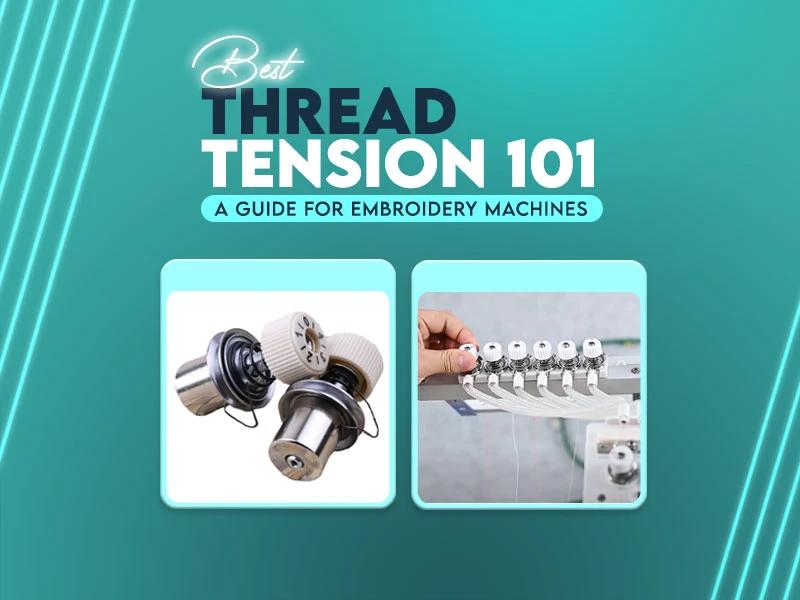
Thread tension plays a major role in embroidery quality but many people ignore it until they face problems. If stitches look uneven, threads break, or the back of the design looks messy or birdnesting, tension is one of the reasons. understand thread tension does not require high skills. You only need to understand how threads behave during stitching and that's enough.
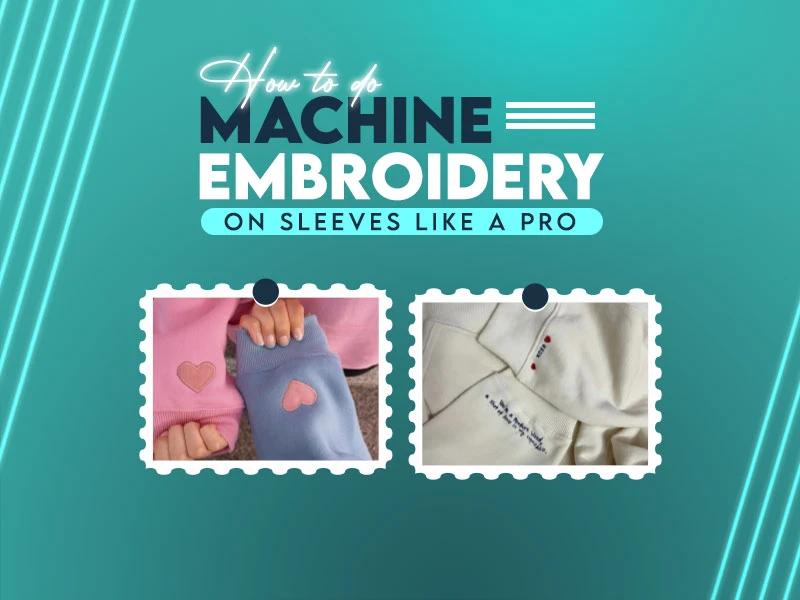
Sleeve embroidery is a little bit different and difficult. You hoop the garment, start the machine and then problems start, because sleeves area is so small and compact, for this raeson sleeves move, curves, stitches pull, hoop alignment out and other stitching issues. Sometimes the fabric puckers so badly that the whole piece looks wasted.
If you face these issues, you aren't alone. Sleeve embroidery needs a different approach. With the right setup, right stabilizer, proper placement, and smart stitching methods, you can embroider sleeves cleanly and confidently.
This blog post explains how to do machine embroidery on sleeves like a pro step by step, using proven techniques that definitely work on garments.
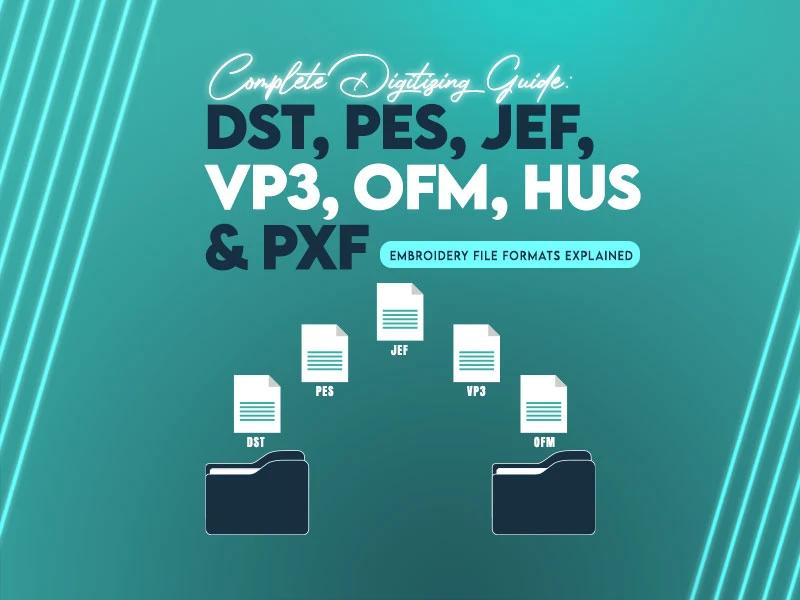
Embroidery machines don’t work on vector images. They read stitches, layers, needle points, thread paths, jump commands, trim points, and tension notes. This is why embroidery file formats matter. When a digitized design is saved in the wrong format, the machine skips stitches, breaks threads or ignores color changes. The right file format keeps the design clean, sharp and aligned from the first stitch to the last.
This guide explains the best embroidery file formats in a clear way so you know exactly which one to use for each machine and project. Let's understand this guide.
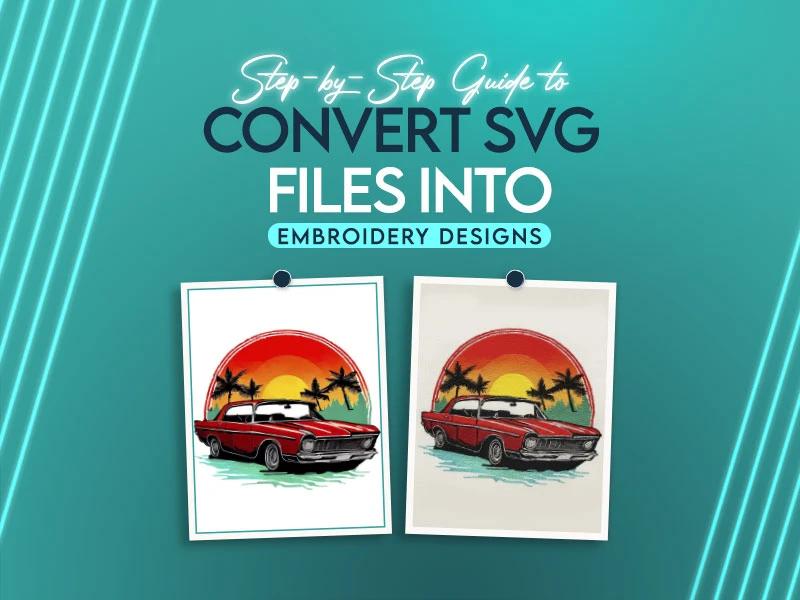
Guys you try to convert an SVG file into embroidery designs for the first time, the expectations are that the stitches will form exactly like the artwork looks on screen. In reality, the lines shift, the fill areas look uneven, small curves overlap or the machine doesn't read the file at all. This is where most beginners feel stuck. The SVG format is perfect for vector graphics but embroidery machines don’t read shapes the same way. They need stitch commands, directions, underlay, density, and trim information.
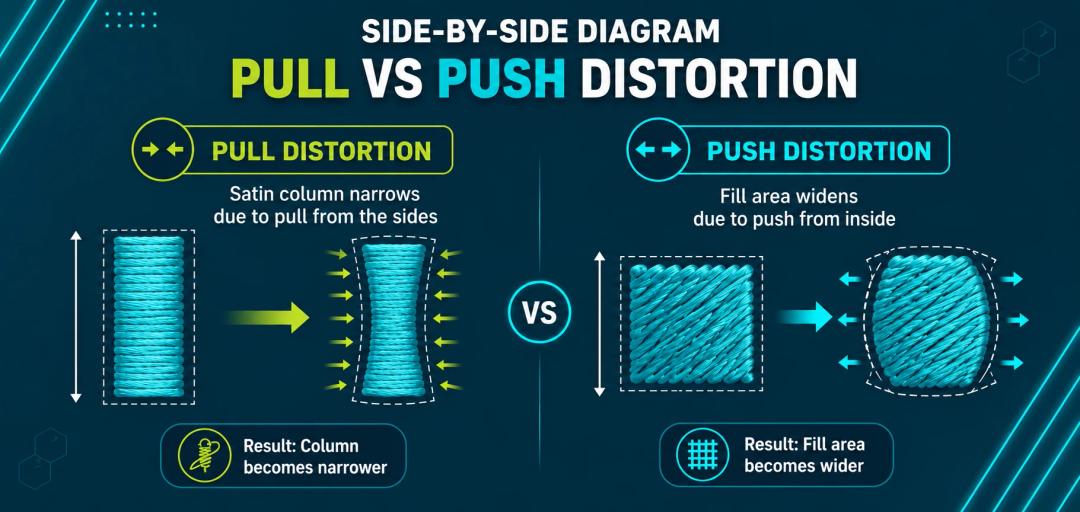
Push and pull compensation means widening satin columns and tightening fill areas before stitching so the finished embroidery matches your digital design. Pull compensation typically adds 0.15mm-0.3mm to narrow satin columns, while push compensation trims roughly 0.3mm-0.5mm from wide fill edges — the exact amount depends on stitch type, density, and fabric stretch.

If you have ever done embroidery on different fabrics, you know the stabilizer can make or break your project. One design turns out nice but the next one gets puckers or the stitches pull the wrong way. A lot of people get confused because every fabric acts differently. Some stretch, some are very thin, and some move a lot inside the hoop.
This happens over and over when you are not sure what stabilizer to pick. One small mistake wastes threads, fabrics and of course time. Selecting the right stabilizer is the most important step in embroidery. When the backing is correct, the design looks clean, sharp and professional but when the stabilizer is wrong, it ruins your design, fabric and everything.
In this blog, you will learn which stabilizer works best for different kinds of fabrics so you can stop the common problems and get the desired results.
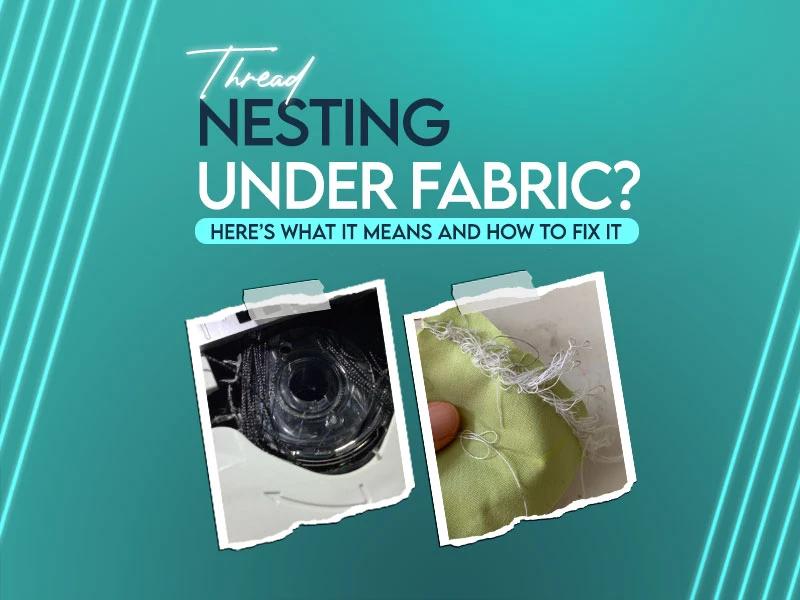
You are ready to set your embroidery machine, load the design and start stitching. Everything looks fine until you turn the hoop over and see a bunch of thread tangled under the fabric. Ah! It feels so annoying. You notice loops, knots and messy thread that ruin your design, fabric and waste your time but don’t worry guys, this happens to many embroiderers. The good thing is, this common problem can be fixed easily.
In this informative post we’ll look at what thread nesting under fabric means, dig into why it happens and walk you through how to fix it and prevent it from happening again.

