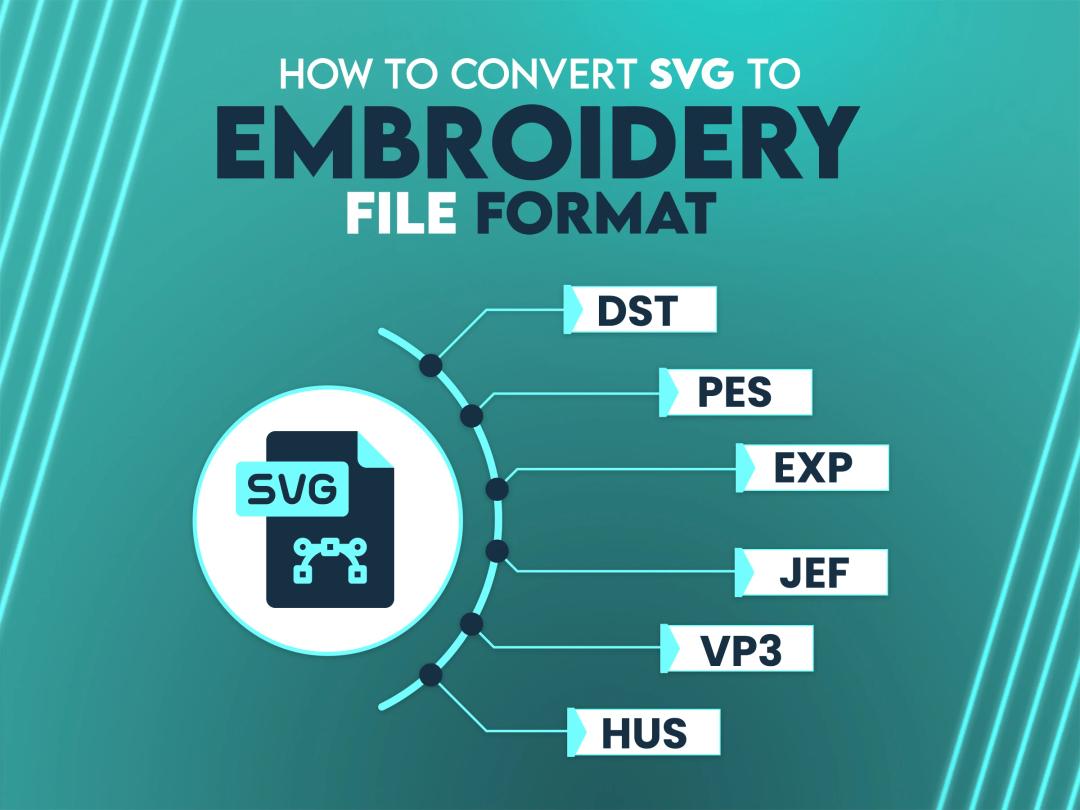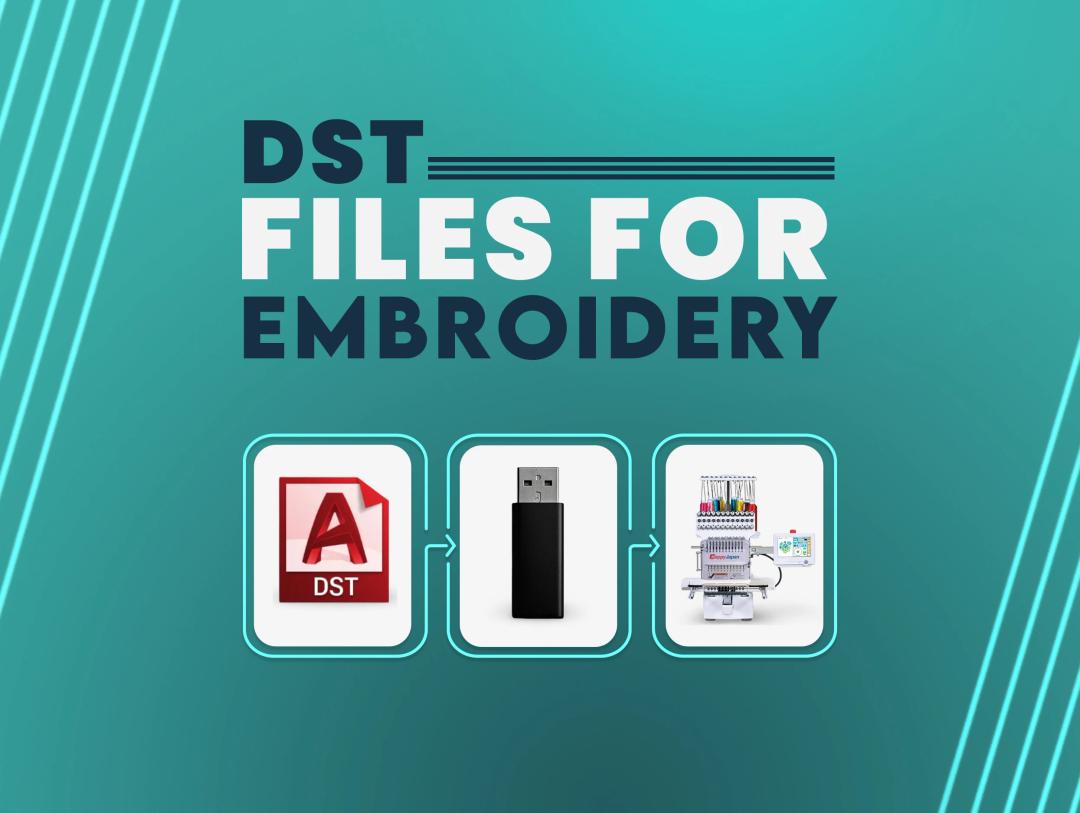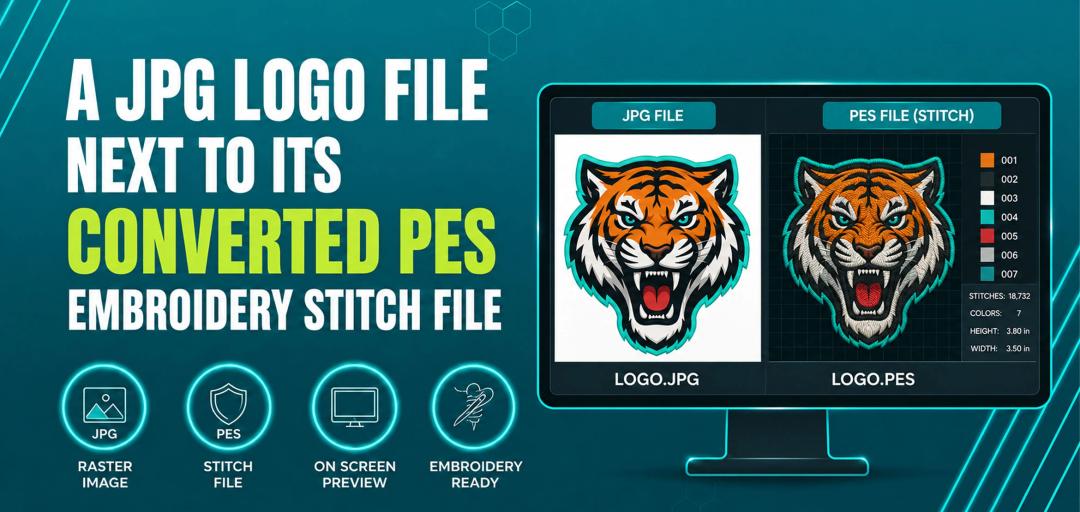





At True Digitizing, we transform your creative spark into flawless, high-quality embroidery digitized designs that bring your vision to life.
Our Blogs
We Accept

Copyright 2025 Truedigitizing






At True Digitizing, we transform your creative spark into flawless, high-quality embroidery digitized designs that bring your vision to life.
We Accept
Copyright 2025 Truedigitizing
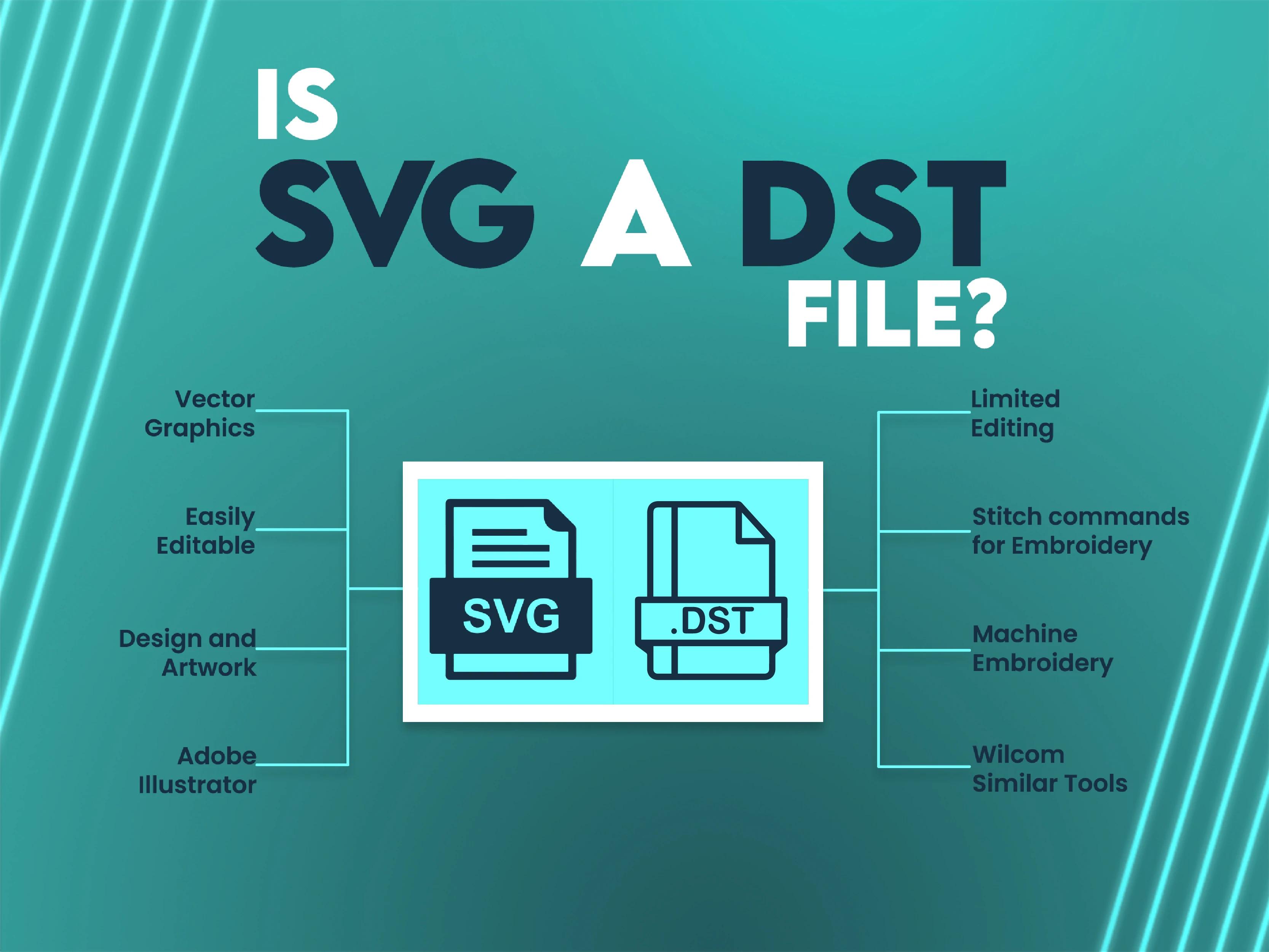


Have you ever thought about the compatibility of file formats in embroidery digitizing? A common question arises: "Is SVG a DST file?” While these formats play an important role in the embroidery designs and embroidery processes, they differ distinctly. Understanding the relationship between SVG and DST files is important for hobbyists and professionals in the embroidery industry. Let’s discuss the technicalities closely and explore the steps to convert SVG to DST, while also covering the purpose, challenges, and solutions.
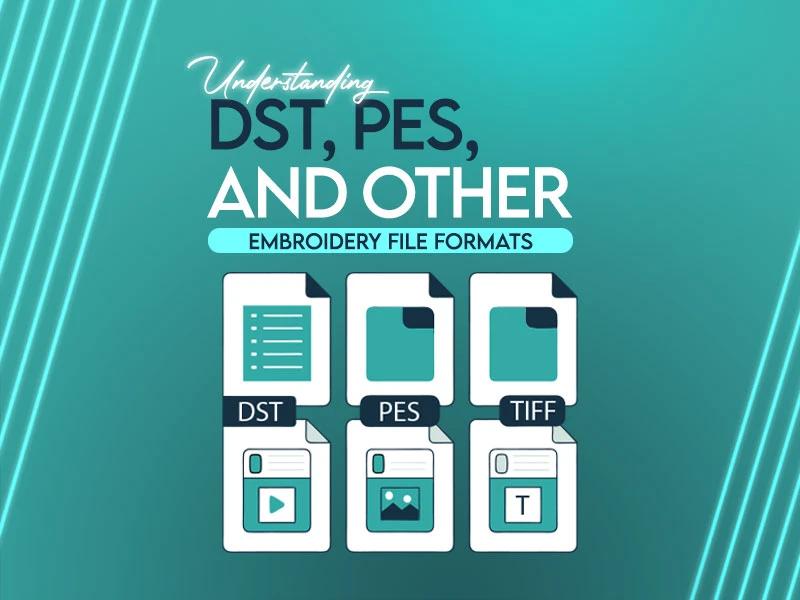
Before we discuss the conversions, it is important to understand what SVG and DST file formats are and their respective uses in the embroidery world. Every format has a distinct purpose, SVG files are used for creating and editing scalable vector designs, while DST files are specifically tailored for embroidery machines to execute those designs. Understanding these differences is key to successful embroidery digitizing and a perfect workflow.
SVG, short for Scalable Vector Graphics, is a widely used vector-based file format. It is known for its ability to maintain high-quality graphics regardless of resizing. SVG files are often used in web design, logo creation, and other graphics-related projects due to their compatibility with design software like Adobe Illustrator and CorelDRAW.
Key Features:
Resolution-independent: Scales without losing quality.
XML-based: Easy to edit with coding.
Versatile: Best for 2D designs.
Uses in Embroidery: While SVG files aren’t directly compatible with embroidery machines, they are a good starting point for creating complex designs.
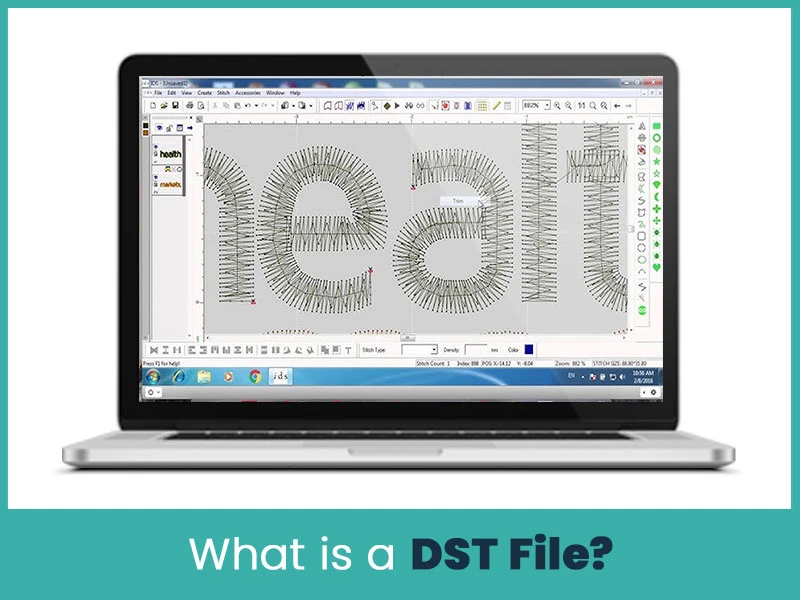
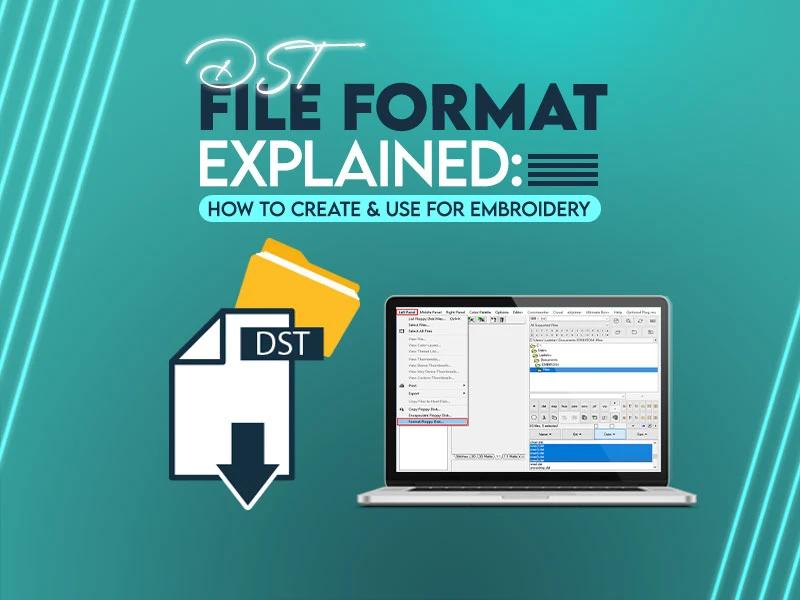
DST, or Data Stitch Tajima, is a file format specifically designed for embroidery machines. Unlike SVG, which focuses on vector graphics, DST files contain stitch commands for embroidery machines to follow.
Key Features:
Machine-readable: Directly links with embroidery machines.
Stitch details: Includes instructions like stitch count, length, and color changes.
Limited editing: Focused on execution rather than design.
Uses in Embroidery: DST files are the final output required for embroidery machines to stitch a design accurately.
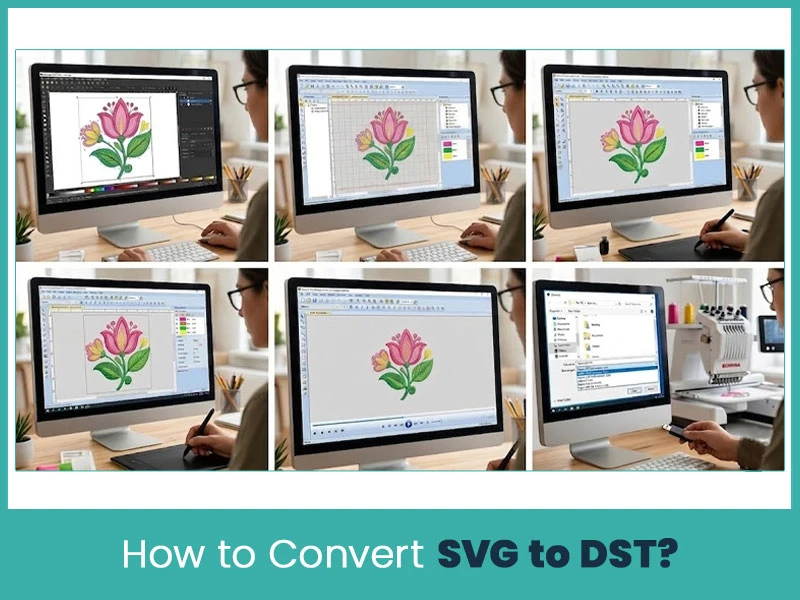
Converting SVG to DST involves several steps and requires specialized software. Here’s a detailed guide:
Ensure the SVG file is clean and well-prepared. Remove unnecessary elements and simplify the design to avoid errors during conversion.
Use software like Wilcom, Hatch, or Brother PE-Design to import your SVG file.
Set stitch types to different parts of the design.
Specify thread colors and densities.
Define underlay and stitch angles for a professional look.
Preview the design in your software to check for errors or adjustments needed.
Once satisfied, save the design in DST format to make it compatible with your embroidery machine.
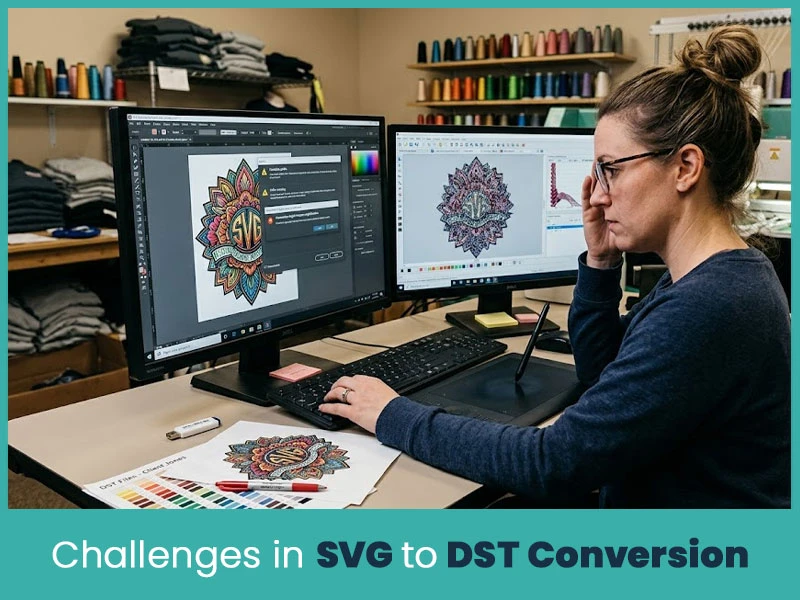
Complex Designs: Highly detailed SVG designs may not convert well into DST files, requiring manual adjustments.
Software Limitations: Some software may not fully support SVG import, causing issues in the digitization process.
Time-Intensive: Converting and digitizing complex designs can be a time-consuming process.
There are free online tools available for converting SVG to DST. However, they come with limitations:
Locate Reliable Tools: Websites like Ink/Stitch or Convertio have basic conversion features.
Upload and Adjust: Upload your SVG file, but be prepared for limited customization options.
Download DST File: Download the converted file, but ensure to test it before using it on an embroidery machine.
While these tools are convenient, professional digitizing software ensures better quality and precision.
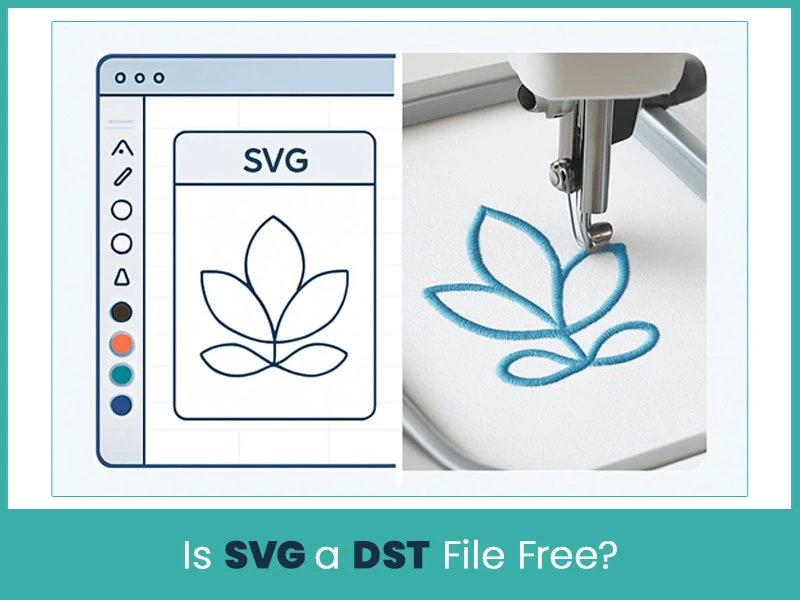
No, SVG and DST files have entirely different purposes and are not interchangeable for free without conversion. While SVG files are commonly free for design purposes, DST files require specialized digitizing, often involving paid software or professional services.
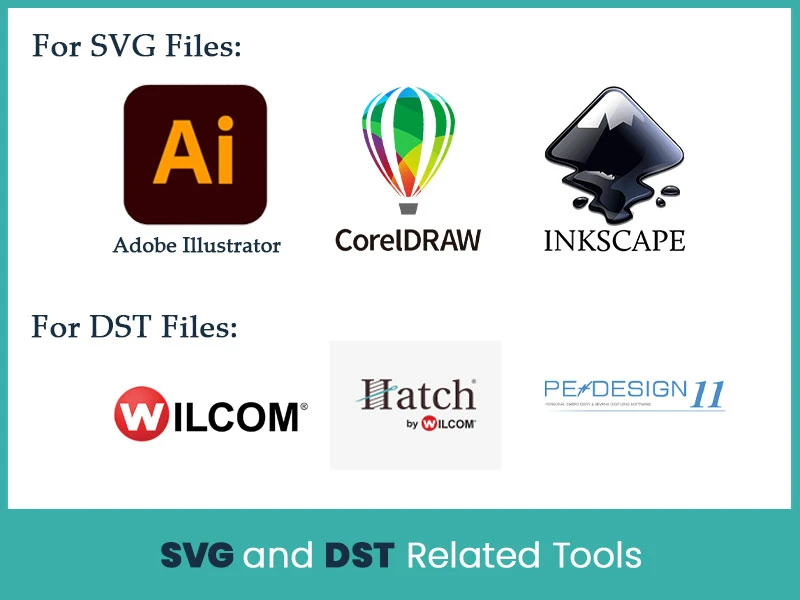
Here’s a list of tools to streamline your embroidery digitizing workflow:
For SVG Files:
Adobe Illustrator
CorelDRAW
Inkscape (free)
For DST Files:
Wilcom
Hatch Embroidery
Brother PE-Design
The question, "Is SVG a DST file?" has a clear answer: No, they are different file formats with unique purposes. While SVG files are good for creating embroidery designs, DST files are essential for machine execution. The conversion process bridges this gap but requires precision and the right tools.
For high-quality embroidery digitizing, it’s always best to rely on professionals. True Digitizing offers exceptional services, ensuring your designs are perfectly digitized and ready for embroidery. Whether you need to convert SVG to DST or create stunning embroidery designs, True Digitizing has you covered. Contact us now.
Nick William has been immersed in the world of embroidery digitizing for over 20 years, earning 25 industry awards throughout his career. As a 3rd generation embroidery expert, Nick’s journey started in his family’s workshop, where he learned the art of digitizing before the rise of modern software. He has worked with leading commercial embroidery businesses and has shared his expertise with over 75,000 home and professional embroiderers. As an author at True Digitizing, Nick is passionate about teaching others how to create beautiful, precise designs through easy-to-follow tutorials and expert advice.
Categories
Embroidery Digitizing Services: Which Type Do You Need?
17-08-2026
How to Remove Embroidery From Any Fabric — Step-by-Step Guide 2026
15-07-2026
Is SVG a Vector File? Yes — SVG vs EPS, PNG, PDF Vector Formats you need to know
08-07-2026
Embroidery Trends 2026: What's Hot in Machine & Hand Embroidery | TrueDigitizing
26-06-2026
Top Best Embroidery Digitizing Software in 2026
06-05-2026

Best Multi-Needle Embroidery Machines for Startups (2026)
28-02-2026
DST File: The Complete Guide (What It Is, How to Create, Convert & Use in 2026)
28-02-2026

Janome 550E vs Baby Lock Flare | Best Mid-Range Embroidery Machine?
26-02-2026
Choose the Right Fabric for Embroidery
20-02-2026
Advanced Techniques in Embroidery Digitizing
19-02-2026
Asked Questions