




At True Digitizing, we transform your creative spark into flawless, high-quality embroidery digitized designs that bring your vision to life.
Our Blogs
We Accept

Copyright 2025 Truedigitizing






At True Digitizing, we transform your creative spark into flawless, high-quality embroidery digitized designs that bring your vision to life.
We Accept
Copyright 2025 Truedigitizing
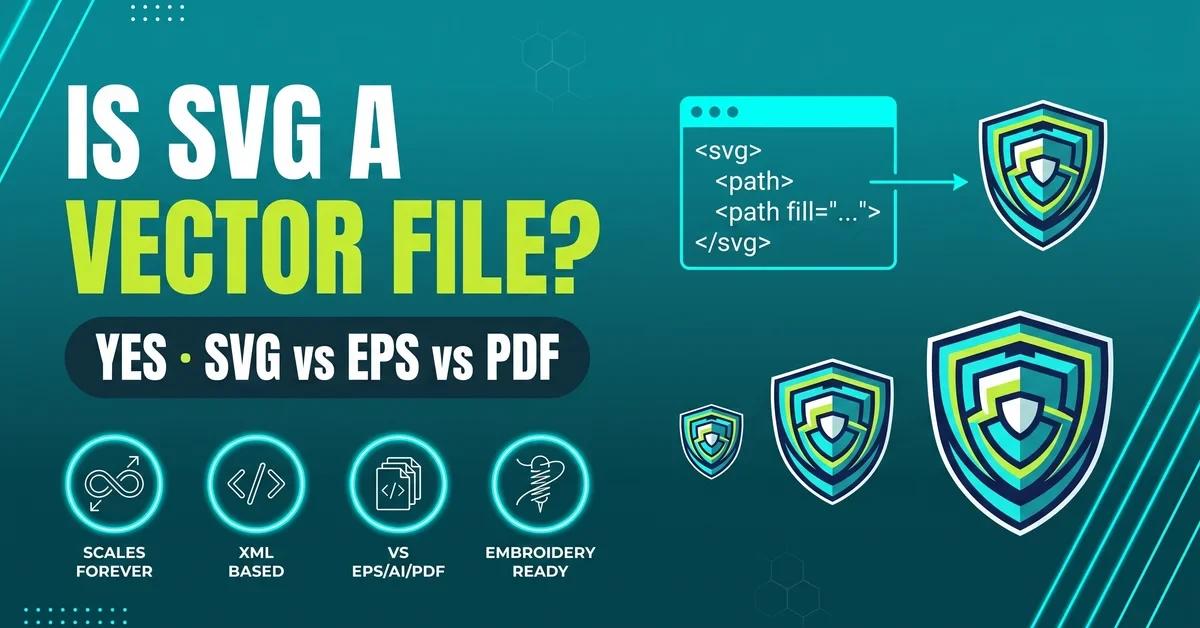


Yes, SVG (Scalable Vector Graphics) is a true vector file format. It stores images as mathematical path equations instead of a pixel grid, so an SVG logo scales from a favicon to a billboard without losing sharpness. Not every file with a .svg extension is purely vector — one can have a raster image embedded inside it — but a clean SVG is one of the best source files for web graphics, logo design, and embroidery digitizing.
If someone told you to submit your logo as an SVG file and you weren't sure why, you're asking the right question: is SVG a vector file? The short answer is yes — SVG is one of the most widely used true vector formats on the web. But "is it vector" and "is it embroidery-ready" are two different questions, and knowing the difference will save you time whether the file is headed to a website, a print shop, or a stitching machine.
True Digitizing reviews thousands of customer-submitted artwork files every year, and SVG is one of the most common — and most misunderstood — formats in that mix. This guide covers what makes SVG a true vector format, how it compares to EPS, AI, PDF, and PNG, where the "SVG vs vector" confusion actually comes from, and what to check before sending an SVG in for embroidery digitizing.
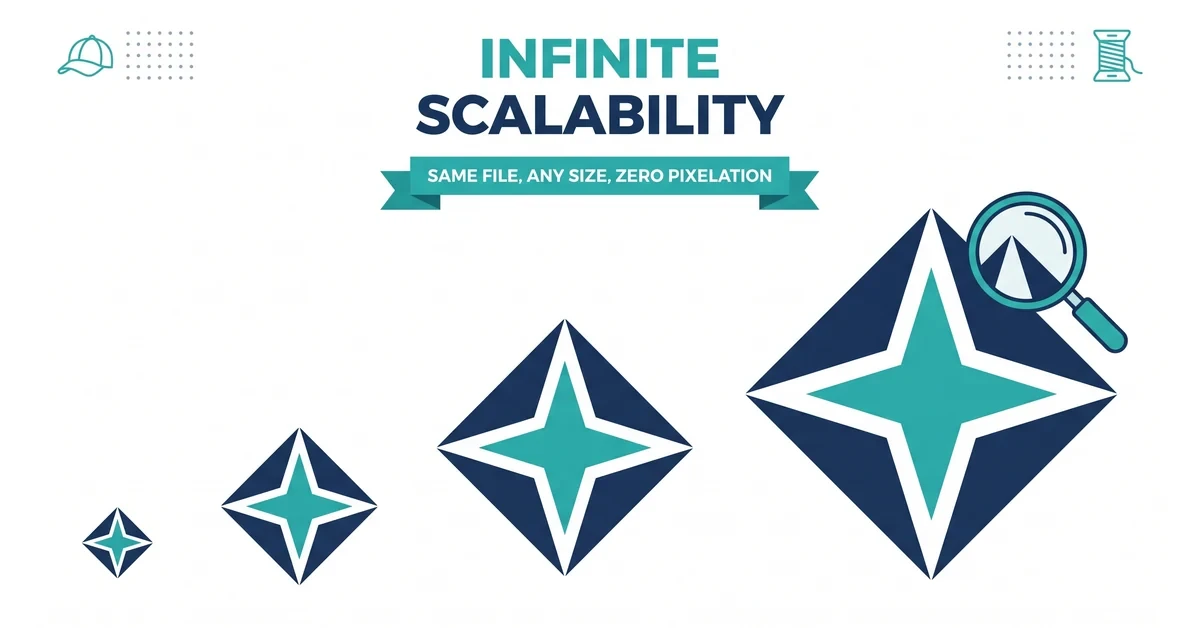
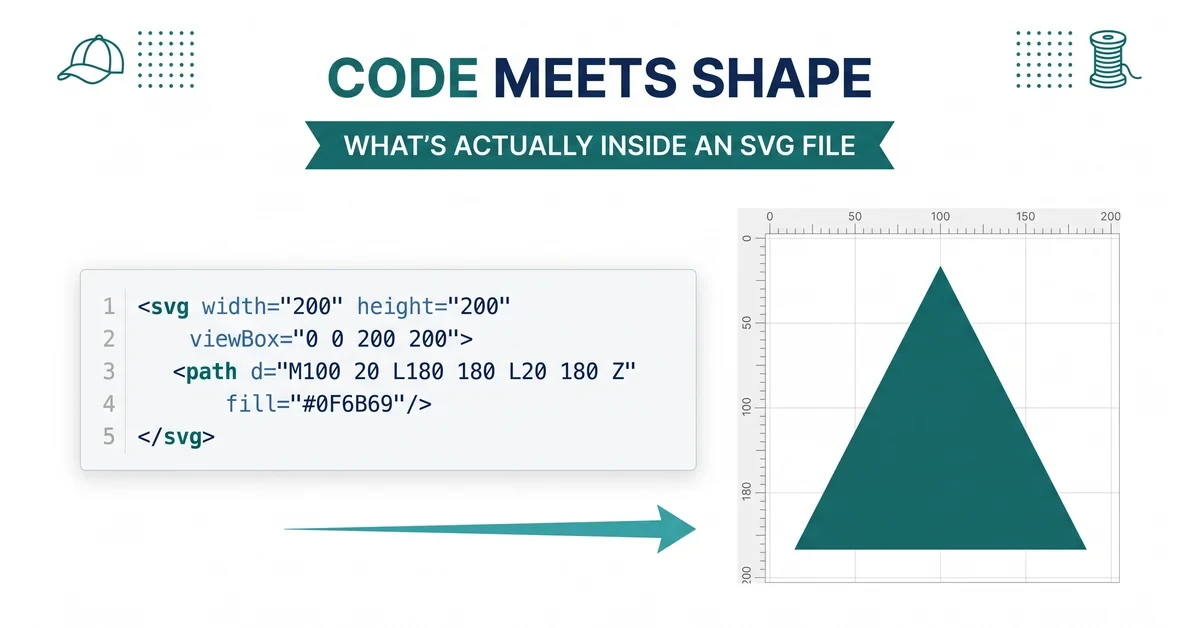
SVG stands for Scalable Vector Graphics, and yes, it is a true vector file format. Instead of storing an image as a fixed grid of colored pixels the way a JPEG or PNG does, an SVG file stores a set of mathematical instructions — points, lines, and curves — that get redrawn every time the image is displayed.
The W3C SVG 2 specification confirms this directly: SVG describes two-dimensional graphics using XML markup, where shapes are defined by geometry rather than pixel values. The World Wide Web Consortium first published the SVG standard in 1999, and it remains the only major vector format with native support in every modern browser — Chrome, Firefox, Safari, and Edge all render SVG without a plugin, a detail confirmed on MDN Web Docs.
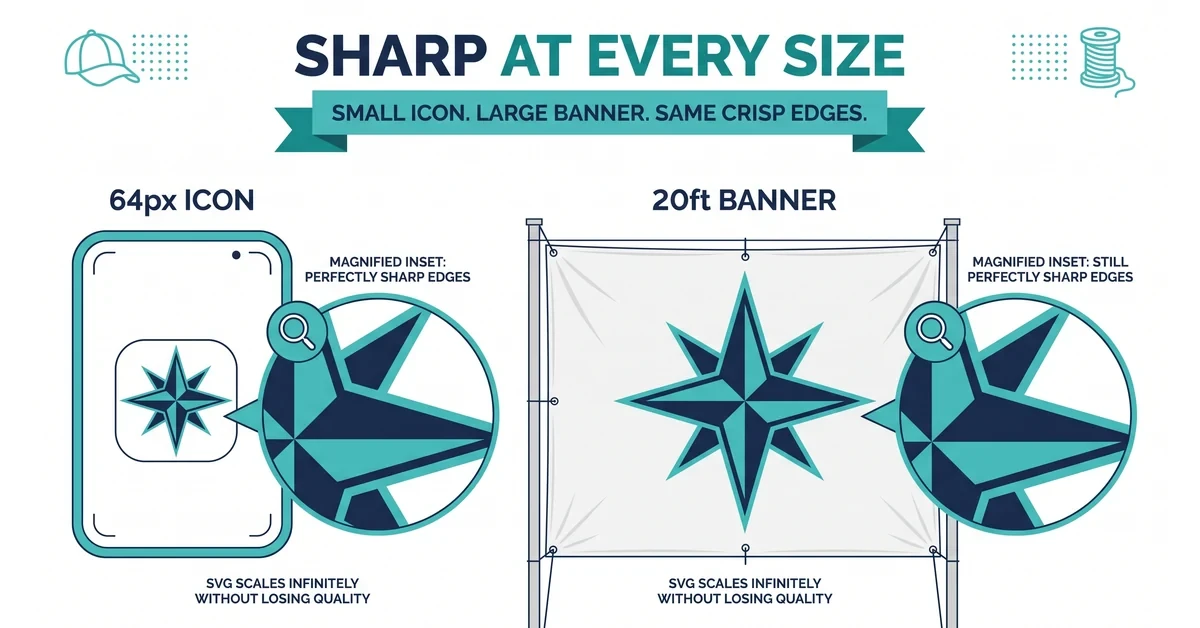
That's the same underlying logic behind every vector file: because the image is stored as math rather than pixels, an SVG logo can be resized from a favicon to a billboard and the edges stay perfectly sharp.
Every SVG file also defines a viewBox — a coordinate system that tells the browser or software how to map the internal path data to whatever pixel dimensions it's displayed at. That's the mechanism behind the scaling: there's no single "native resolution" for an SVG the way there is for a photo, because the same coordinate math is simply recalculated at output time.
"SVG" and "vector" aren't quite the same word, though. "Vector" describes the underlying method — math-based paths instead of pixels. SVG is one specific file format built on that method, the same way EPS, AI, and PDF are. So it's accurate to say SVG is a vector file, but not every vector file is an SVG, and — as covered below — not every file with a .svg extension is 100% pure vector data.
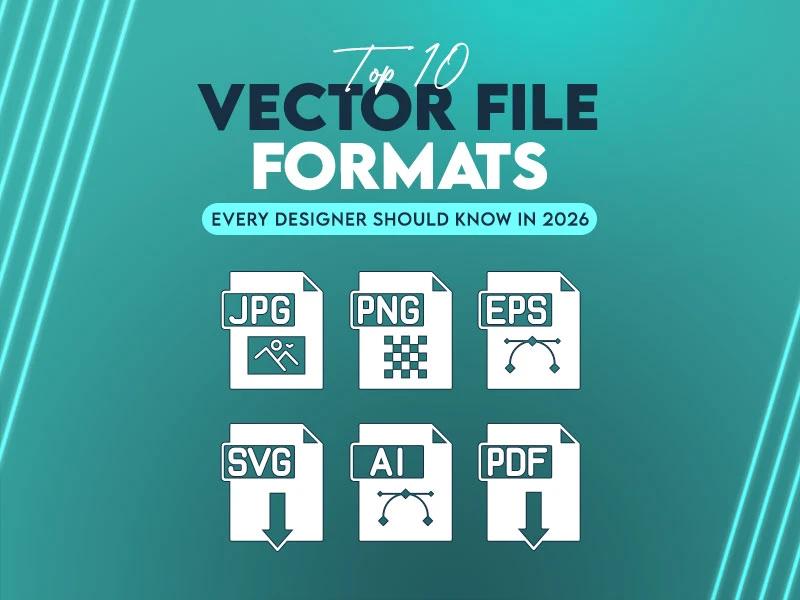
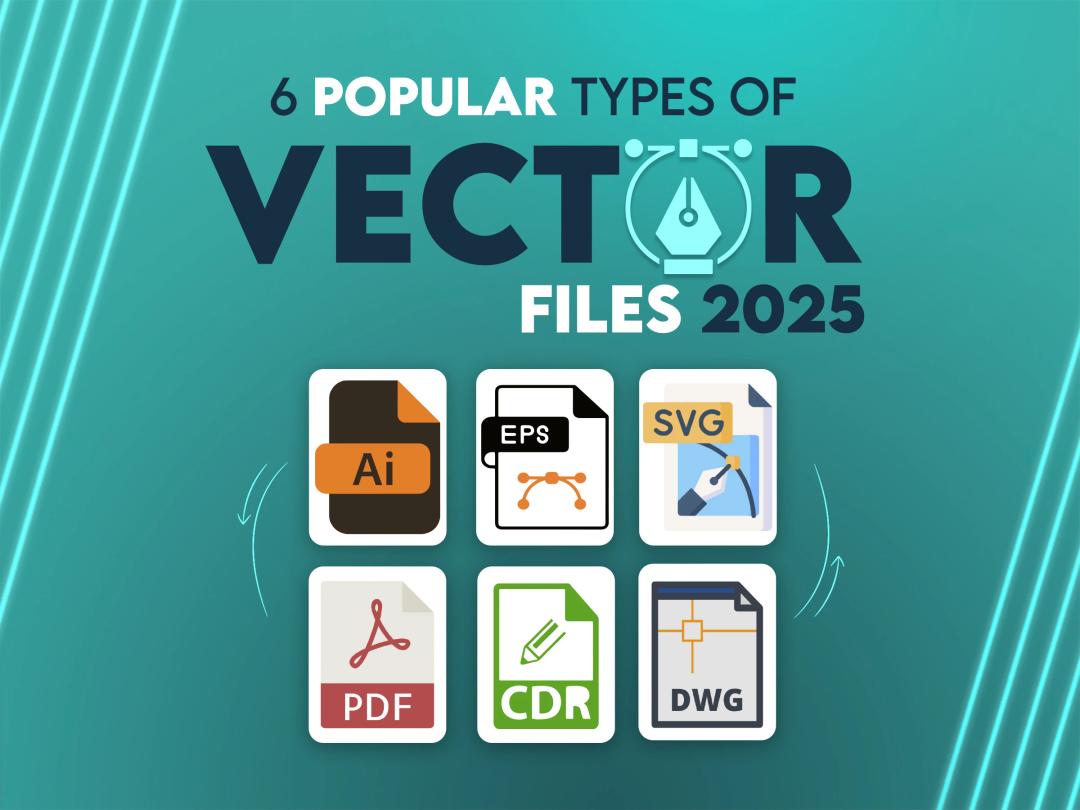
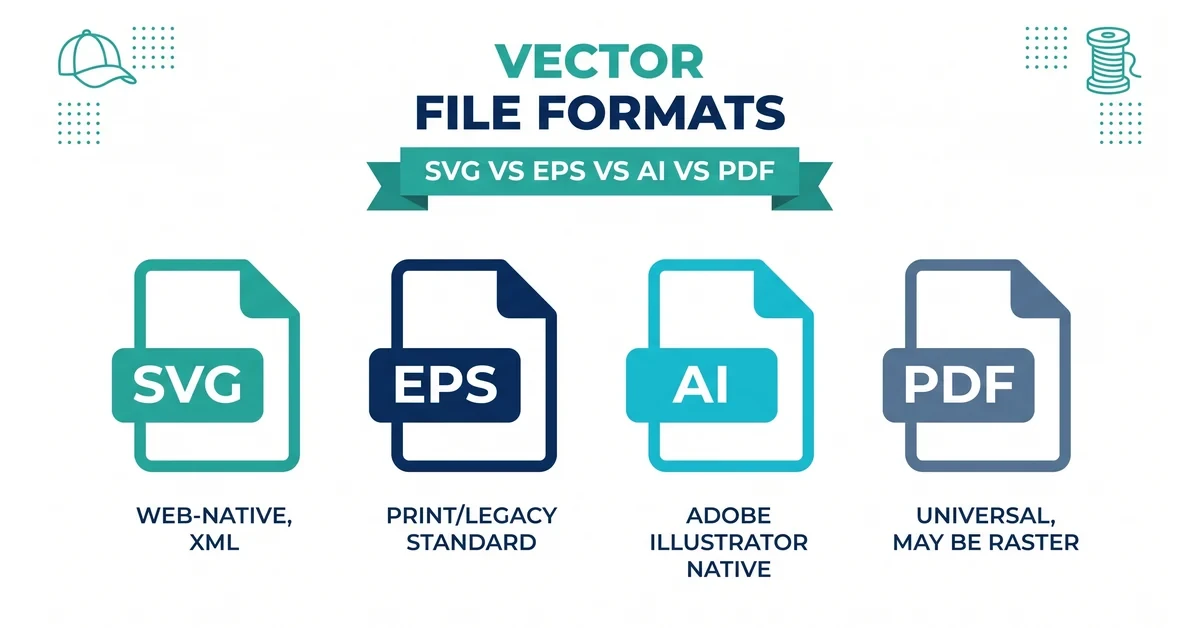
SVG is not the only vector format — EPS, AI, and PDF are vector formats too, and all four can store the same type of mathematical path data. The difference is in the workflow each one was built for.
| Format | Best Used For |
|---|---|
| SVG | Web graphics, app icons, and source files for embroidery digitizing |
| EPS | Commercial print and signage production pipelines |
| AI (Adobe Illustrator) | Layered, editable professional design work |
| Universal sharing and print-ready proofing |
In practice, SVG and EPS are the two most interchangeable of the four — both are equally strong source files for vector conversion or artwork cleanup work. The real difference is native browser support: SVG opens instantly in any browser tab, while EPS and AI typically require design software to view.
AI files carry the most editing power because they're Adobe Illustrator's native format — layers, effects, and text stay fully editable. The tradeoff is portability: an AI file usually needs Illustrator (or a compatible app) to open correctly, while an SVG or PDF can be viewed almost anywhere without special software. PDF sits in between — it's the safest format for sending a proof to a client or printer, since nearly every device can open one, but it isn't built for web display the way SVG is.
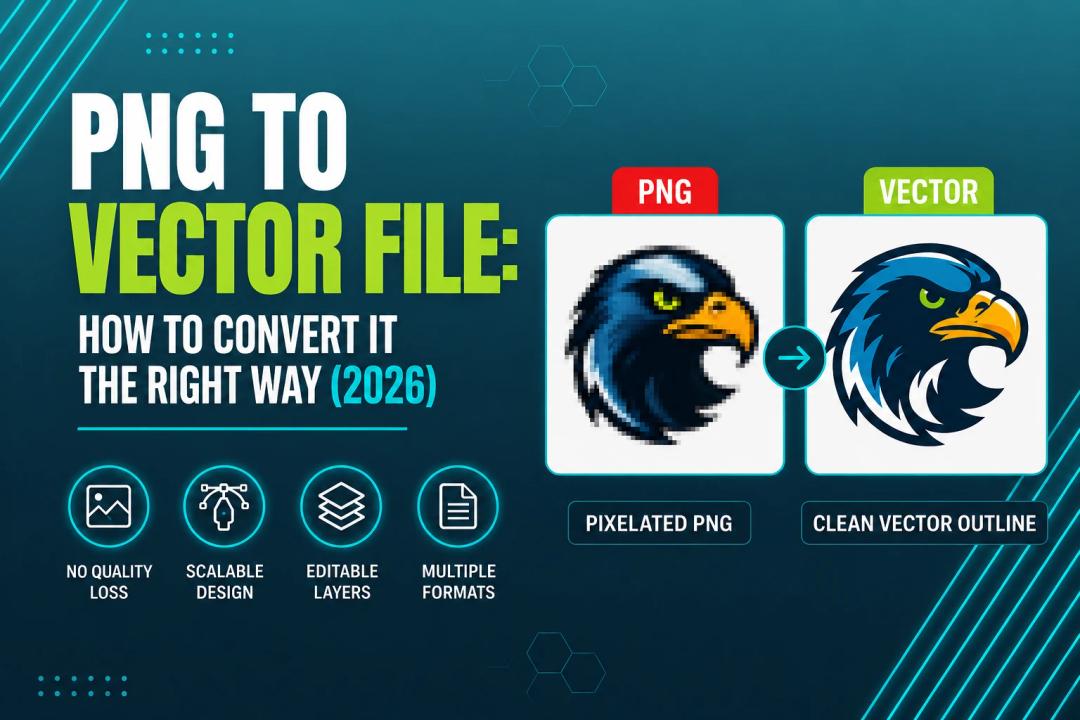
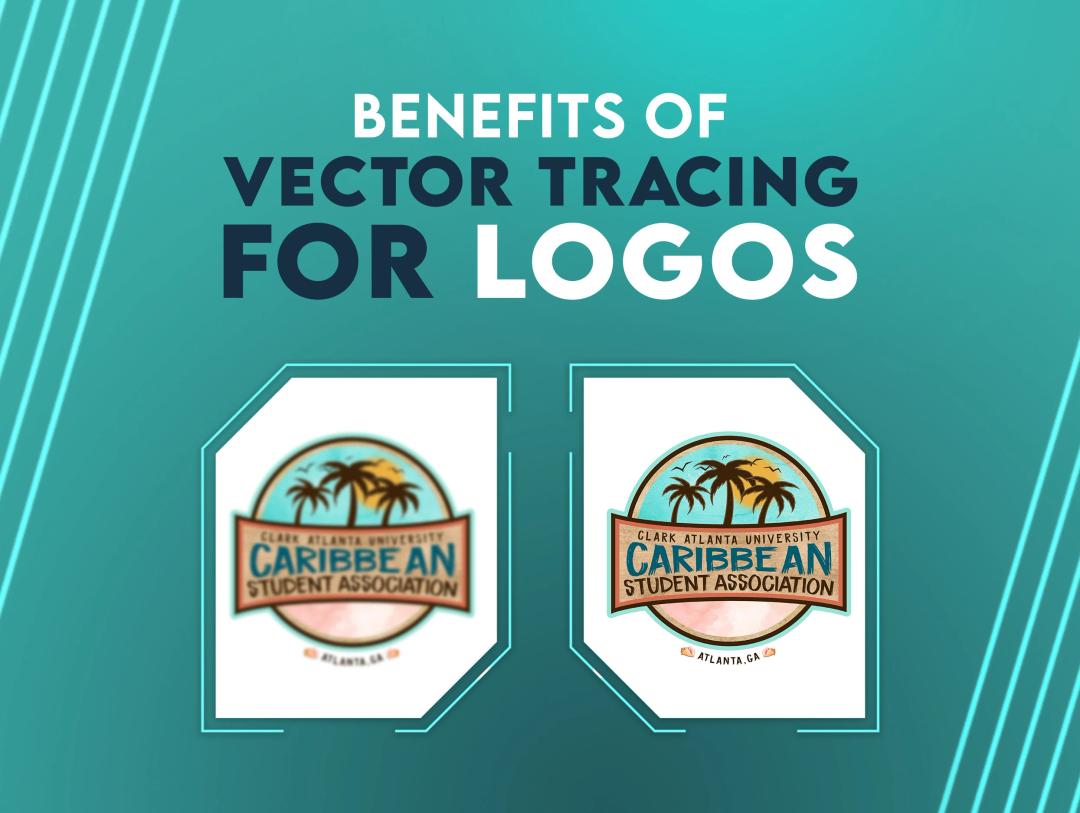
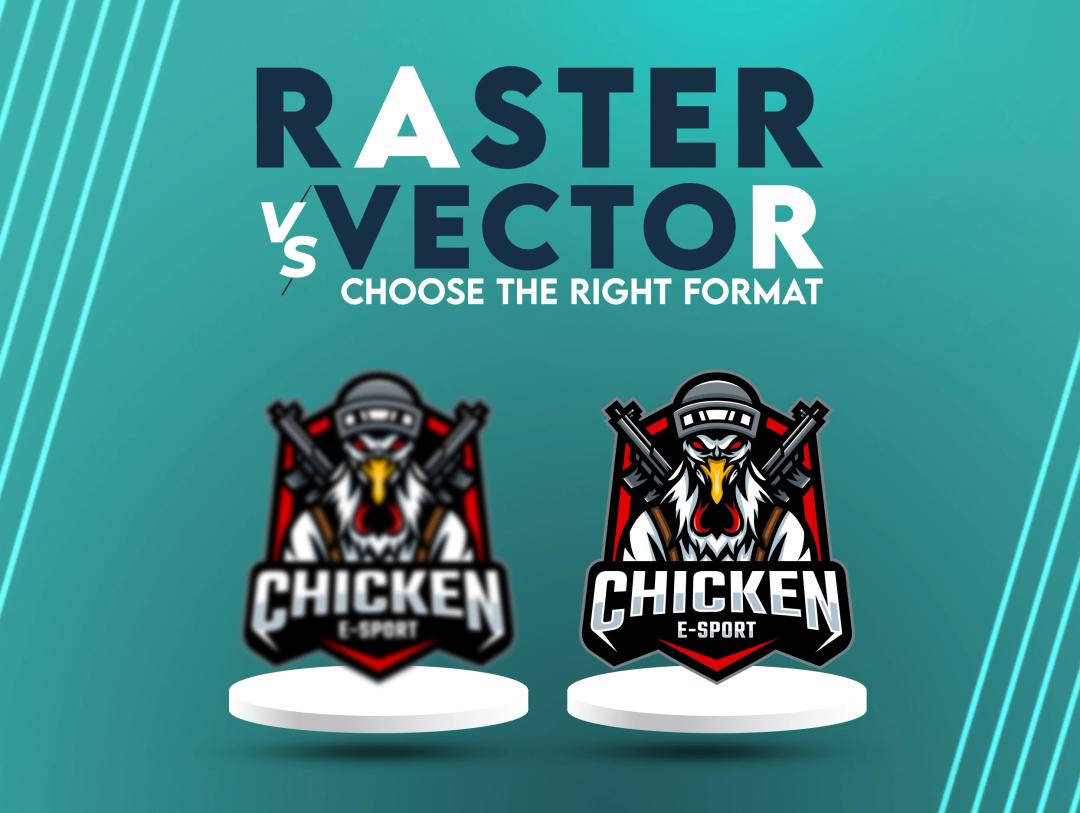
SVG and PNG are built on opposite principles. SVG stores images as vector paths, so it scales cleanly to any size. PNG stores images as a fixed grid of pixels — a format known as raster — which pixelates once you enlarge it past its original resolution. PNG files are not vector files, no matter how high their resolution is — a 4000px-wide PNG is still a pixel grid, and it will still show jagged edges if it's enlarged past that size.
This is why a logo file matters so much for downstream work. A PNG logo that looks fine on a webpage will often show jagged edges when blown up for a banner or sent for embroidery digitizing. An SVG version of the same logo holds its shape at any size.
A quick way to see the difference yourself: open a PNG logo and an SVG version of the same logo side by side, then zoom both in to 500%. The PNG will start to blur and show a visible pixel grid. The SVG will still look exactly as sharp as it did at normal size, because there's no fixed grid to run out of — just the same path equations being redrawn at a larger scale.
Have a Raster Logo That Needs to Become a Vector File?
True Digitizing has completed 20,000+ designs for USA customers over 13+ years, including converting raster logos into clean, scalable vector files. Send your file for a free quote.
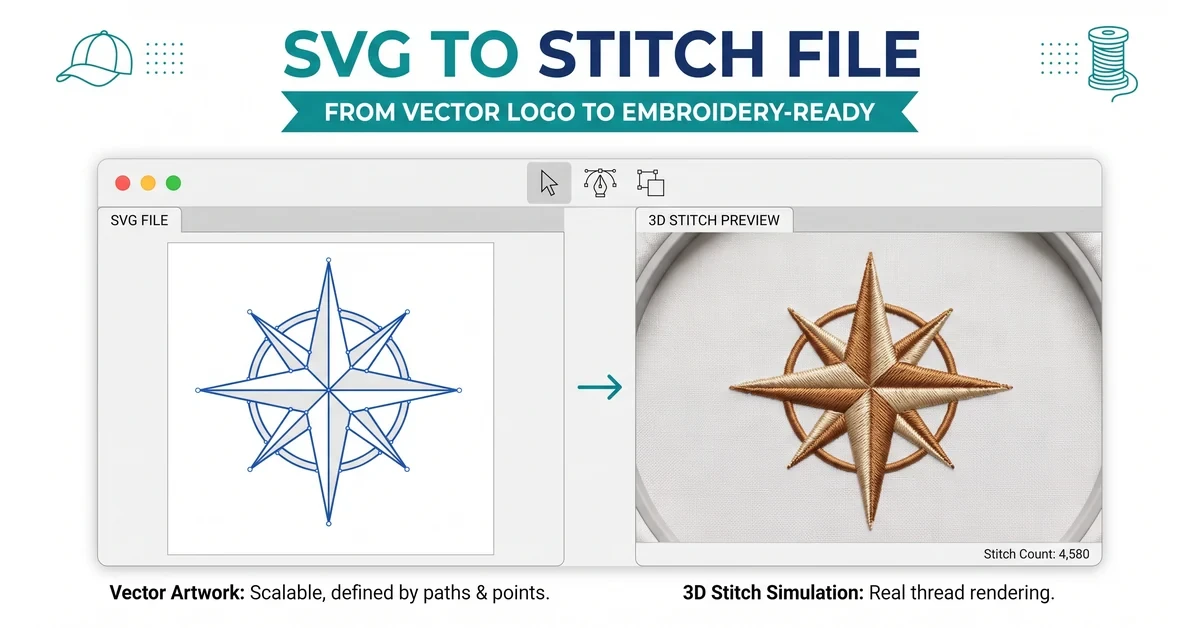
Get Vector Tracing Services — True DigitizingNo, embroidery machines cannot stitch an SVG file directly — but a clean SVG is one of the best source files to submit for embroidery digitizing. Machines require stitch-based formats such as DST, PES, or JEF, which describe individual needle movements rather than shapes. An SVG must first go through digitizing to become one of those formats.
The reason SVG works so well as a source file comes back to the same math-based paths covered above: precise vector outlines let a digitizer place stitches accurately along the true edge of a shape, rather than guessing at the boundary of a blurry raster image. If your SVG was already converted from another format, see this guide on how to convert SVG to PES for the exact steps involved.
This is also where the "is it vector" question actually matters in practice. General design references like Adobe and Wikipedia can confirm that SVG is a vector format, but they won't tell you whether your specific file is clean enough to digitize well. True Digitizing checks every incoming SVG for exactly that — path complexity, color separation, and embedded raster content — before it goes to a digitizer.
SVG is the right choice whenever a file needs to stay sharp across many sizes and load quickly. That covers website logos and icons, app graphics, and any artwork you plan to send for embroidery digitizing. It's a weaker fit for four-color print production, where EPS or a print-ready PDF is the industry standard.
If you're not sure which format a project calls for, a simple rule works most of the time: if the file needs to display on a screen at unpredictable sizes, choose SVG. If it needs to go to a commercial printer with exact color specifications, choose EPS or PDF. If it needs to be handed to a professional embroidery digitizer, SVG is the safest source file to send.
Ready to Turn Your SVG Into a Finished Embroidery Design?
True Digitizing delivers stitch-ready files within 24 hours — trusted by 5,000+ USA embroiderers. Send your SVG and get a stitch-ready file back fast.
Start My Order at True Digitizing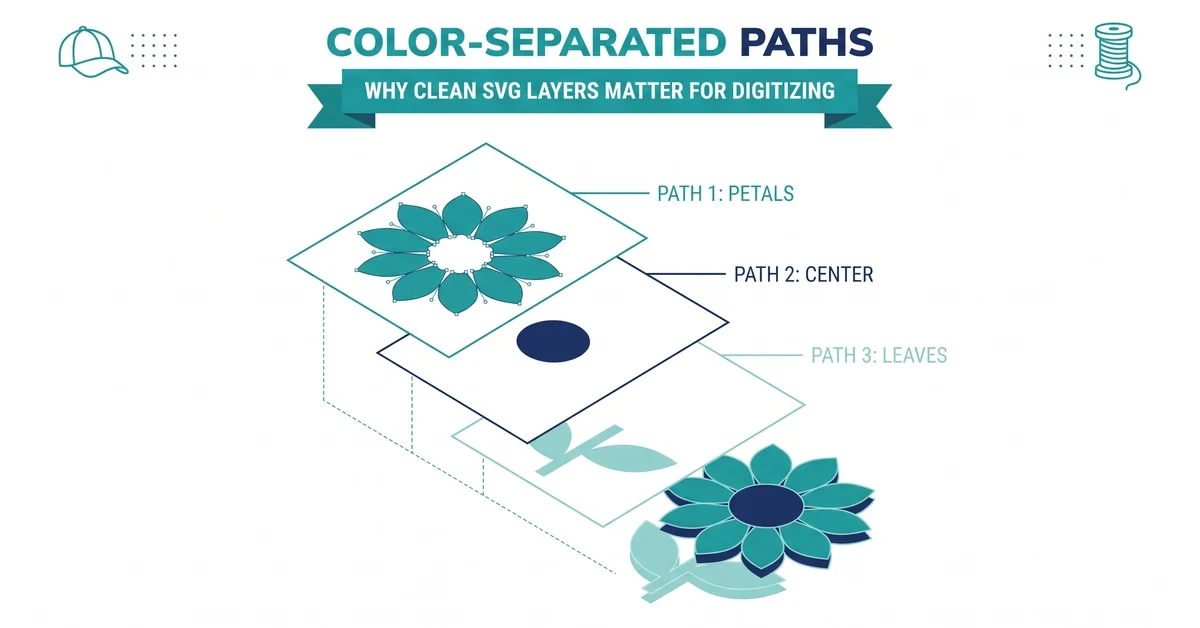
Whether to trace and digitize an SVG yourself or send it to a professional usually comes down to the complexity of the artwork and how the file will be used.
SVG's popularity as a vector format comes down to a handful of practical advantages:
A few recurring mistakes cause most of the SVG problems True Digitizing sees:
SVG earns its place as a true vector file because it's built on math, not pixels — and that same structure is exactly what makes it scale cleanly on the web and translate accurately into embroidery stitch files. Knowing when to reach for SVG instead of EPS, AI, PDF, or a raster format like PNG is the difference between a file that just works and one that causes rework down the line.
If you're preparing a file for embroidery specifically, the format question is only half the job — path cleanliness and color separation matter just as much as the file extension. When in doubt, sending the raw SVG to a professional digitizer costs less time than troubleshooting a stitch-out that didn't come out right.
True Digitizing has helped 5,000+ USA embroiderers get professional stitch files since 2013. Send your SVG and get an accurate DST or PES file back — fast.
Get My Design Digitized by True Digitizing →Fast turnaround · truedigitizing.com · 100% satisfaction guaranteed
TrueDigitizing's team of embroidery digitizers and file conversion experts — delivering practical guides for home hobbyists and commercial shops alike. Our specialists cover the full range of embroidery production: custom digitizing for machine embroidery, vector art conversion, and physical embroidered patch manufacturing — with a 6-hour turnaround on digital files and worldwide patch delivery in 5 business days. Every article we publish comes from the same people handling real production orders daily. When we write about stitch density, underlay settings, or file formats, it is because we work with these variables across hundreds of client files every week — not because we researched them from the outside.
Categories
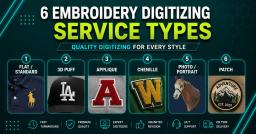
Embroidery Digitizing Services: Which Type Do You Need?
17-08-2026
How to Remove Embroidery From Any Fabric — Step-by-Step Guide 2026
15-07-2026
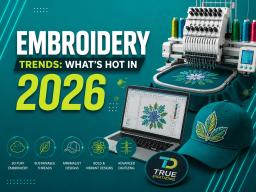
Embroidery Trends 2026: What's Hot in Machine & Hand Embroidery | TrueDigitizing
26-06-2026
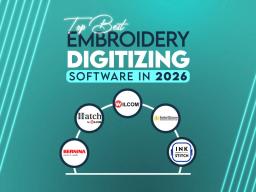
Top Best Embroidery Digitizing Software in 2026
06-05-2026
Best Multi-Needle Embroidery Machines for Startups (2026)
28-02-2026
DST File: The Complete Guide (What It Is, How to Create, Convert & Use in 2026)
28-02-2026
Janome 550E vs Baby Lock Flare | Best Mid-Range Embroidery Machine?
26-02-2026
Choose the Right Fabric for Embroidery
20-02-2026
Advanced Techniques in Embroidery Digitizing
19-02-2026

Most Common Types of Threads to Use in Machine Embroidery
12-02-2026
Asked Questions