




At True Digitizing, we transform your creative spark into flawless, high-quality embroidery digitized designs that bring your vision to life.
Our Blogs
We Accept

Copyright 2025 Truedigitizing






At True Digitizing, we transform your creative spark into flawless, high-quality embroidery digitized designs that bring your vision to life.
We Accept
Copyright 2025 Truedigitizing
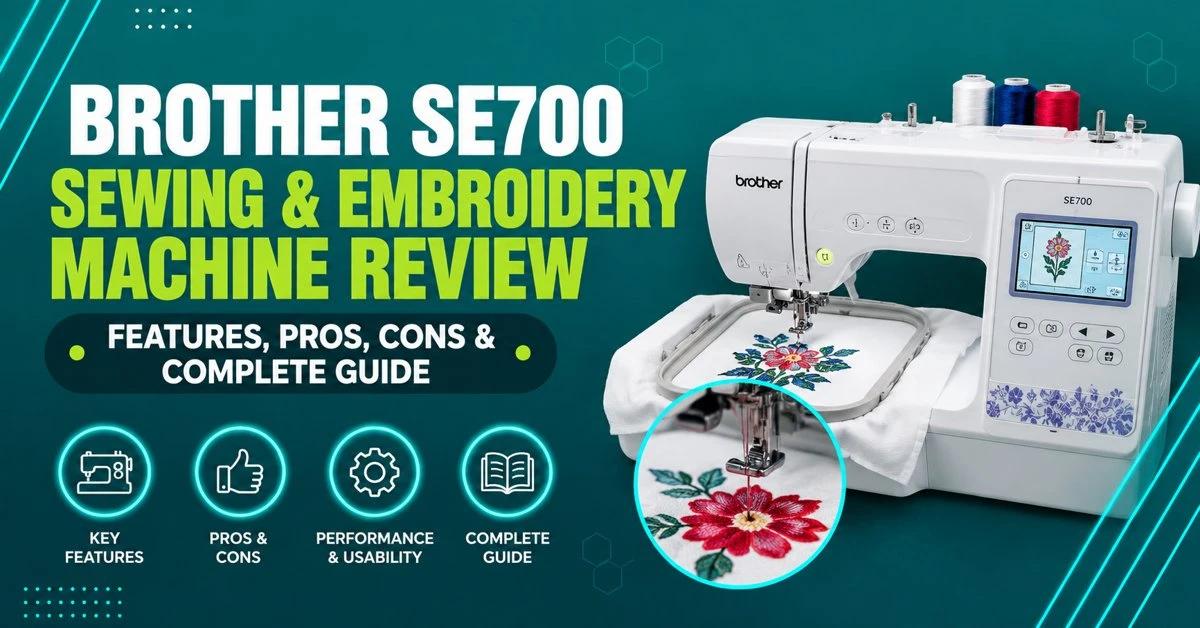


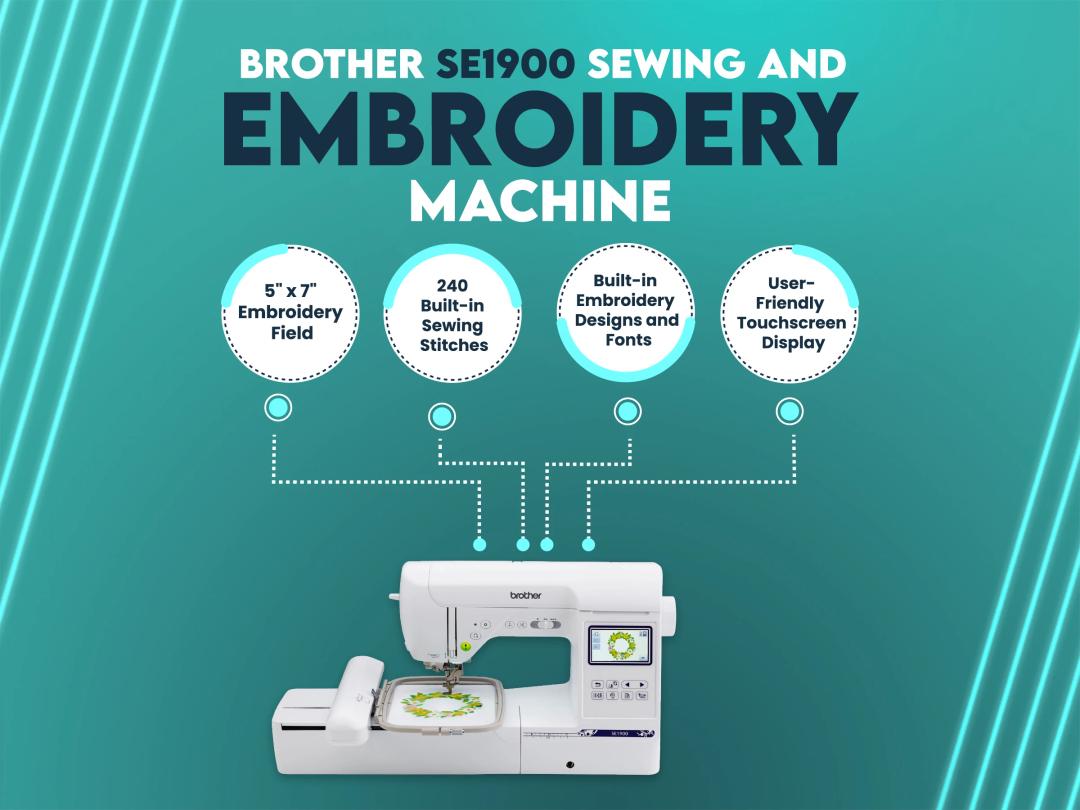
The Brother SE700 is a combination sewing and embroidery machine with a list price of $579.99, a 4"x4" embroidery field, 135 built-in designs, and 103 sewing stitches. It's a solid pick for beginners and small-batch home businesses, but its small hoop size means larger commercial jobs still need a professional digitizing service to prep files that stitch out cleanly.
The Brother SE700 sewing and embroidery machine is one of the most searched combo machines for home embroiderers in 2026, and for good reason: it lets you sew and embroider on one machine instead of buying two. True Digitizing gets asked about this exact model constantly by customers who send in artwork to be digitized for their SE700, so this guide pulls together the real specs, the real price, and the honest trade-offs — not just a spec-sheet reprint.
By the end of this guide, you'll know exactly what the SE700 can and can't do, how it stacks up against the Brother SE600, PE535, PE800, and the Singer Legacy SE300, what it actually costs versus its list price, and what to do once you've got a design ready to stitch.
Already own an SE700 and just need a design that stitches out clean?
True Digitizing has completed 20,000+ designs for USA embroiderers over 13+ years. Send us your artwork and we'll digitize it to fit the SE700's 4"x4" hoop without losing detail.
Get a Free Quote — True DigitizingHere's every core spec pulled straight from Brother's official SE700 product page, so you're not relying on a reseller listing that might be out of date.
| Spec | Brother SE700 |
|---|---|
| List Price (MSRP) | $579.99 |
| Warranty | 1-Year Labor / 2-Year Electrical / 25-Year Mechanical Limited Warranty |
| Built-In Embroidery Designs | 135 |
| Built-In Sewing Stitches | 103 |
| Embroidery Field | 4" x 4" (10cm x 10cm) |
| Max Sewing Speed | 710 stitches per minute |
| Display | 3.2" color LCD touchscreen |
| Connectivity | Wireless LAN (Wi-Fi) + USB, Artspira app support |
| Weight | 15.06 lbs |
| Dimensions | 7.76" x 16.50" x 12.09" |
| In-the-Box Accessories | 8 presser feet, needle set, bobbins, thread cutter, scissors, embroidery frame |
The warranty is worth reading closely rather than skimming as a single number. Brother splits SE700 coverage into three tiers: one year of labor coverage (Brother pays for repair labor), two years of electrical coverage (circuit boards, motors, and other electronic components), and 25 years of mechanical coverage (the metal frame and core mechanical parts). In practice, that means anything that breaks after year one — a touchscreen fault or a wiring issue, for example — still needs to go through an authorized Brother repair center, and you'd be covering the labor cost yourself once that first year is up.
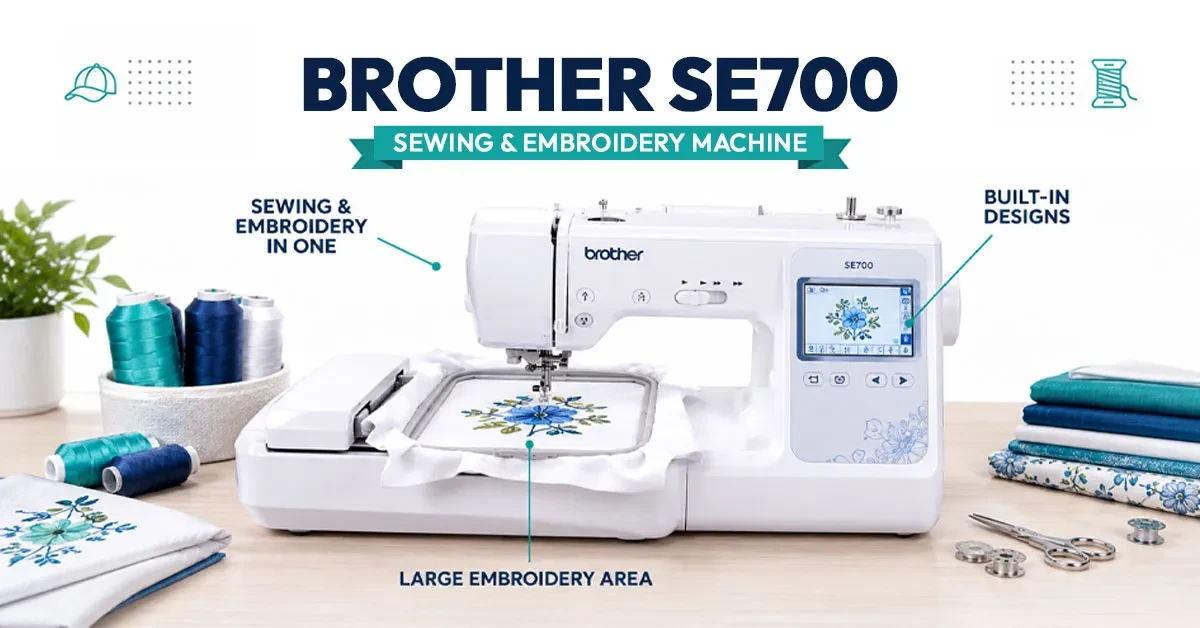
The SE700 ships with 135 built-in embroidery designs covering florals, monogram sets, and seasonal patterns, plus 10 built-in lettering fonts for names and monograms. Its embroidery field tops out at 4" x 4" (10cm x 10cm) — enough for a shirt pocket, a small patch, or a name, but too small for a full jacket back or an oversized design without splitting it into sections.
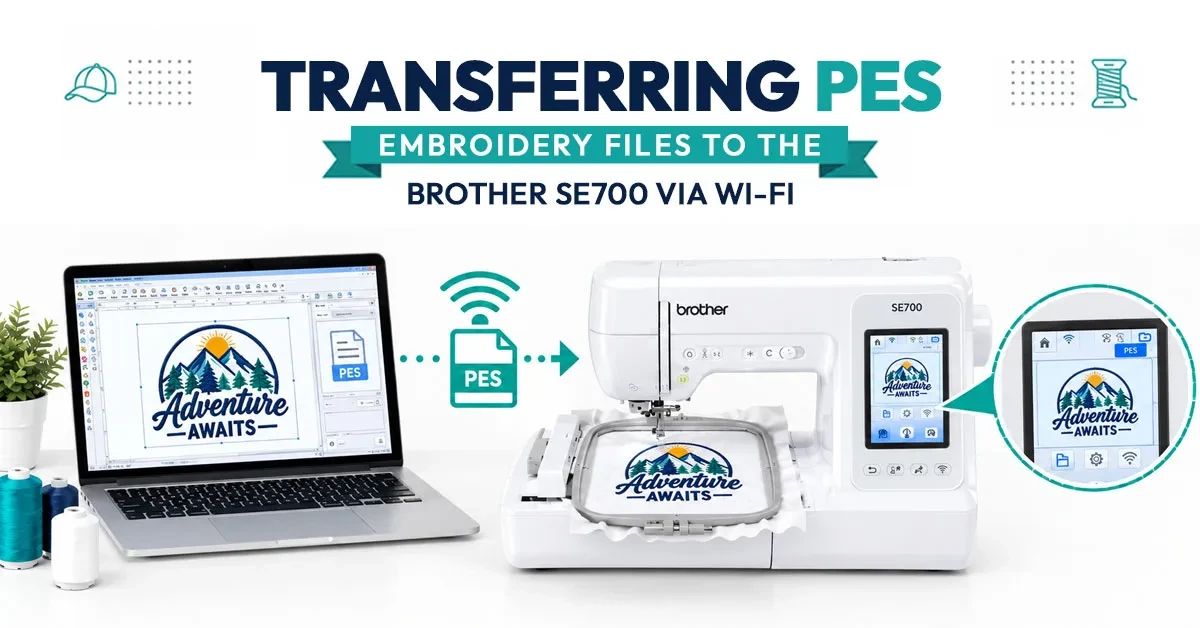
On the connectivity side, the SE700 supports both a wired USB transfer and wireless LAN (Wi-Fi), plus the Artspira mobile app for sending designs from a phone. It stops automatically at each thread color change, and its on-screen editing tools let you rotate, mirror, and resize a design before you stitch it — useful for centering a small logo inside that 4"x4" field.
One detail that matters more than it looks on paper: the on-screen positioning marker projects a virtual reference point onto the fabric so you can line a design up with a pocket edge or a garment seam before you start stitching. On a 4"x4" field, a design that's off-center by even a quarter inch is much more noticeable than the same error would be on a larger 5"x7" hoop, so this feature does real work here rather than being a nice-to-have.
If you're unboxing an SE700 for the first time, the embroidery side has a learning curve that's manageable but real. Start by attaching the embroidery unit to the machine base — it snaps into place and the machine will prompt you through a brief calibration. From there, hoop your fabric with a matching cutaway or tearaway stabilizer underneath; skipping the stabilizer is the single most common reason first-time embroiderers see puckering or shifted stitches.
Next, load your design either from a USB drive, over Wi-Fi, or through the Artspira app, and use the on-screen editing tools to confirm it fits inside the 4"x4" boundary with room to spare — designs digitized right up to the hoop's edge are far more likely to shift during stitching. Load your top thread and bobbin, run a quick test stitch on a fabric scrap that matches your project, and only then start the full design. The machine will pause automatically at each color change so you can swap thread without restarting.
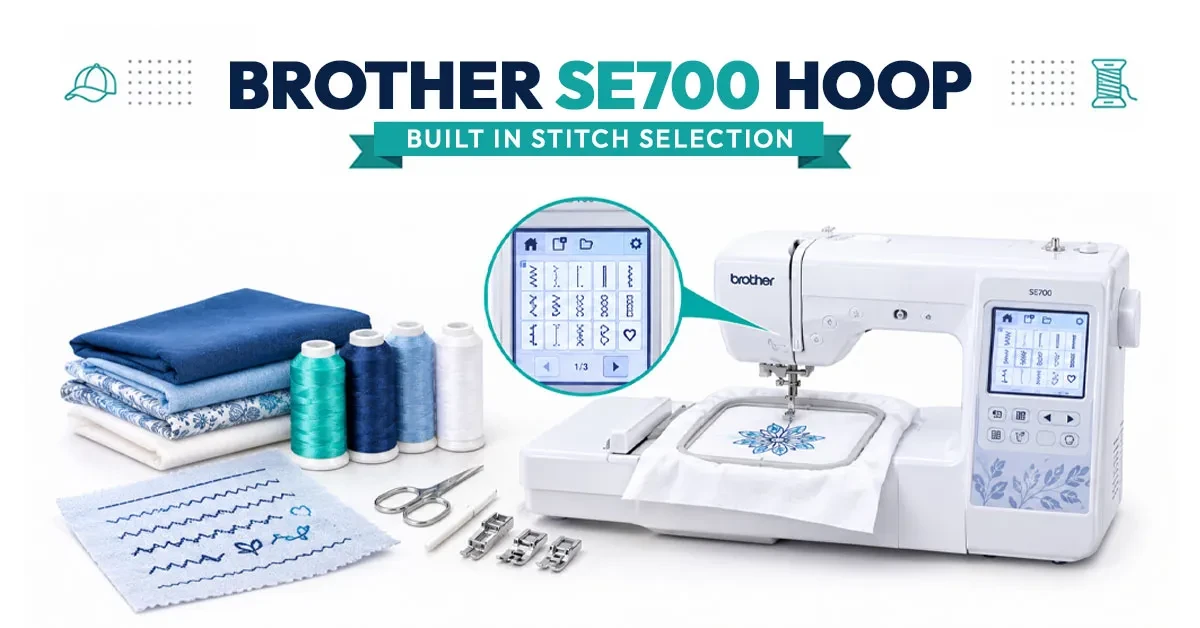
As a sewing machine, the SE700 includes 103 built-in stitches — utility, decorative, stretch, and quilting stitches — plus 10 one-step auto-size buttonholes. It sews at up to 710 stitches per minute, which is respectable for a combo machine, and includes a pivot function so the needle stays down in the fabric while you turn corners.
Convenience features include an automatic needle threader, an automatic thread cutter, a knee lifter for hands-free presser-foot control, a free arm for sleeves and cuffs, and drop-feed dogs for free-motion work. Brother's LED work-area lighting is also built in.
Where the sewing side earns its keep is in day-to-day usefulness beyond embroidery projects: hemming, garment construction, and quilting all draw on that 103-stitch library, and the auto needle threader and thread cutter save real time across a session of mixed sewing and embroidery work. It won't out-sew a dedicated high-speed industrial machine, but for household sewing paired with embroidery on the side, it covers the range most home sewists actually need.
A combo machine like the SE700 does double duty, so it collects lint and thread debris from both sewing and embroidery faster than a single-purpose machine. Clean out the bobbin case and feed dog area with a small brush after every few projects, and avoid canned air, which can push lint deeper into the mechanism instead of removing it.
Change the needle regularly — a dull or bent needle is one of the most common causes of skipped stitches and thread breaks, and it's cheap to rule out before assuming a bigger mechanical issue. Keep the machine covered when it's not in use to limit dust buildup on the touchscreen and embroidery unit, and stick to Brother-recommended bobbins and needles; off-brand parts are a common source of tension problems reported in owner forums.
Spec sheets don't tell you how a machine actually feels to live with, so it's worth weighing what shows up repeatedly in owner discussions like the r/Machine_Embroidery SE700 thread. Three themes come up consistently: first, the touchscreen and menu system take a few projects to get comfortable with, especially for anyone who hasn't used a computerized machine before. Second, the 4"x4" field is rarely mentioned as a problem for gifts, monograms, and small logos, but it comes up often from anyone eyeing paid orders at volume. Third, hooping mid-weight knits and thicker fabrics correctly — with the right stabilizer and hoop tension — makes a bigger difference to stitch quality than any setting on the machine itself.
None of this contradicts Brother's own spec sheet — it just fills in the gap between what the machine can technically do and what it's actually like to use it as a beginner or small-business owner.
| Pros | Cons |
|---|---|
| 135 built-in designs, no extra purchase needed to start | Small 4"x4" embroidery field limits design size |
| Wireless LAN transfer, no USB stick required | Only 10 built-in embroidery fonts |
| Combo machine — sews and embroiders without switching devices | Not built for high-volume commercial runs |
| 710 spm sewing speed, competitive for a combo machine | Touchscreen menus can feel dense to first-time users |
| Auto needle threader, thread cutter, and knee lifter included | Bulky or thick fabrics can strain hooping and tension |
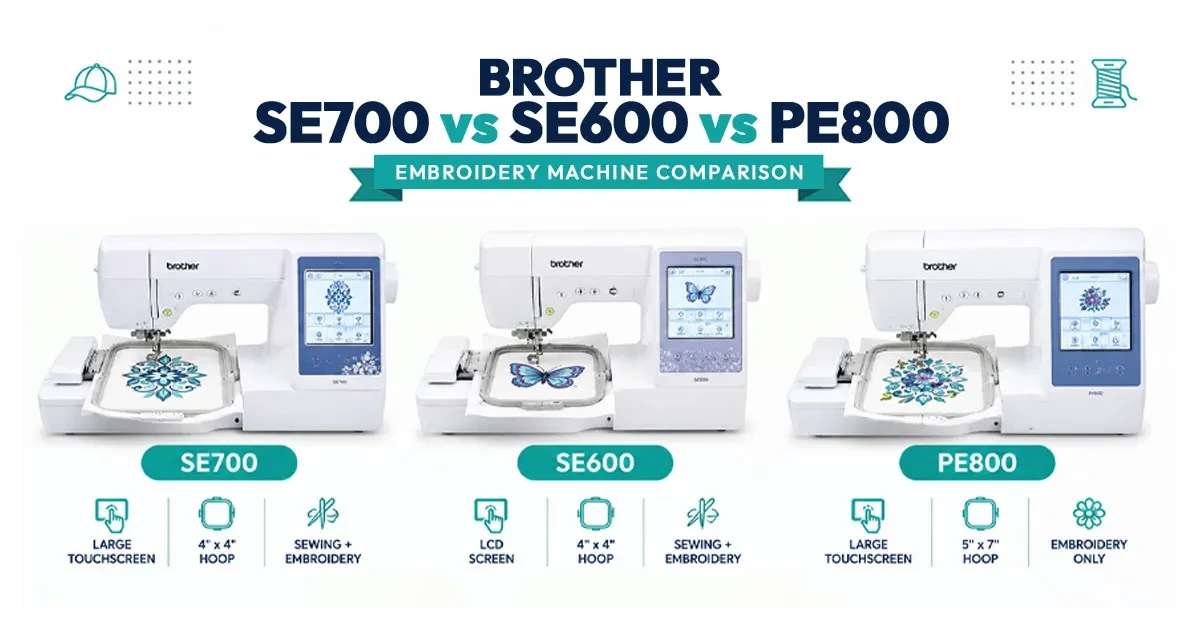
| Spec | SE700 | SE600 | PE535 | PE800 |
|---|---|---|---|---|
| Machine Type | Combo | Combo | Embroidery only | Embroidery only |
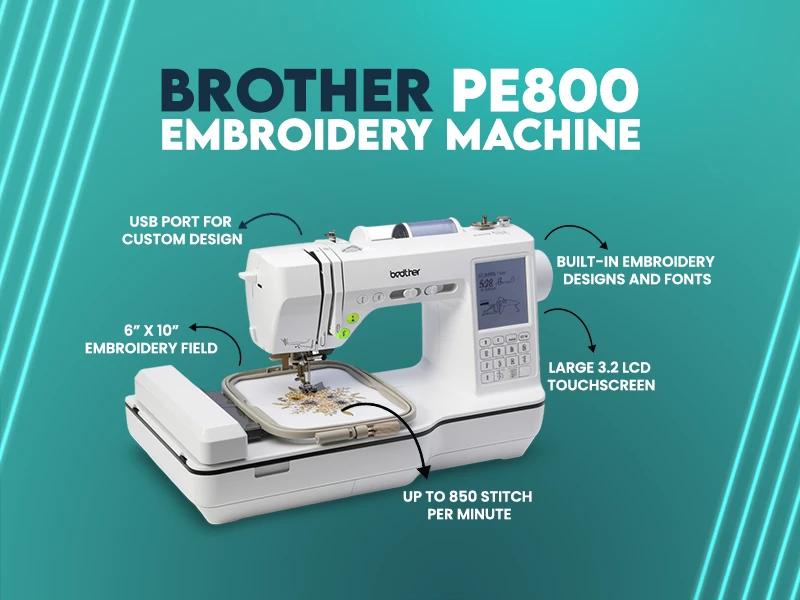
| Embroidery Field | 4"x4" | 4"x4" | 4"x4" | 5"x7" |
| Built-In Designs | 135 | ~80 | 80 | 138 |
| Sewing Stitches | 103 | 103 | None | None |
| Connectivity | Wi-Fi + USB + app | USB only | USB only | USB |
| Best For | Sewing + embroidery in one | Budget combo buyers | Embroidery-only hobbyists | Larger embroidery only |
Bought your SE700 but the design file isn't stitch-ready?
True Digitizing delivers stitch-ready files within 24 hours — trusted by 5,000+ USA embroiderers. We'll size and digitize your logo or artwork specifically for a 4"x4" hoop so it stitches cleanly the first time.
Start My Order at True DigitizingMost SE700 issues trace back to a handful of root causes rather than a defective machine. Thread breaking or shredding is usually a tension setting that's too tight, a needle that's the wrong size for the thread weight, or a needle that's been in use too long — swap the needle first before adjusting anything else. Puckered fabric around a design almost always means the stabilizer was skipped or was too light for the fabric weight; a cutaway stabilizer handles knits and stretch fabrics better than a tearaway.
Designs shifting mid-stitch typically comes from a hoop that wasn't tightened enough, or fabric that was hooped with the stabilizer loose underneath rather than taut. Wireless transfer not connecting is most often a router or network-name issue rather than a machine fault — reconnecting the SE700 to the Wi-Fi network from scratch, rather than assuming it will reconnect automatically after a router restart, resolves most of these reports.
The Singer Legacy SE300 is the combo machine shoppers most often cross-shop against the SE700, since both sit in a similar beginner-to-intermediate price bracket. The SE700's biggest edges are its wireless LAN transfer (the SE300 relies on USB) and its larger 135-design library. The SE300 is worth a look mainly for buyers who specifically prefer Singer's stitch-quality reputation on the sewing side or who find a better sale price on it — on embroidery capability alone, the SE700's 4"x4" field and Wi-Fi support make it the stronger all-around combo pick.
At a $579.99 list price, the SE700 sits in the mid-range for combo machines — more than an entry-level embroidery-only model like the PE535, but less than dedicated larger-hoop machines. What you're paying for is the convenience of one machine instead of two, wireless design transfer, and a sewing side that can genuinely handle everyday garment work, not just embroidery.
Where the value proposition breaks down is scale: if you're planning to take on paid embroidery orders beyond occasional gifts or small-batch items, the 4"x4" field will start working against you on anything larger than a pocket logo, and you'll be resizing or splitting designs more than you'd like.
Run the math on a realistic use case: a hobbyist stitching gifts and small personal projects a few times a month will likely use the SE700 for years before the hoop size becomes a real limitation, which makes the $579.99 list price a reasonable one-time cost. A small business owner taking on custom orders, on the other hand, may recoup the machine's cost faster but will hit the 4"x4" ceiling sooner — at which point outsourcing larger designs to a digitizing service, or upgrading to a bigger-hoop machine like the PE800, becomes the more efficient path than fighting the hoop size on every order.
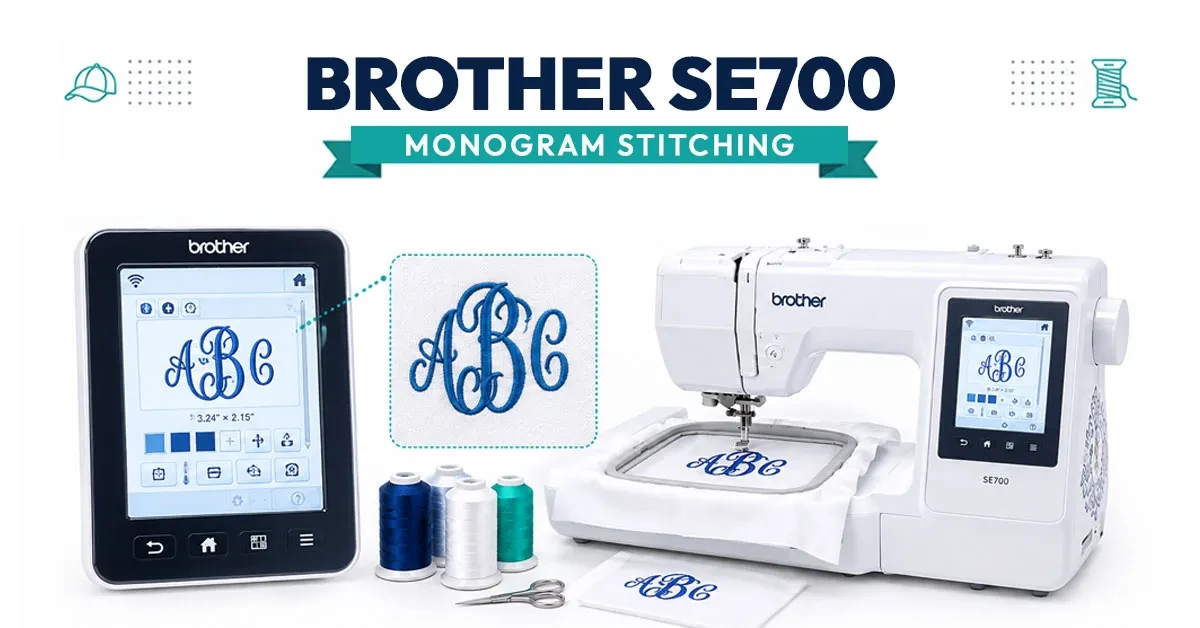
Pulling everything above together — the specs, the real owner feedback, and the pricing math — here's the short version of who the SE700 actually fits.
Brother sells the SE700 directly and through authorized retailers, and buying from an authorized seller matters more than it sounds: it's what keeps the warranty tiers described earlier valid. Before buying anywhere, check Brother's official SE700 listing for the current price and authorized-retailer list so you can confirm any deal you're looking at is a genuine discount off the $579.99 list price rather than a gray-market listing that could complicate a warranty claim.
The SE700 reads embroidery files in Brother's native .PES format, so any artwork you want to stitch — a logo, a monogram layout, or hand-drawn art — needs to be converted into a proper stitch file first, not just resized to fit the hoop. A file that's digitized without accounting for the SE700's 4"x4" limit can end up with dense fill areas that pucker fabric or thread breaks mid-design.
If your artwork starts as a logo or flat image rather than a hand-drawn sketch, True Digitizing's vector tracing service cleans it up into a crisp, scalable file before digitizing — which matters even more on a small 4"x4" field where every stitch has to count. From there, True Digitizing's custom embroidery digitizing service converts it into a properly sequenced .PES file sized specifically for your hoop.
If a design was originally digitized for a different machine or a larger hoop, it usually isn't a straight resize job for the SE700 — stitch density, underlay, and pull compensation all need to be recalculated for the smaller field, or fine detail gets lost and fabric puckers. That's a common reason a design that stitched out fine on someone else's larger-hoop machine doesn't translate cleanly to a 4"x4" field without being redigitized specifically for it.
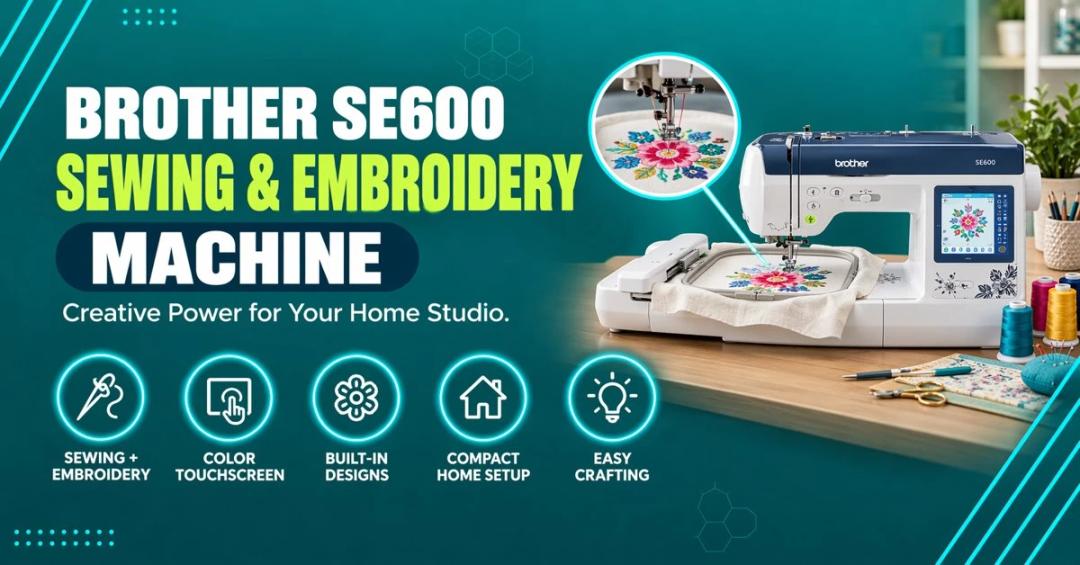
If you're building out a small embroidery setup around the SE700, it's also worth reading up on how a larger hoop machine like the Brother PE800 compares once you outgrow the 4"x4" field, how the step-down Brother SE600 differs if budget is the deciding factor, and our roundup of the best Brother embroidery machines for beginners if you're still comparing models before you buy.
True Digitizing has helped 5,000+ USA embroiderers get professional stitch files since 2013. We'll digitize and size your logo or artwork specifically for the SE700's 4"x4" hoop so it stitches cleanly the first time.
Get My Design Digitized by True Digitizing →Fast turnaround · truedigitizing.com · 100% satisfaction guaranteed
TrueDigitizing's team of embroidery digitizers and file conversion experts — delivering practical guides for home hobbyists and commercial shops alike. Our specialists cover the full range of embroidery production: custom digitizing for machine embroidery, vector art conversion, and physical embroidered patch manufacturing — with a 6-hour turnaround on digital files and worldwide patch delivery in 5 business days. Every article we publish comes from the same people handling real production orders daily. When we write about stitch density, underlay settings, or file formats, it is because we work with these variables across hundreds of client files every week — not because we researched them from the outside.
Categories
Embroidery Backing Guide: Types & How to Choose (2026)
11-10-2026
Embroidery Digitizing Services: Which Type Do You Need?
17-08-2026
How to Remove Embroidery From Any Fabric — Step-by-Step Guide 2026
15-07-2026
Is SVG a Vector File? Yes — SVG vs EPS, PNG, PDF Vector Formats you need to know
08-07-2026
Embroidery Trends 2026: What's Hot in Machine & Hand Embroidery | TrueDigitizing
26-06-2026
Top Best Embroidery Digitizing Software in 2026
06-05-2026
Best Multi-Needle Embroidery Machines for Startups (2026)
28-02-2026
DST File: The Complete Guide (What It Is, How to Create, Convert & Use in 2026)
28-02-2026
Janome 550E vs Baby Lock Flare | Best Mid-Range Embroidery Machine?
26-02-2026
Choose the Right Fabric for Embroidery
20-02-2026
Asked Questions