At True Digitizing, we transform your creative spark into flawless, high-quality embroidery digitized designs that bring your vision to life.
Our Blogs
We Accept

Copyright 2025 Truedigitizing


At True Digitizing, we transform your creative spark into flawless, high-quality embroidery digitized designs that bring your vision to life.
We Accept
Copyright 2025 Truedigitizing
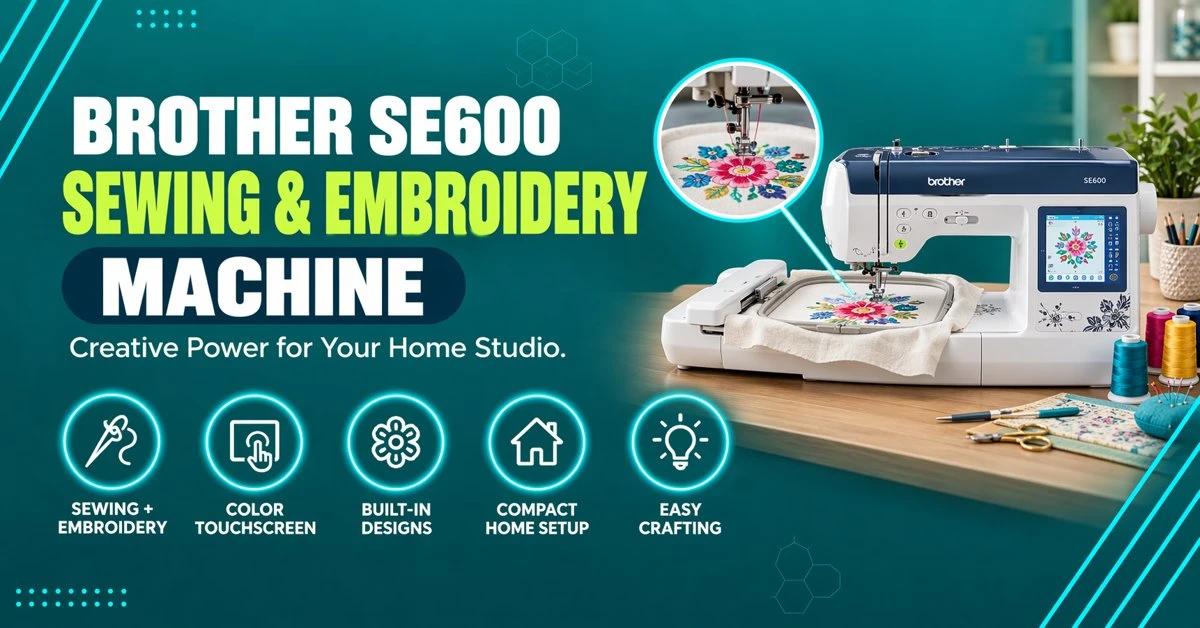


The Brother SE600 is a combination sewing and embroidery machine with a 4x4 inch hoop, 103 built-in stitches, 80 embroidery designs, and a 3.2 inch touchscreen, priced roughly $499 to $570+ depending on the retailer as of mid-2026. It's a solid choice for beginners and home crafters, but if you want a bigger screen, Wi-Fi design transfer, or more built-in designs, the step-up Brother SE700 is worth comparing before you buy.
The Brother SE600 embroidery machine is one of the most searched-for entry-level combination machines in the USA, and for good reason: it sews and embroiders in one unit without the price tag of a commercial setup. True Digitizing works with home crafters and small embroidery businesses across the country who own an SE600, and this guide covers what the machine actually does well, where it falls short, real current pricing, and how it stacks up against its closest siblings, the Brother SE625 and Brother SE700.
By the end of this guide you'll know the SE600's full spec sheet, an honest pros and cons breakdown, a side-by-side comparison table against the SE625 and SE700, who should buy the SE600 versus who should spend a bit more, and answers to the most common questions owners ask about hoop size, file formats, and needle breakage.
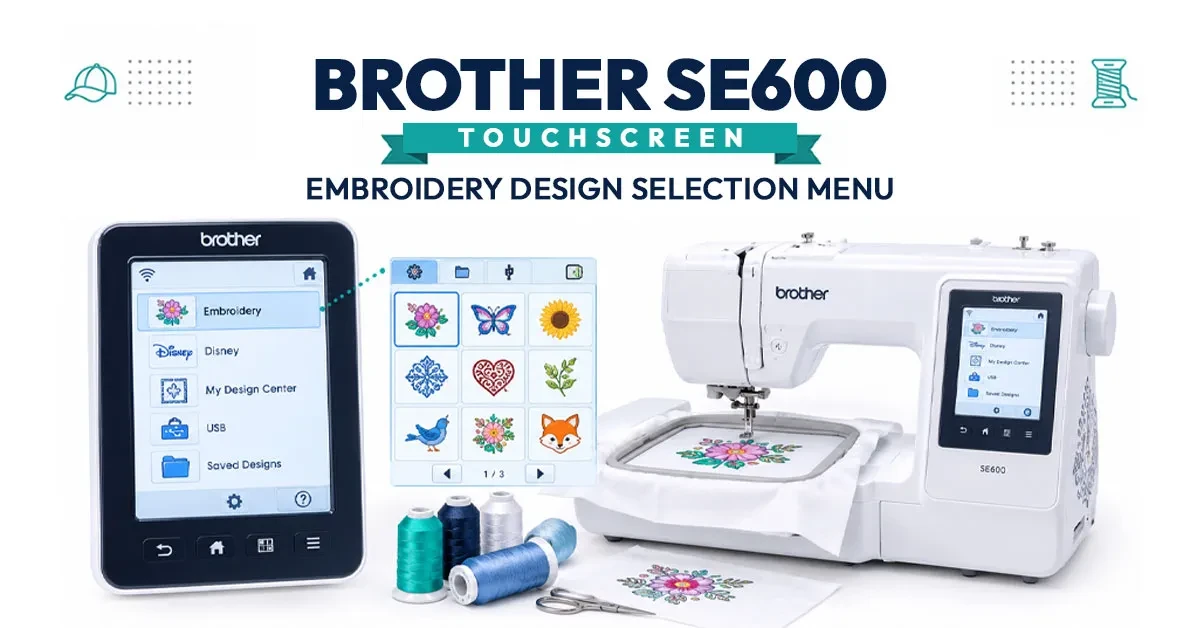
The Brother SE600 combines a sewing machine and an embroidery machine in a single compact unit. Here's what's actually inside the box, according to Brother's official spec sheet:
One caveat worth repeating up front: the SE600 does not support chenille embroidery or 3D puff embroidery out of the box. If your project calls for raised, textured puff stitching — common on caps and hat crowns — you'll need a machine built for that or a specialty attachment, and your stitch file needs to be digitized specifically for puff from the start; see True Digitizing's 3D puff embroidery digitizing service for how that process works.
A Great Machine Still Needs a Great Stitch File
True Digitizing has completed 20,000+ designs for USA embroiderers over 13+ years. Even the best SE600 setup will produce puckered, misaligned results if the underlying design isn't digitized correctly for your fabric and hoop size.
Get a Free Quote — True DigitizingNo machine is perfect for every project. Here's an honest breakdown based on the SE600's actual capabilities and known limitations.
Brother sells three closely related combination machines, and shoppers regularly confuse them. Here's exactly how the SE600 compares to the SE625 and the step-up SE700.
| Feature | Brother SE600 | Brother SE625 | Brother SE700 |
|---|---|---|---|
| Hoop size | 4x4 in | 4x4 in | 4x4 in |
| Screen size | 3.2 in touchscreen | 3.2 in touchscreen | 3.7 in touchscreen |
| Built-in designs | 80 | More than SE600 | 135 |
| Built-in fonts | 6 | 6 | 10 |
| Sewing stitches | 103 | 103 | 103 |
| Embroidery speed | 710 SPM | 710 SPM | 710 SPM |
| Wi-Fi / app transfer | ✗ | ✗ | ✓ Brother Artspira app |
| Knee lifter / AHA | ✗ | ✗ | ✓ Both included |
| Faceplate finish | Silver / gray | Gold / light brown | Black / gray |
| Typical price position | Entry-level, ~$499-$570+ | Similar to SE600 | Step-up, but has been spotted cheaper than SE600 on Amazon |
| Standout feature | Best basic value | Cosmetic upgrade, same core specs | Wireless design transfer + bigger screen |
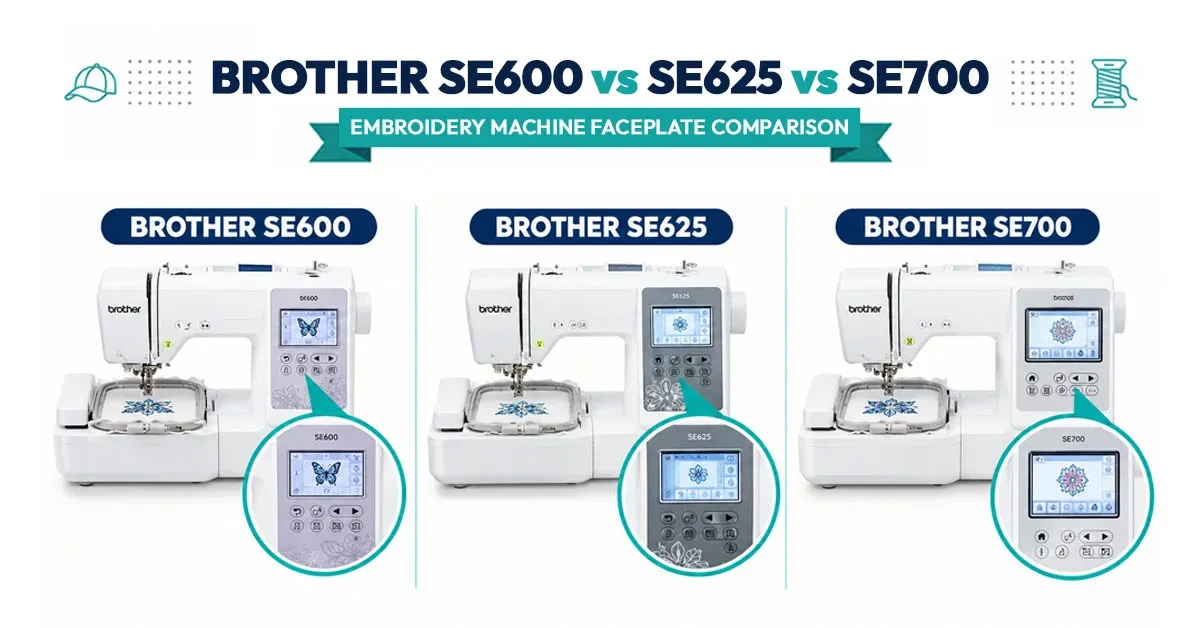
The SE625 is essentially a cosmetic variant of the SE600 — same 4x4 hoop, same 103 stitches, same 3.2 inch screen, same 710 SPM speed. The main differences are a gold-toned faceplate instead of silver, plus a slightly larger built-in design library. If you see the SE625 priced close to the SE600, the choice mostly comes down to look and available design count, not performance.
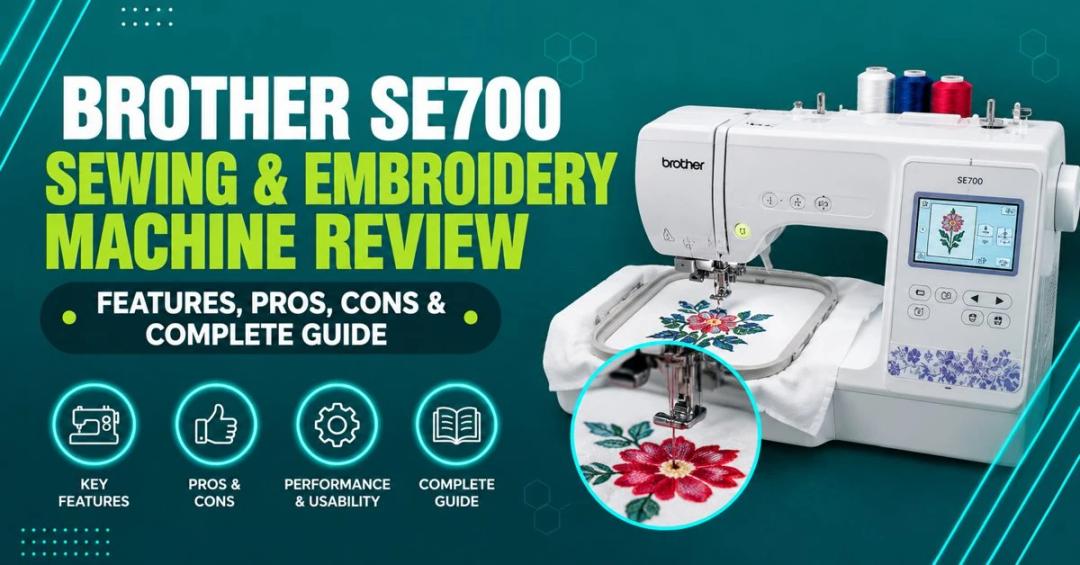
The SE700 is the real step-up model: a larger 3.7 inch screen, 135 built-in designs versus the SE600's 80, 10 fonts instead of 6, wireless design transfer through the Brother Artspira app, a knee lifter, Automatic Height Adjustment (AHA), and an independent bobbin winding motor that lets you wind a new bobbin while still stitching. Worth noting: the SE700 has at times been listed cheaper than the SE600 on Amazon, so don't assume the SE600 is automatically the budget pick — always compare live prices before you buy.
Whichever Brother Model You Own, Your Files Matter Most
True Digitizing delivers stitch-ready files within 24 hours — trusted by 5,000+ USA embroiderers. Get DST or PES files pre-optimized for your SE600's 4x4 hoop and 710 SPM speed.
Start My Order at True DigitizingReal current pricing, rather than a vague range, is one of the biggest gaps in most SE600 write-ups. As of mid-2026, Michaels lists the Brother SE600 at $499.99, while a third-party Amazon seller had it listed at $571.55 as of June 10, 2026. That puts the genuine market range at roughly $499 to $570 or more, depending on the retailer, current promotions, and whether it's sold new by an authorized dealer or through a third-party marketplace listing.
A few practical pricing tips: buy from an authorized retailer (Brother's own site, Michaels, JOANN, or Amazon listings sold and shipped by Brother or a verified authorized dealer) to keep the manufacturer warranty valid. Watch for seasonal sales around back-to-school and the winter holidays, when combination machines like the SE600 are frequently discounted. And always cross-check the SE700's price before buying — since it has occasionally dropped below SE600 pricing on Amazon, the "step-up" model isn't always the pricier option.
The SE600 and SE700 share the same 4x4 hoop, so the decision usually comes down to workflow speed and convenience, not stitch quality. Here's how to decide.
Across retailer reviews and embroidery forums, the SE600 generally earns strong marks from beginners and hobbyists for being approachable, well-documented, and reliable for small-format projects. The most common praise centers on the automatic needle threader and thread cutter saving setup time, and the touchscreen being easy to navigate for someone who has never digitized or run a machine before.
The most common criticism is the 4x4 hoop size feeling limiting once an owner wants to embroider larger designs, plus occasional needle breakage reports — which, based on troubleshooting patterns, is far more often caused by incorrect needle type, tension settings, or a poorly digitized file than a defect in the machine itself.
It's also worth noting that community discussion around the SE600 — on forums, Reddit's machine embroidery communities, and retailer Q&A sections — tends to split along experience level. Newer owners are usually satisfied once they understand hooping and stabilizer basics, while more experienced embroiderers who eventually outgrow the 4x4 hoop tend to move up to the SE700, an SE1900, or a dedicated commercial single-needle machine. That progression pattern is normal and doesn't reflect a flaw in the SE600 itself — it simply reflects the natural ceiling of any entry-level combination machine.
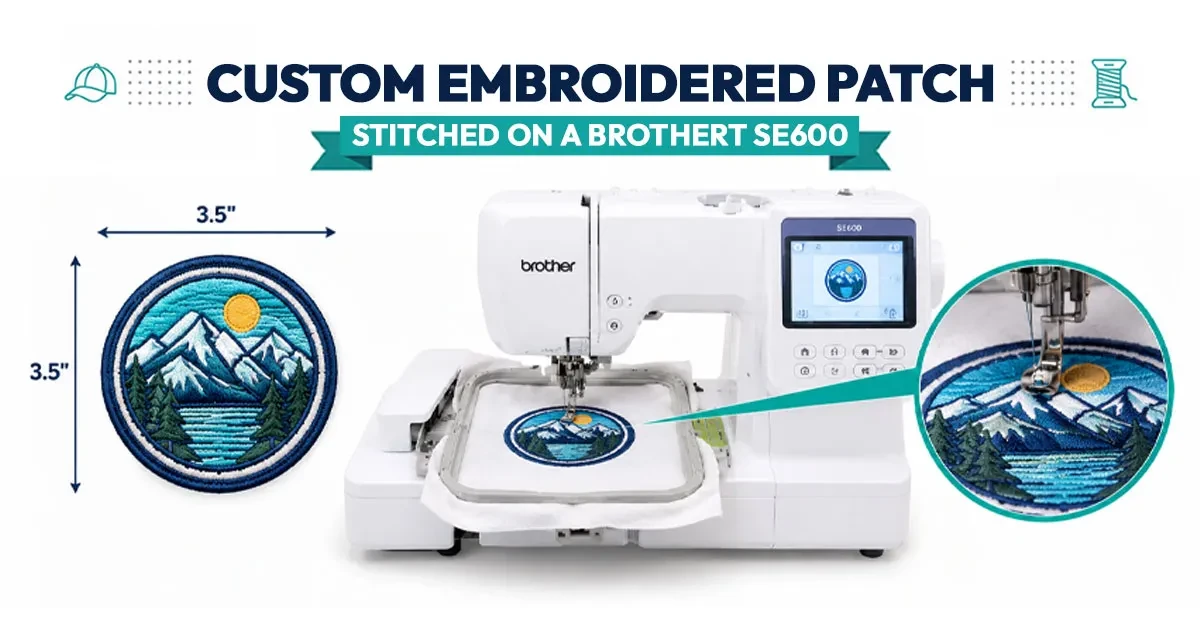
See the full FAQ answers in the accompanying FAQ section below, covering custom designs, beginner-friendliness, hoop size, supported file formats, and needle breakage troubleshooting.
For full manuals and official specs, see Brother's official SE600 product page and Brother's support and manual portal for troubleshooting guides and firmware downloads.
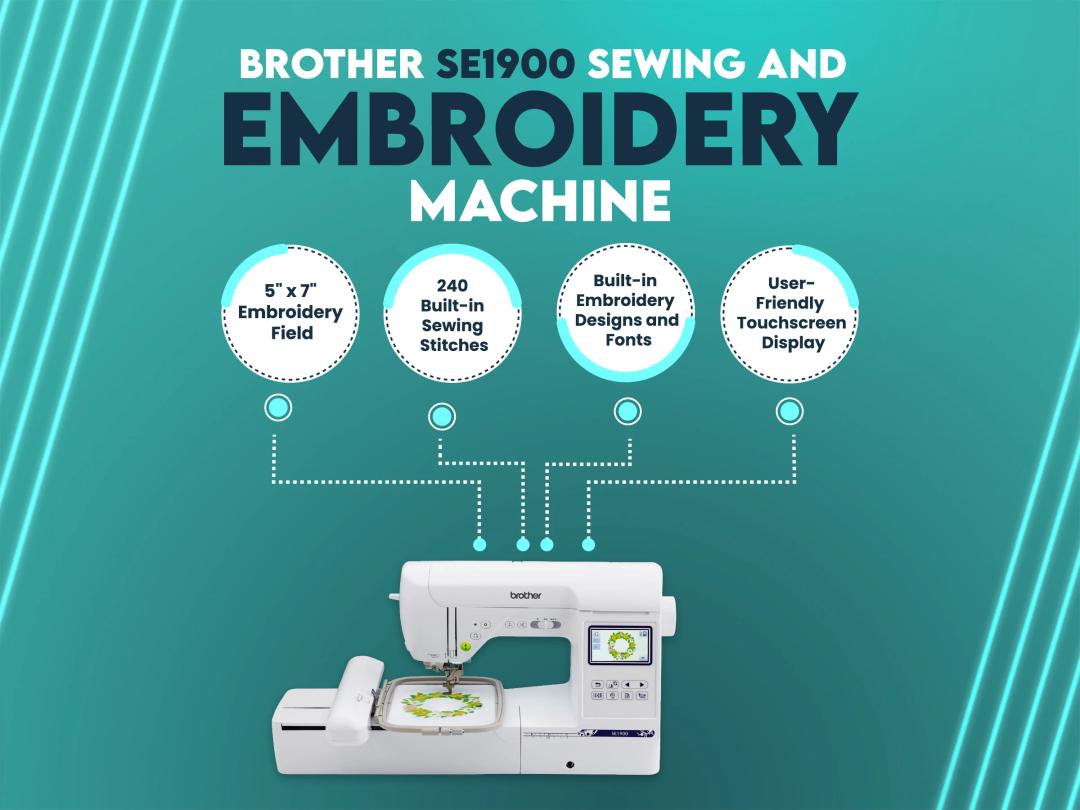
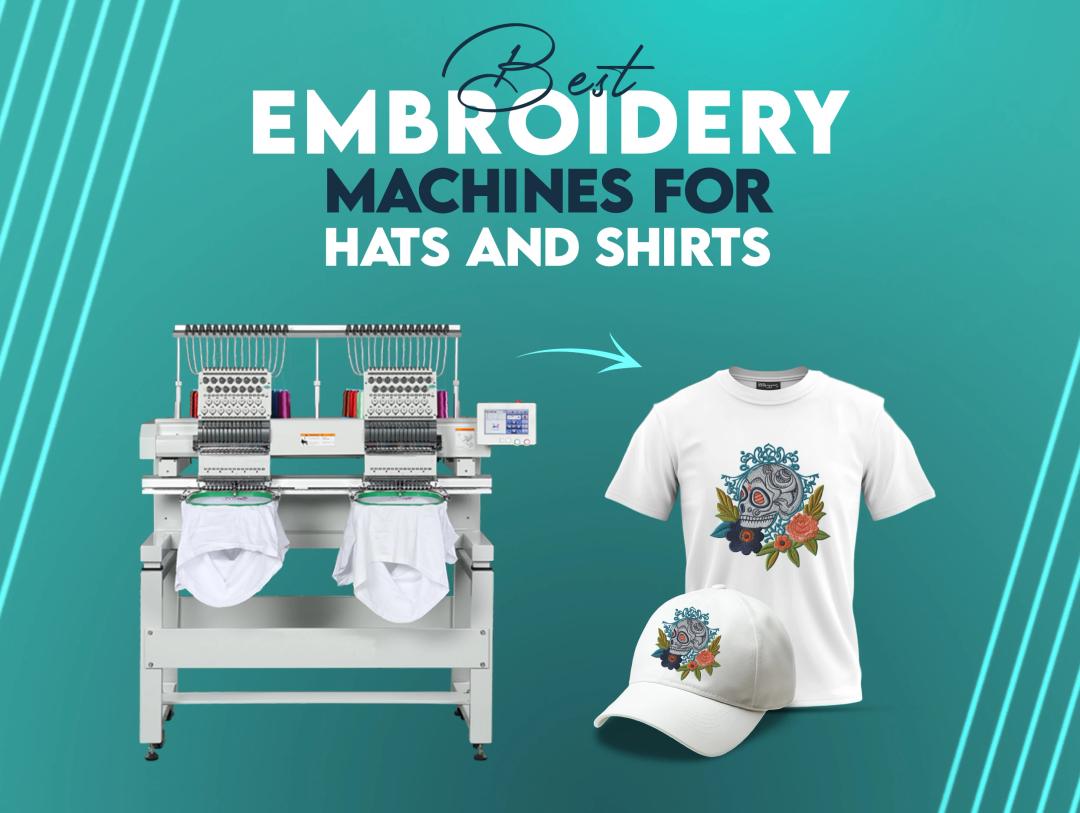
If you're weighing the SE600 against Brother's other combo machines, True Digitizing has also reviewed the Brother SE700 and the higher-capacity Brother SE1900. If your projects lean toward caps and shirts specifically, our guide to the best embroidery machine for hats and shirts is worth reading before you commit to a model.
True Digitizing has helped 5,000+ USA embroiderers get professional stitch files since 2013. Send your logo or artwork and get back a DST or PES file digitized specifically for the SE600's 4x4 hoop and 710 SPM speed.
Get My Design Digitized by True Digitizing →Fast turnaround · truedigitizing.com · 100% satisfaction guaranteed
TrueDigitizing's team of embroidery digitizers and file conversion experts — delivering practical guides for home hobbyists and commercial shops alike. Our specialists cover the full range of embroidery production: custom digitizing for machine embroidery, vector art conversion, and physical embroidered patch manufacturing — with a 6-hour turnaround on digital files and worldwide patch delivery in 5 business days. Every article we publish comes from the same people handling real production orders daily. When we write about stitch density, underlay settings, or file formats, it is because we work with these variables across hundreds of client files every week — not because we researched them from the outside.
Categories
Embroidery Backing Guide: Types & How to Choose (2026)
11-10-2026
Embroidery Digitizing Services: Which Type Do You Need?
17-08-2026
How to Remove Embroidery From Any Fabric — Step-by-Step Guide 2026
15-07-2026
Is SVG a Vector File? Yes — SVG vs EPS, PNG, PDF Vector Formats you need to know
08-07-2026
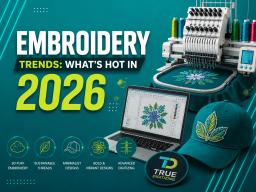
Embroidery Trends 2026: What's Hot in Machine & Hand Embroidery | TrueDigitizing
26-06-2026
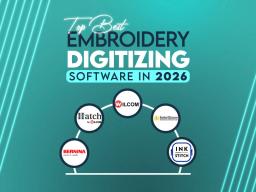
Top Best Embroidery Digitizing Software in 2026
06-05-2026
Best Multi-Needle Embroidery Machines for Startups (2026)
28-02-2026
DST File: The Complete Guide (What It Is, How to Create, Convert & Use in 2026)
28-02-2026
Janome 550E vs Baby Lock Flare | Best Mid-Range Embroidery Machine?
26-02-2026
Choose the Right Fabric for Embroidery
20-02-2026
Asked Questions