







At True Digitizing, we transform your creative spark into flawless, high-quality embroidery digitized designs that bring your vision to life.
Our Blogs
We Accept

Copyright 2025 Truedigitizing






At True Digitizing, we transform your creative spark into flawless, high-quality embroidery digitized designs that bring your vision to life.
We Accept
Copyright 2025 Truedigitizing

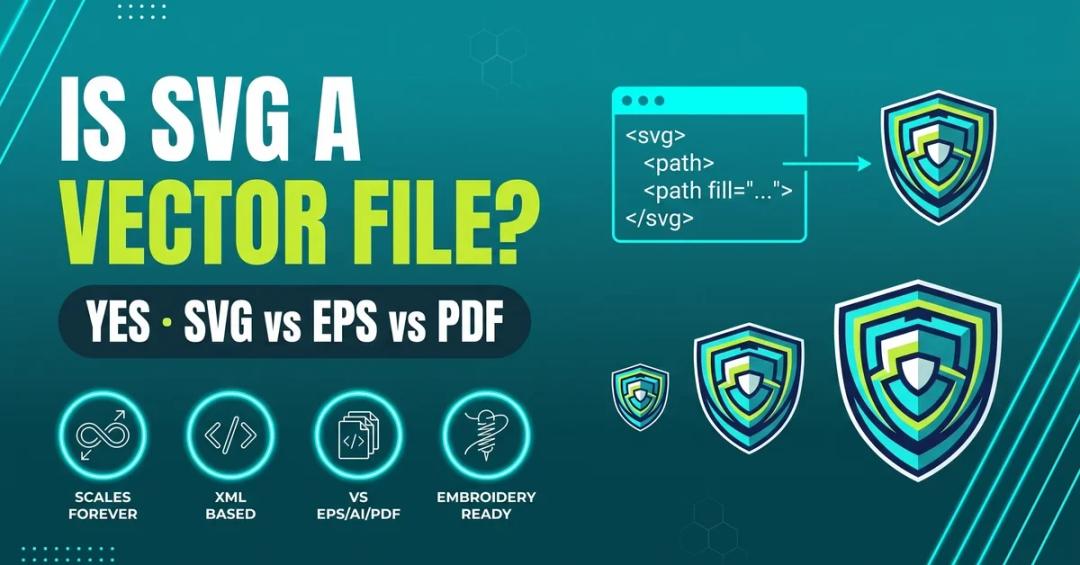
Yes, SVG (Scalable Vector Graphics) is a true vector file format. It stores images as mathematical path equations instead of a pixel grid, so an SVG logo scales from a favicon to a billboard without losing sharpness. Not every file with a .svg extension is purely vector — one can have a raster image embedded inside it — but a clean SVG is one of the best source files for web graphics, logo design, and embroidery digitizing.
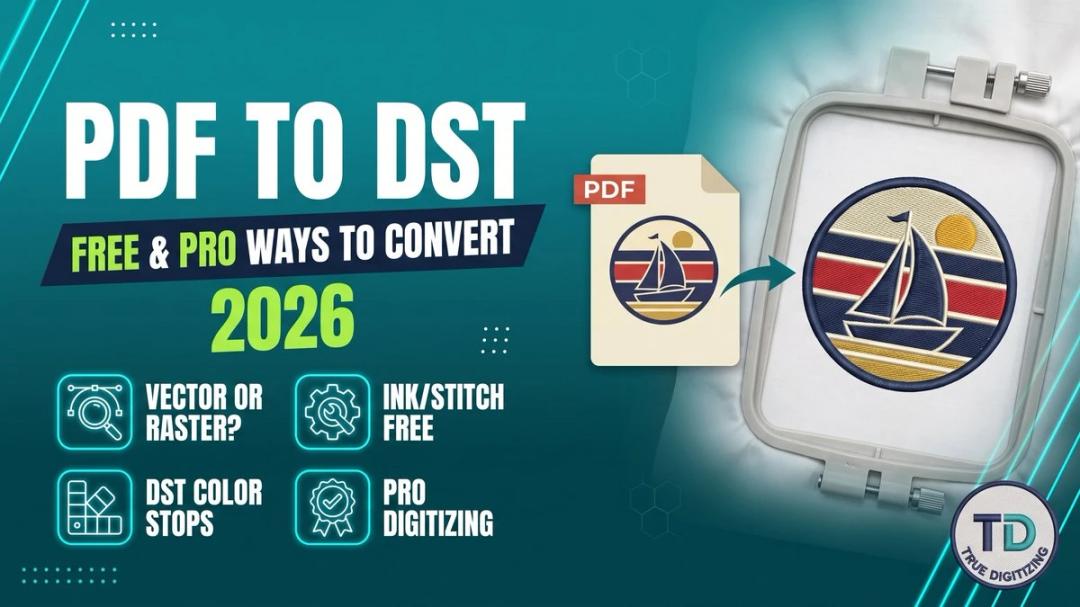
A PDF can't be converted to DST by renaming it or running it through a generic converter: the artwork has to be digitized into stitches. Check whether your PDF is vector (sharp when zoomed), open it in Inkscape with the free Ink/Stitch extension, assign stitch types, and export as DST, then keep a thread color list because DST stores color-change stops, not thread colors. Or send the PDF to True Digitizing for a tested DST file, usually within 2 to 12 hours.
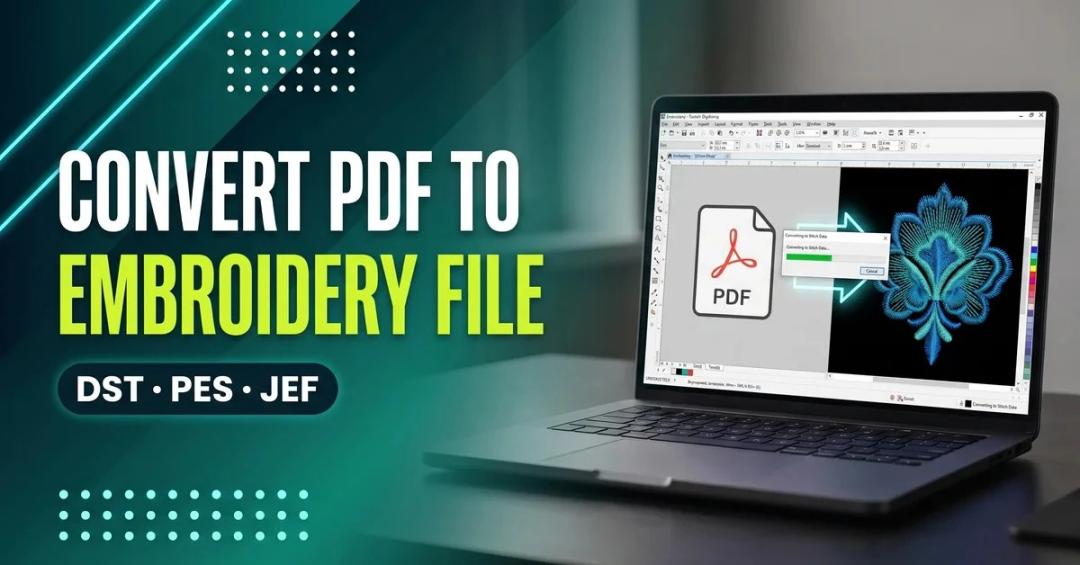
To convert a PDF to an embroidery file, open it in digitizing software such as Wilcom Hatch, Brother PE-Design, or the free Inkscape + Ink/Stitch combo, then digitize the shapes into stitch paths (fill, satin, or running stitch) before exporting to DST, PES, or JEF. A PDF alone has no stitch data — the digitizing step is what actually makes it embroidery-ready.

